Solution · CAD+T Design
3D CAD furniture planning
Planning happens in the customer meeting – with your furniture, in the real room.
Measurements, furniture, materials and price in one go: the design is created in front of the customer and then carries engineering, parts list and costing. Planning is done in AutoCAD® (Design Classic) or in SketchUp (Design Professional).
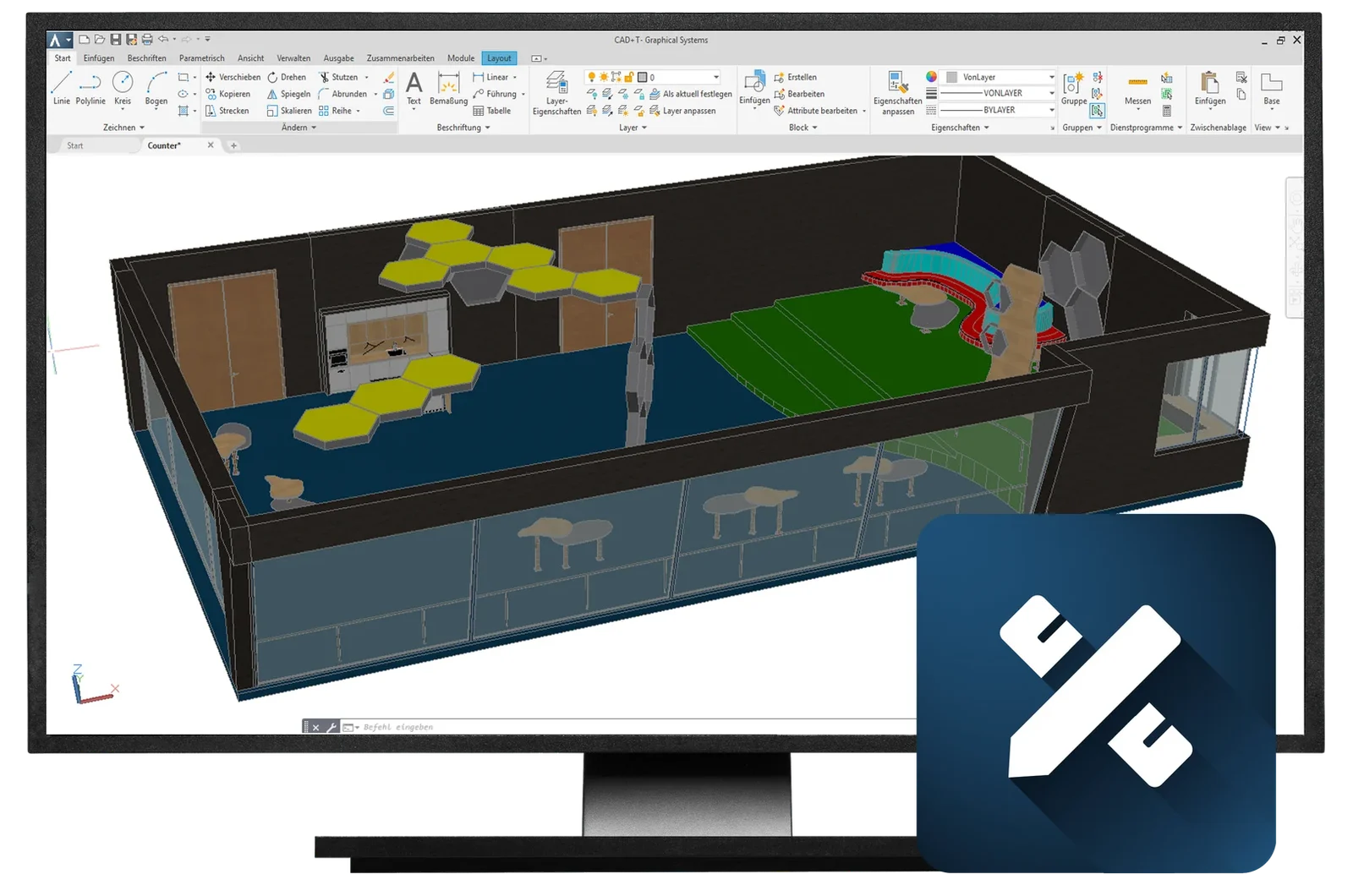
- Plan with your own furniture
- Your system furniture and libraries as building blocks – dimensionally true, not decoration.
- The room is right
- Walls, slopes and junctions from the survey: you plan in the existing building, not in an ideal room.
- No second drawing
- The design is the basis for engineering, parts lists, and pricing all at the same time.
Typical daily workplace scenarios
What businesses use Design for
The customer asks for the price while the design is still in your head
Before
After measuring, the sketch is drawn at the office and the price follows from costing. Days pass between the appointment and the quote – days the customer spends comparing.
With CAD+T Design: You design the room live during the consultation, the furniture fits perfectly to scale – and the parts list calculates the price in the background.
The room has sloping walls, the standard unit does not
Before
Planning happens in an ideal room: square, no pipework, no roof slope. Unforeseen misfits only reveal themselves during the installation.
With CAD+T Design: Walls, slopes and connections go from the survey into the model – you plan in the existing building.
The design is approved – and redrawn for the workshop
Before
The sales plan is a presentation, the workshop needs dimensions. So the same kitchen is created a second time, technically this time.
With CAD+T Design: The design carries on as a model into engineering, costing and production – nobody redraws it.
From survey to order
How planning works with Design
- 1
Capture the room
Dimensions, windows, doors and connections – the room is created in a few minutes.
- 2
Place the furniture
Position your own units, pick material and hardware from the catalogue.
- 3
Show and change
View, rendering or 360° panorama during the meeting – changes right away.
- 4
Hand it on
The design goes as a model to engineering, costing and production.
Ideal for these industries
CAD+T Design in your trade
 © Schreinerei Schmutz AG
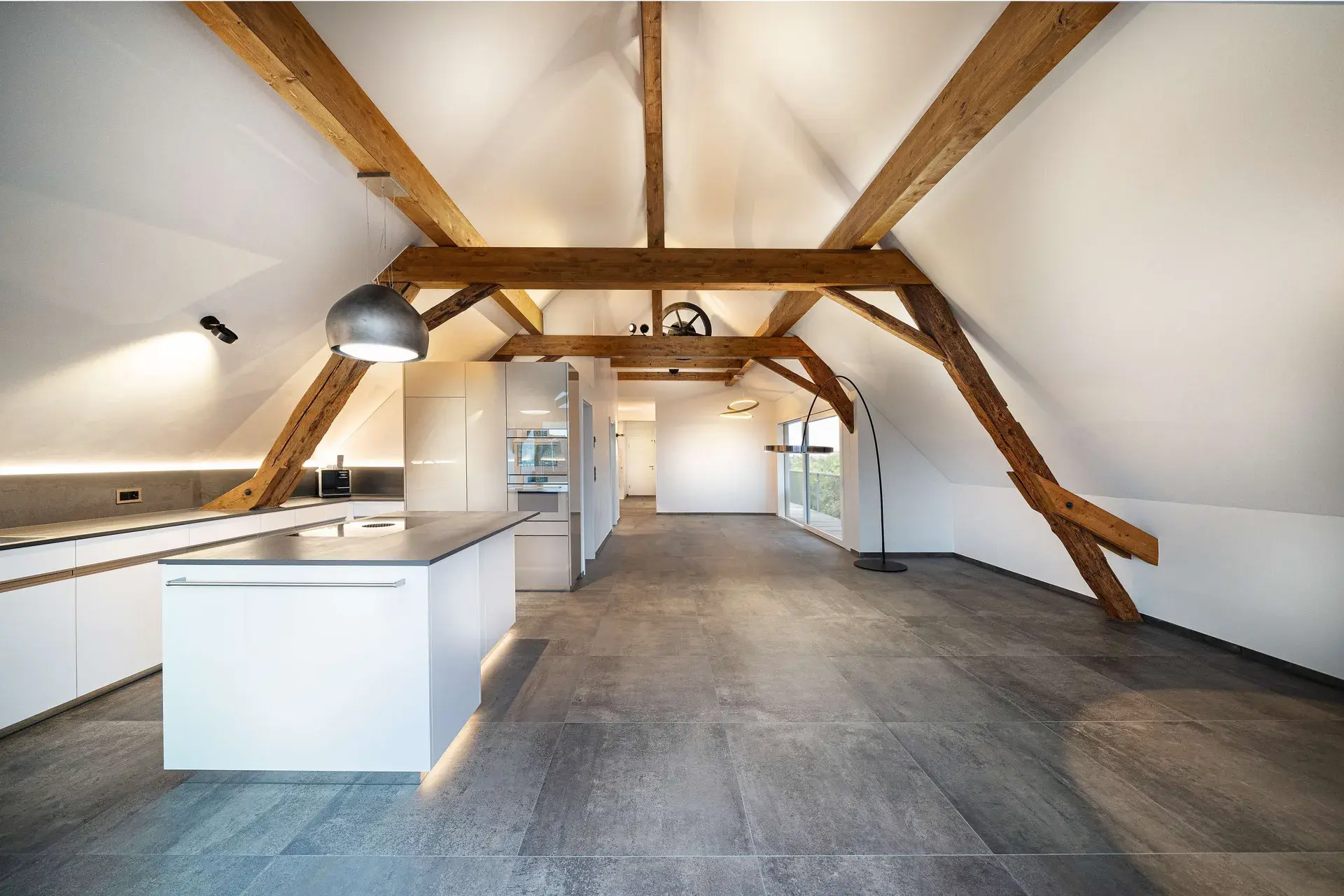
Cabinetmaking & Joinery
It takes several attempts before the design reaches the customer
The design takes shape in the customer meeting, not afterwards
 © Schwab-Walcher GmbH
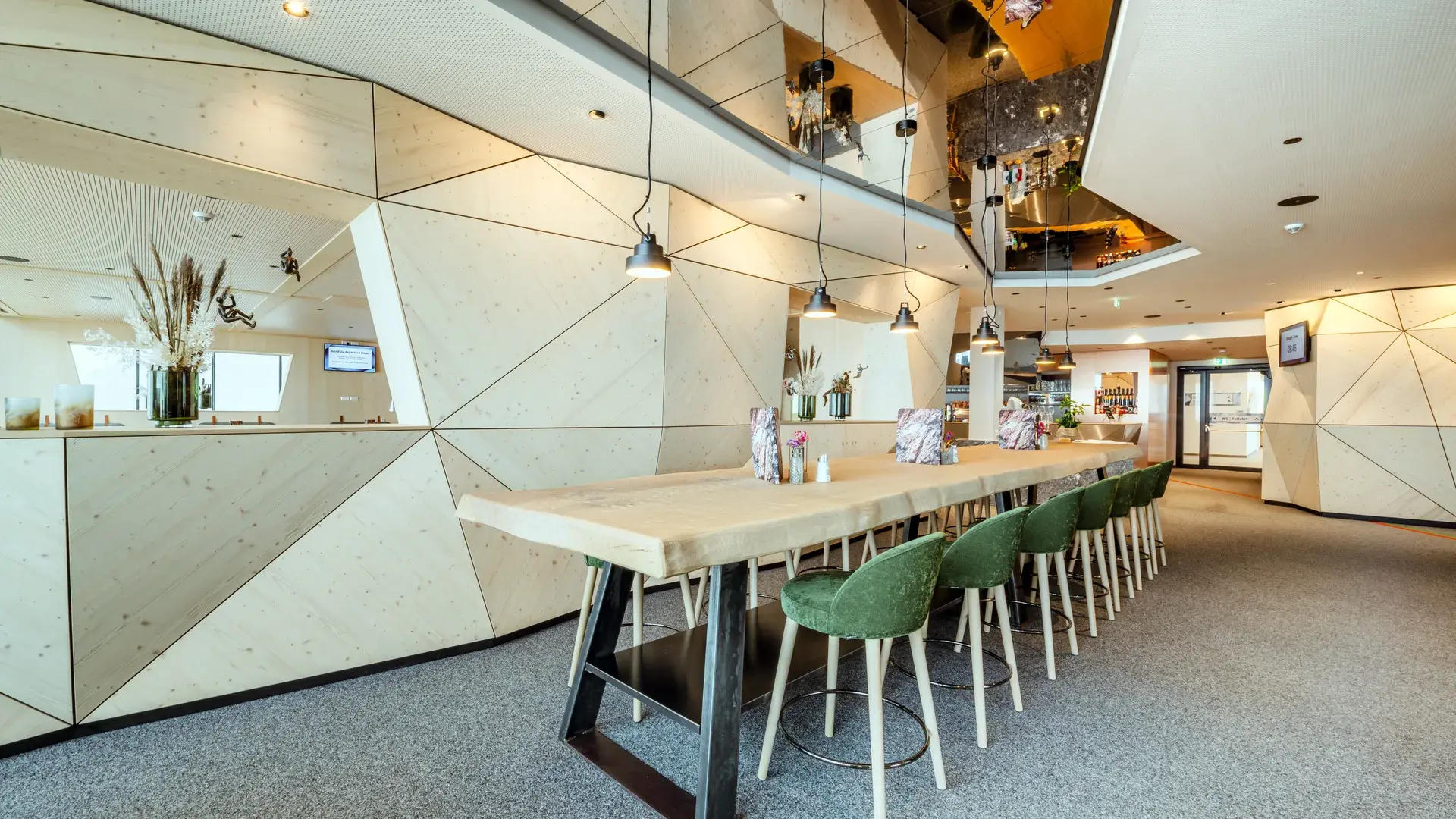
Interior fit-out
Room schedule and furniture list are maintained alongside the drawing
What is in the drawing is in the list, with nothing maintained twice
 © Klinger Möbelbau Ges.m.b.H. & Co KG
Specialist fit-out
The space cannot be represented with standard dimensions
The design sits in the real space, not in an idealised one
The product behind it
CAD+T Design – two levels
Level 1
Design Classic
- Plan and sell faster, even on demanding projects
- Quicker quotations
- Seamless handover into the other modules
Level 2
Design Professional
- Unlimited design freedom, very fast modelling
- Direct interface to CAD+T EOS and Visualize
- Extensive decoration library via the 3D Warehouse
„With the help of the CAD+T software, we have made our processes in work preparation and production considerably more efficient. … The renderings, which are quick and easy to create yet still attractive, are a valuable aid in sales.“
Jürgen Klinger · Klinger Apothekenbau
Frequently asked questions
Who is CAD+T Planning & Design for?
For cabinetmakers, kitchen planners, interior designers and space planners who want to plan their projects in 3D and convince customers with realistic representations.
Can I create my own furniture catalogs?
Yes. You can create and maintain your own catalogs with your products, materials and fittings. Predefined catalogs are also available via the Data+ service.
How does planning data get to manufacturing?
Seamlessly: your 3D planning is transferred directly into CAD+T engineering. From there, bill of materials, drill data and CNC programs flow automatically to the machine.
How long until you can work productively?
Thanks to the intuitive drag & drop interface and CAD+T training, most users are productive within days – not weeks.
The answers give an overview – we are happy to clarify the details in person. Errors, changes and typos excepted.
Shall we plan your next project together?
Bring a survey that is typical for you. We plan the room with you in Design – and you'll walk away with a finished concept by the end of the meeting.
Request a demo