Downloads
Brochures & Resources
Everything you need to get started with CAD+T – at a glance and free to download.
- 15 files
- Brochures, flyers and the training programme – as PDF, the same ones we bring along in print.
- German and English
- The portfolio brochures in both languages, the flyers in German.
- No sign-up
- Click, read, pass on – no form in front of it.
Brochures
Get an overview of the complete CAD+T product portfolio – from planning to manufacturing.

CAD+T Solutions Overview
24-page overview of all CAD+T modules and solutions for the furniture industry. Learn how end-to-end digitisation works in practice.
PDF · 24 pages
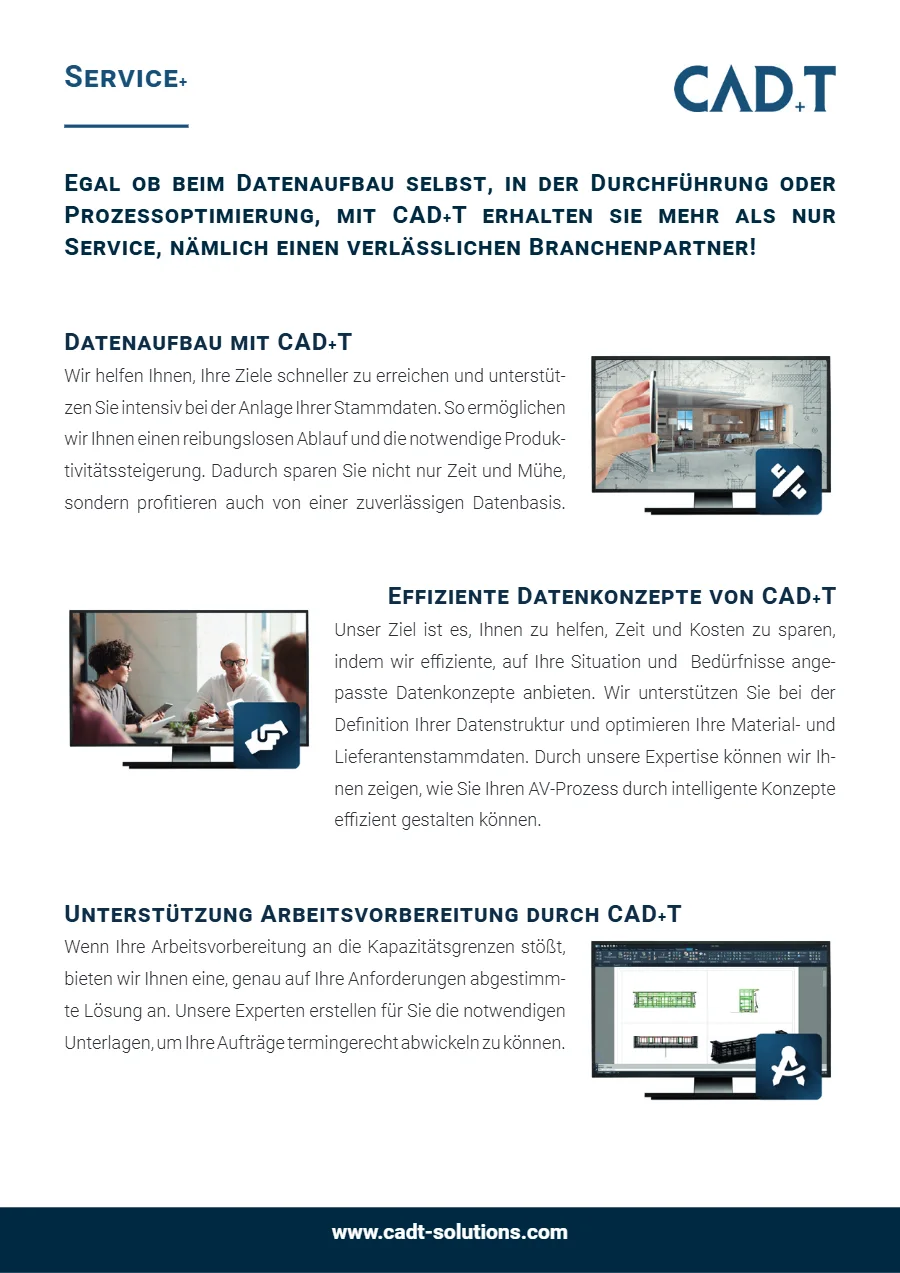
CAD+T Service+
Data setup, data concepts and support for work preparation – what our team takes on for your data.
PDF · 2 pages
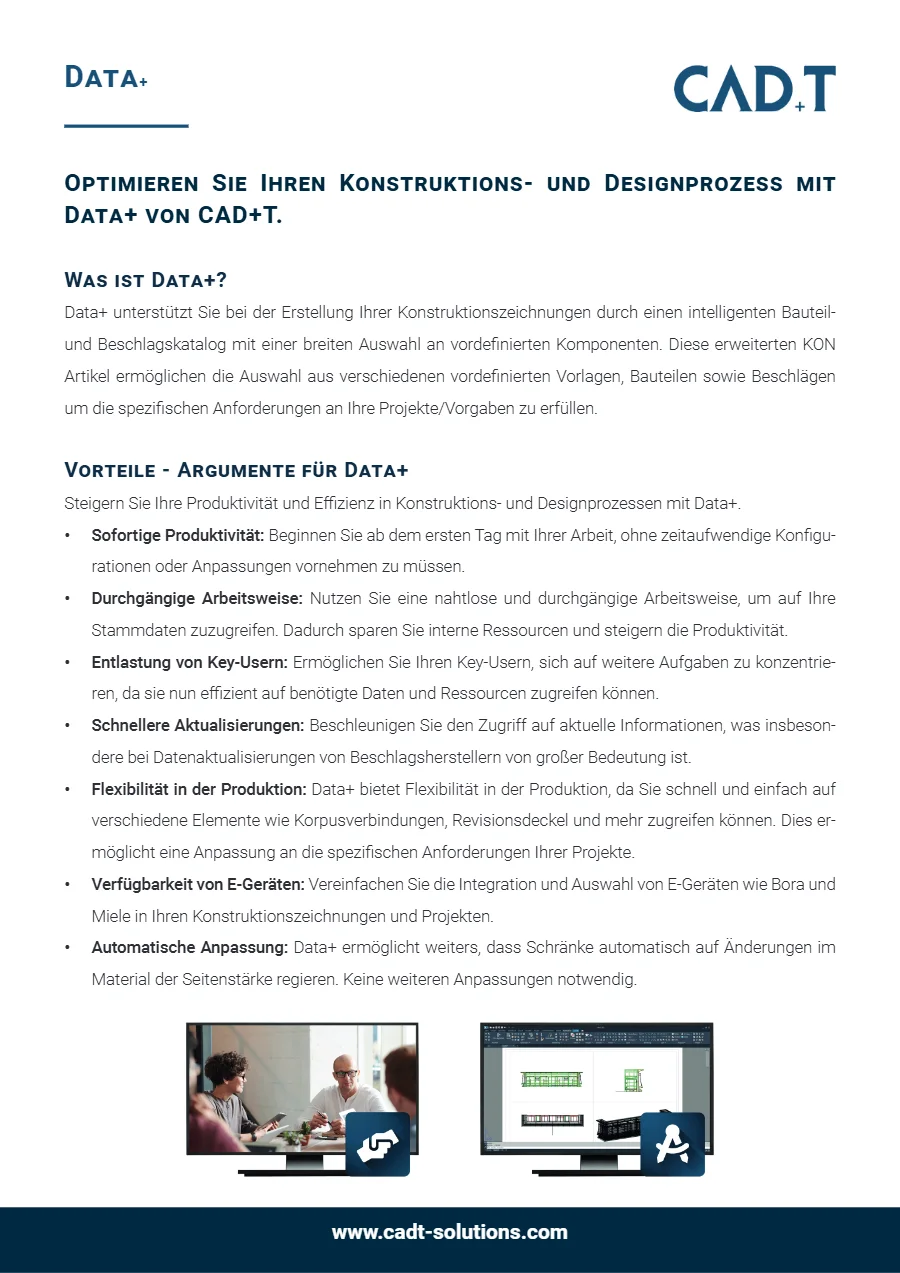
CAD+T Data+
The intelligent component and hardware catalogue: what it contains and what it takes off your engineering.
PDF · 1 page
Training & Events
Stay up to date: group training sessions, roadshows and hands-on workshops for CAD+T users.

Group Training 2026
Our current training programme with dates and topics – from fundamentals to expert knowledge.
PDF · 2 pages
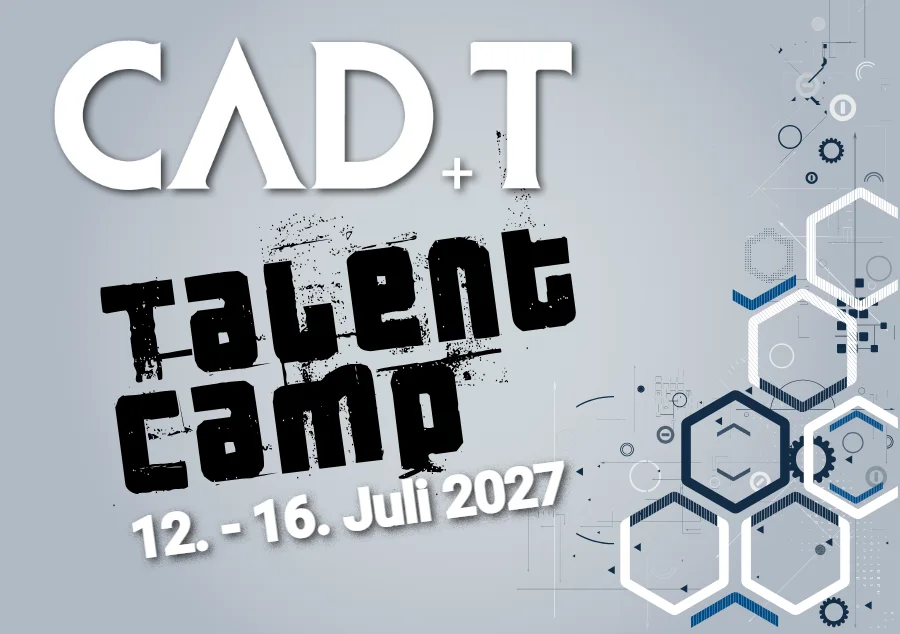
Talent Camp 2027
Five days of planning, engineering and visualisation for pupils, apprentices and students – 12 to 16 July 2027 in Ansfelden, closing with the CAD+T Challenge.
PDF · 2 pages
Careers
Want to join the CAD+T team? Here you'll find information about career opportunities, apprenticeships and internships.


Careers at CAD+T
The 2026 careers flyer: responsibility from day one, training from software and CAD to customer consulting, customers in more than 20 countries – and what the team offers on top.
PDF · 2 pages
System Requirements
What workstation and server need for CAD+T – 2027 edition, one sheet per product, in German and English.
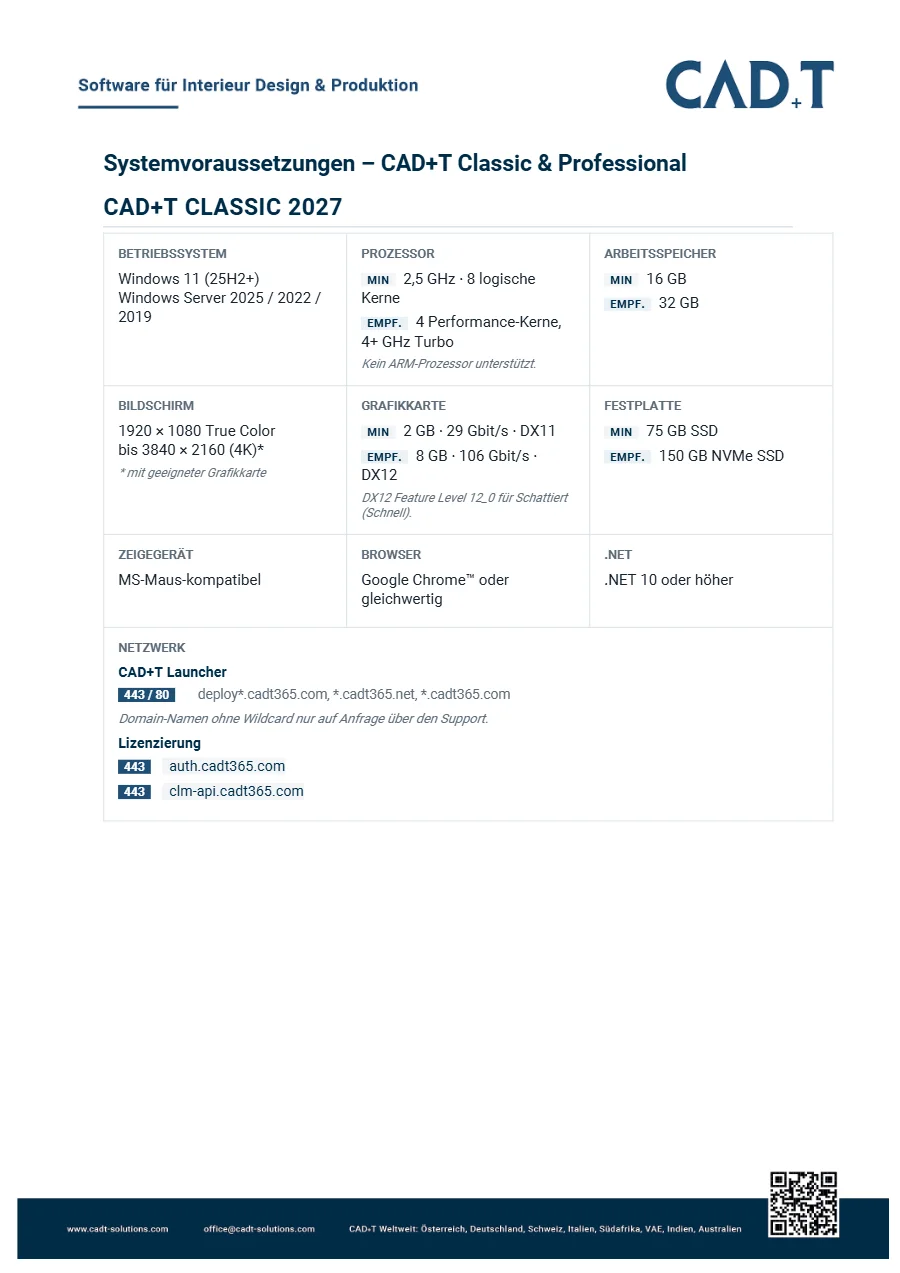
CAD+T Classic & Professional 2027
Operating system, processor, graphics card, memory and disk for the CAD workstation – minimum and recommended.
PDF · 2 pages
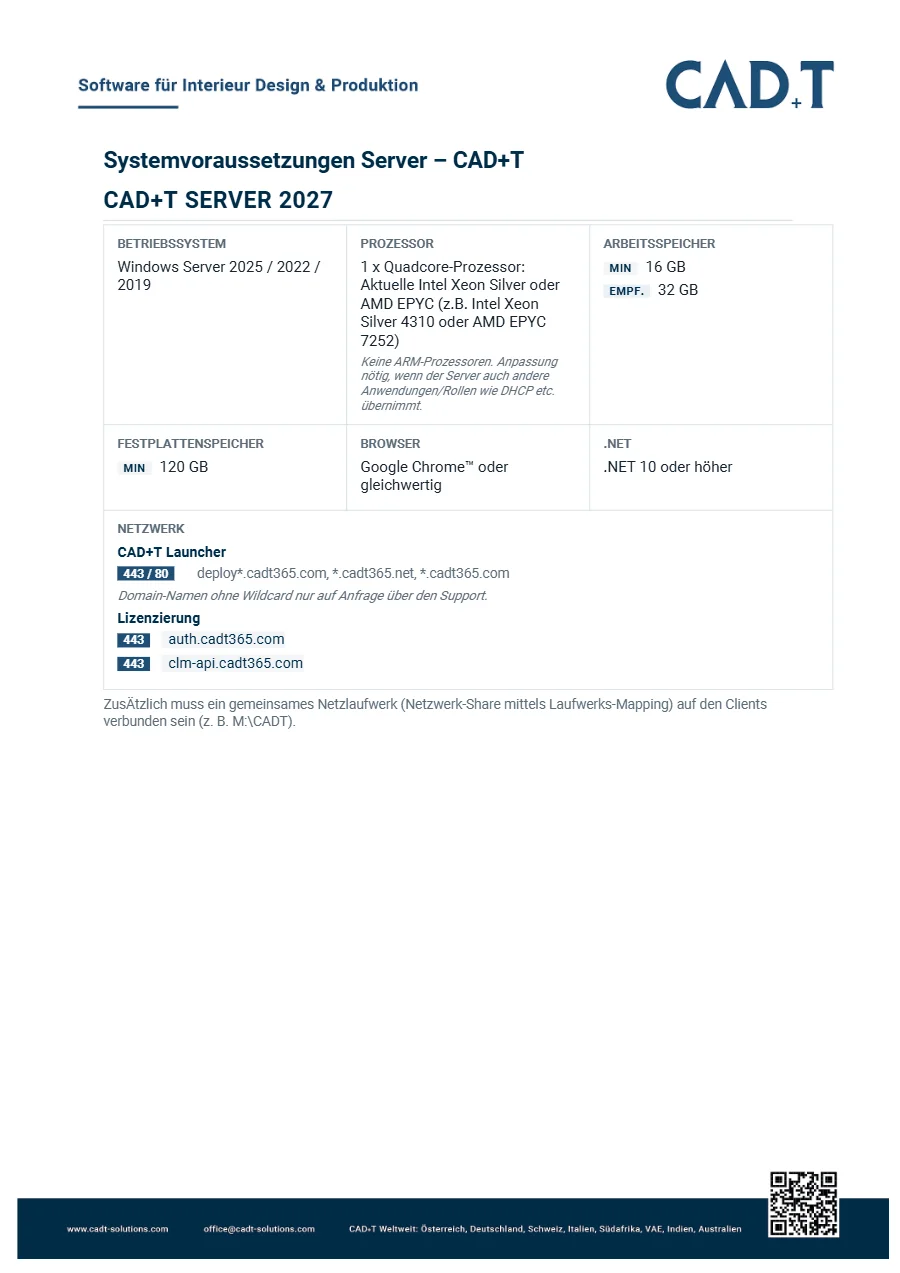
CAD+T Server 2027
Requirements for the on-premises server: operating system, processor, storage and network.
PDF · 1 page
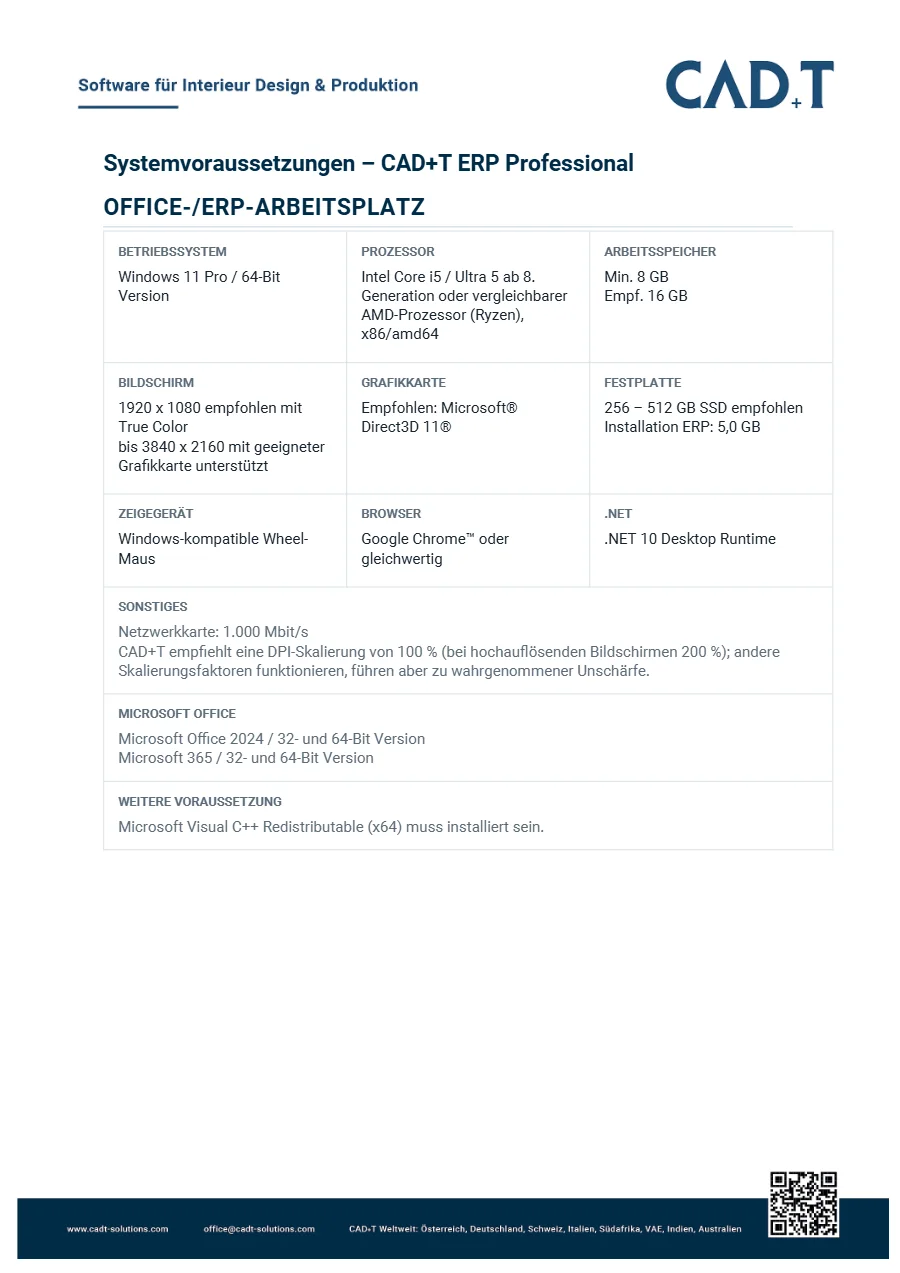
CAD+T ERP Professional 2027
Office and ERP workstation, database and server for ERP Professional – including the requirements for the complete installation.
PDF · 5 pages
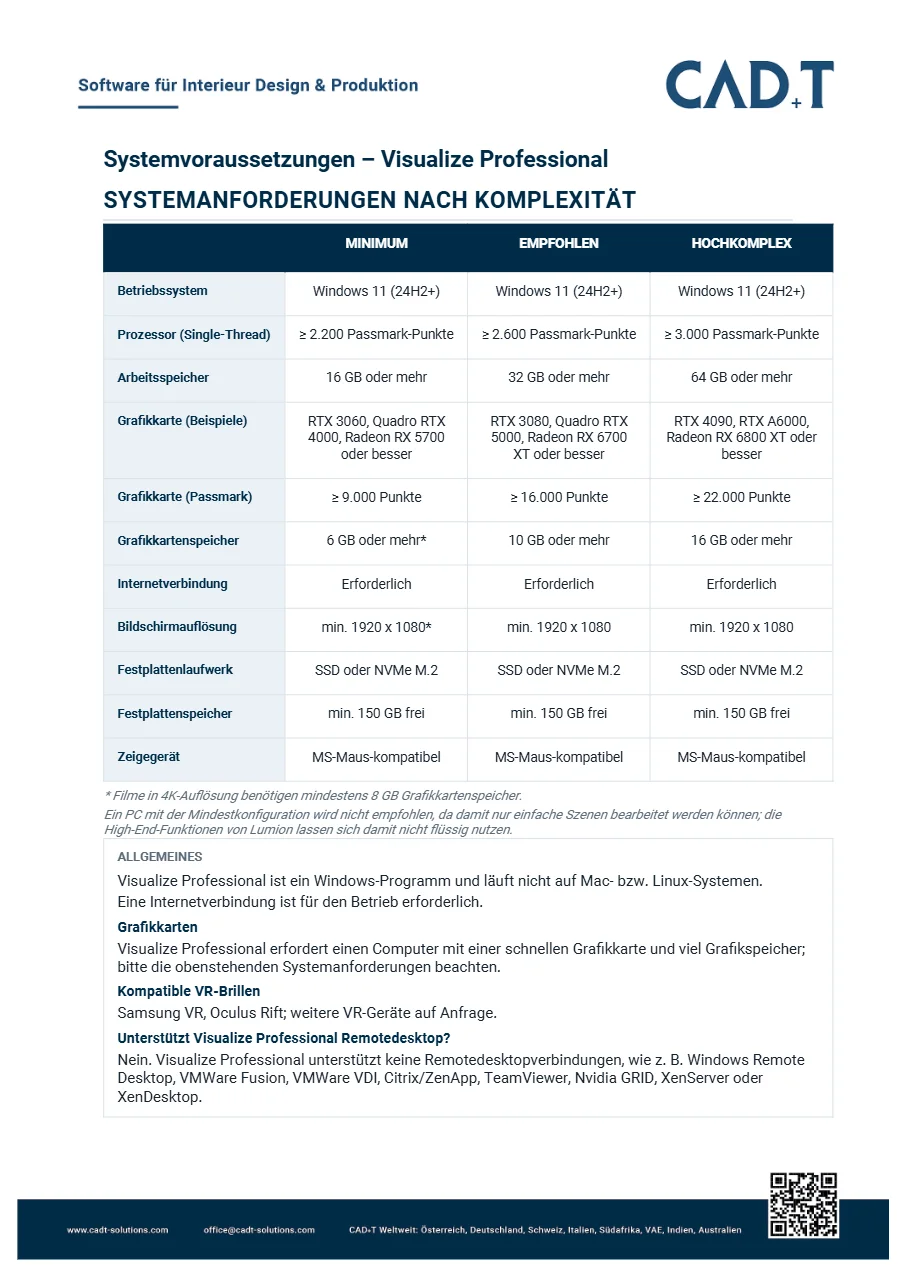
Visualize Professional 2027
System requirements by scene complexity: minimum, recommended and highly complex – above all graphics card and memory.
PDF · 2 pages
Want personal advice?
We will go through which documents matter for your business – and what they do not cover.
Request demo