CAD+T Software
Many options, one database
The right solution for every task in your project – and all of them work from the same data, from the first design to the machine.

What changes for you
- One drawing carries everything
- From the first design to the CNC program – no second entry. All data is based on material and geometry.
- Modules, not bundles
- Start where it pays off most – every further module carries on with the same data.
- On familiar platforms
- AutoCAD®, Inventor® and SketchUp – design and engineering happen in environments your people already know.
Your project from start to finish
From planning to dispatch – you pick only the tools you actually need.
Planning and design

Costing & engineering

Planning and design
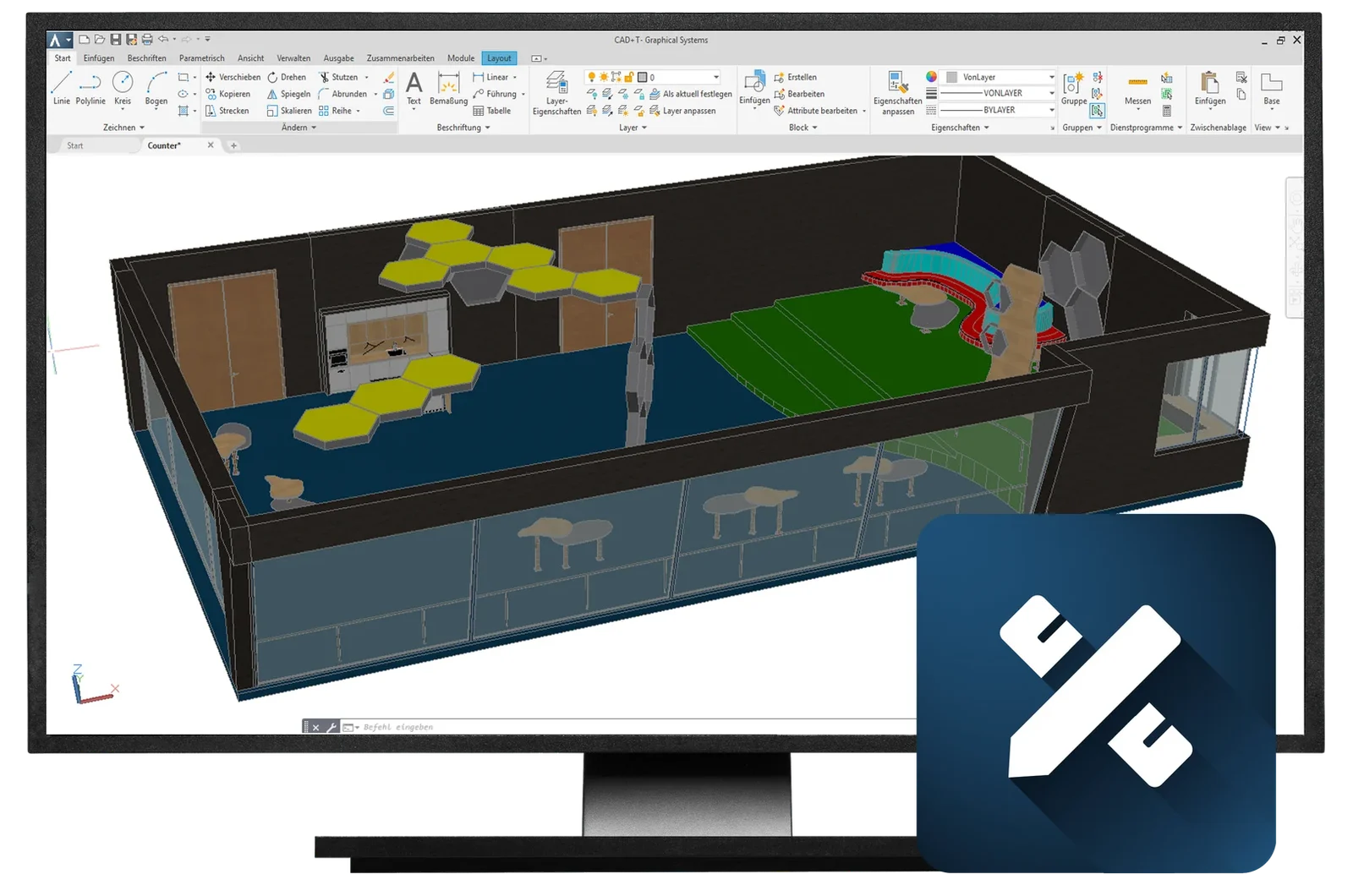
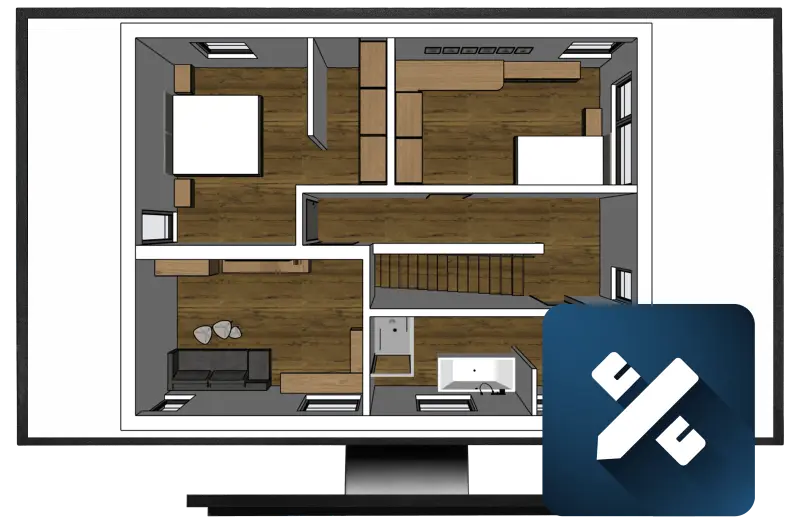
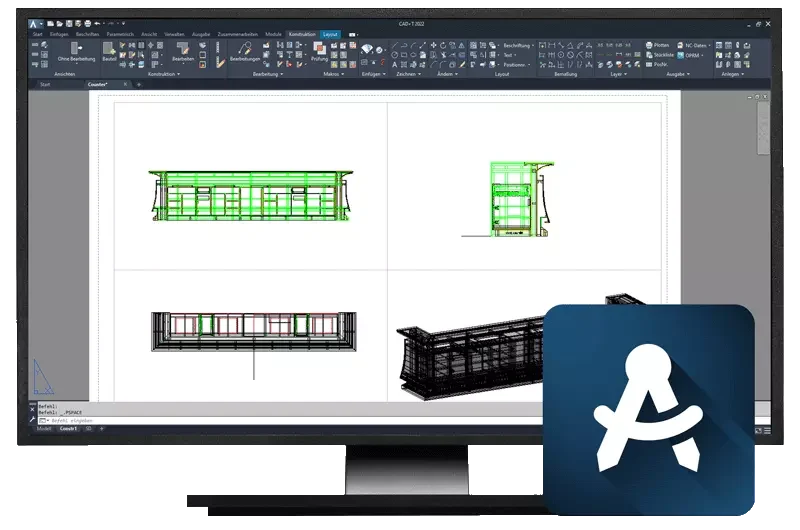
CAD+T Design
The 3D room planning tool for furniture and interior fit-out: you plan with your own furniture in the real room — and hand over not a picture but a model that engineering and costing keep working with.
- Plan with your own furniture – Your system furniture and libraries as building blocks – dimensionally true, not decoration.
- The room is right – Walls, slopes and junctions from the survey: you plan in the existing building, not in an ideal room.
- No second drawing – The design is the basis for engineering, parts lists, and pricing all at the same time.
CAD+T Design editions
Planning and design
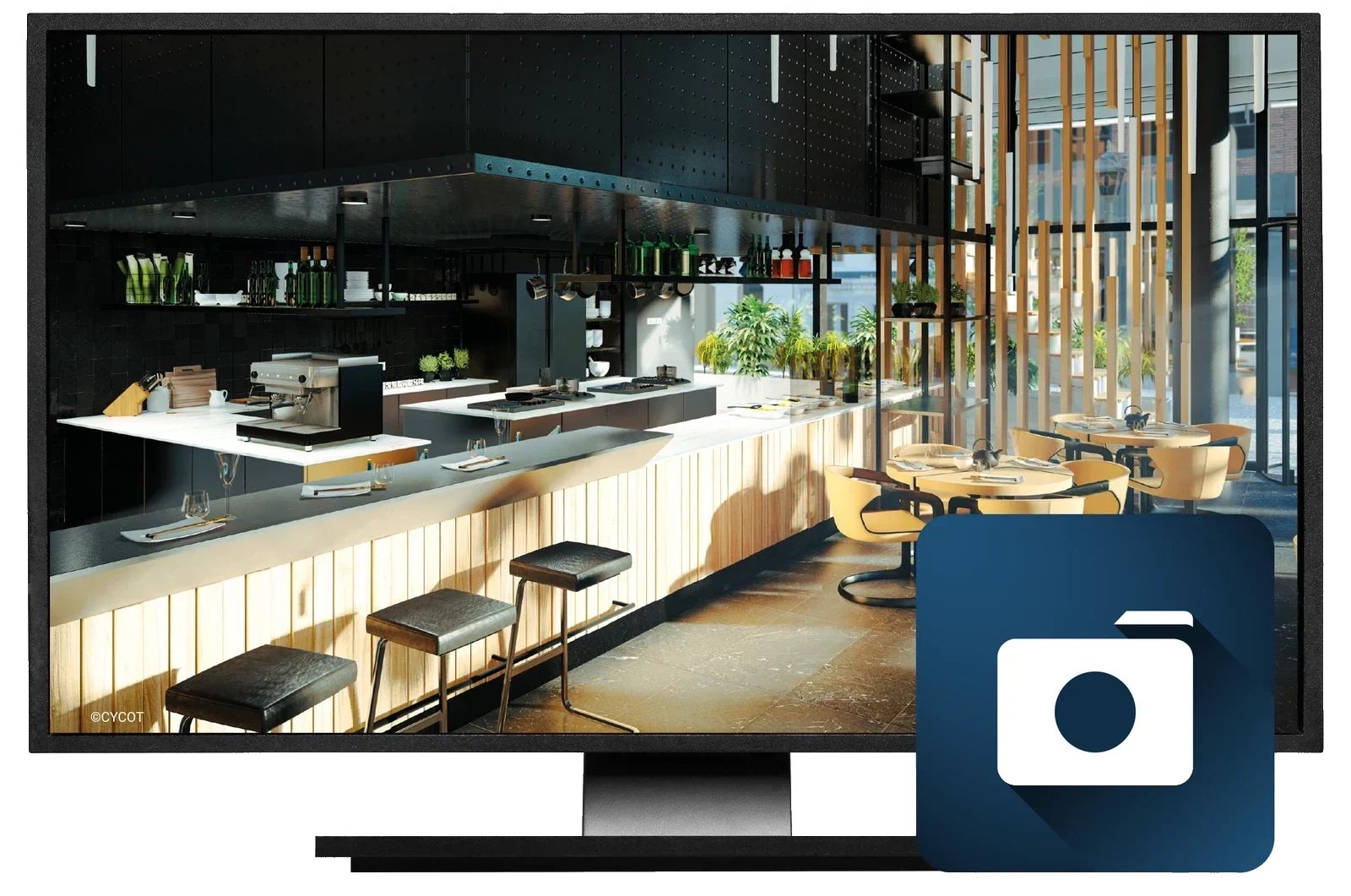
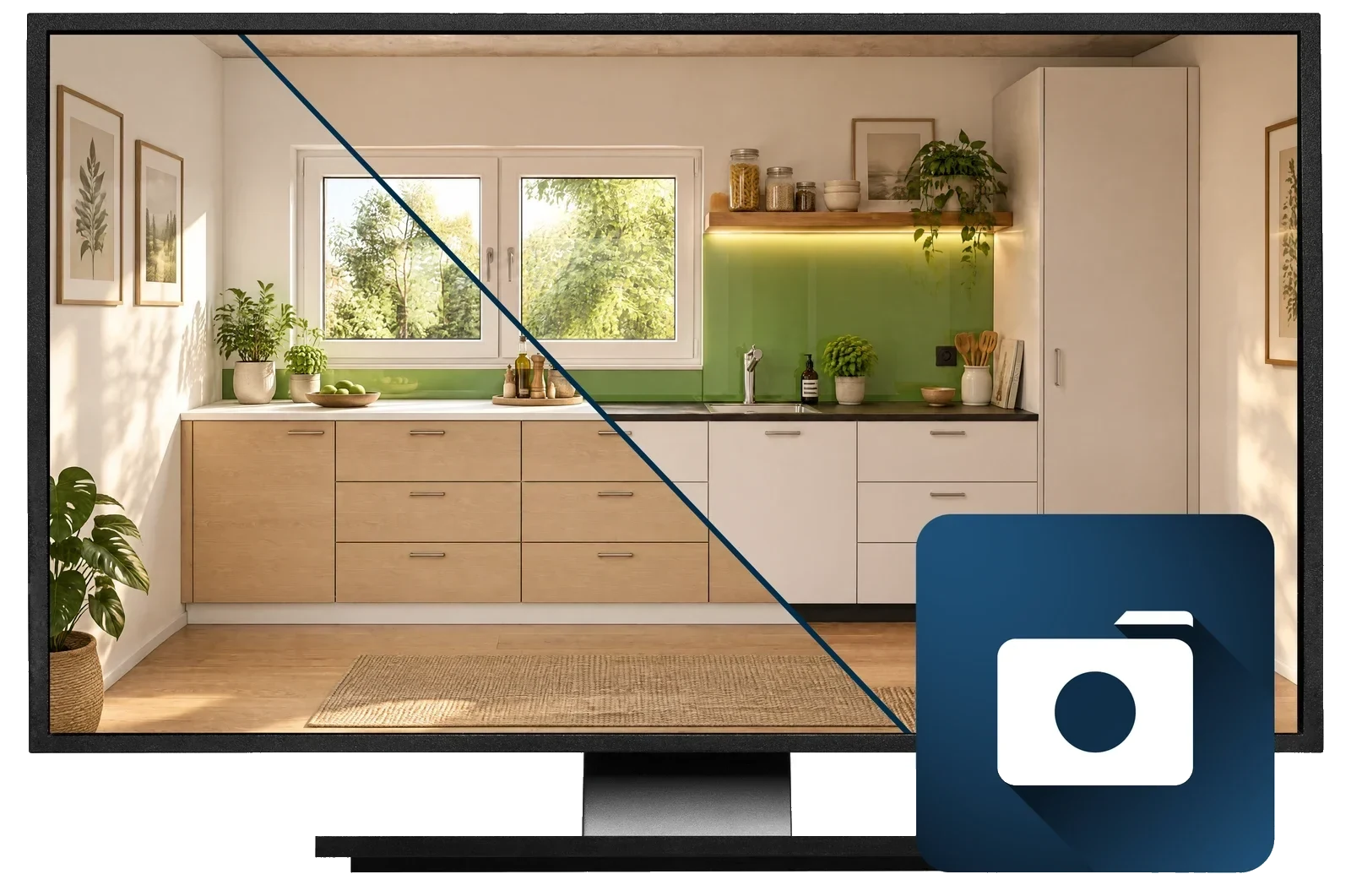
CAD+T Visualize
Decisions are made based on the image: CAD+T Visualize turns the plan into photorealistic views, panoramas and VR walk-throughs – with no export into a third-party tool and always at the current state of the model.
- Visuals drive decisions – Owner, purchasing or client sign off on the rendering, not on the floor plan.
- No second program – Visualisation straight from the plan, through the live-sync interface.
- Always the current state – If the model changes, the image changes – no outdated rendering in the sign-off.
CAD+T Visualize editions
Costing & engineering
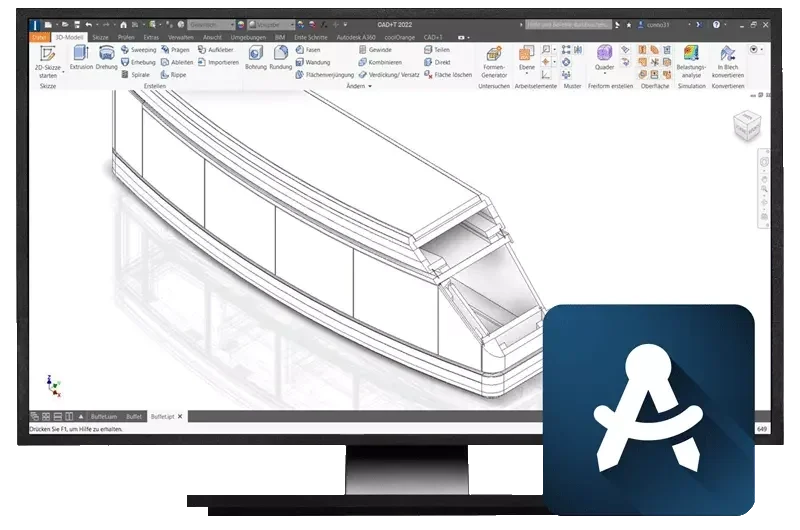
CAD+T Engineer
The 3D engineering tool for furniture making: hardware, drilling patterns and lists are placed by the system – you engineer the furniture, not the paperwork around it.
- Hardware places itself – Concealed hinges, drawer runners and connectors to your standards, drilling pattern included.
- Lists without re-typing – Parts list, cutting list and purchase order straight from the model.
- Parametrics instead of redrawing – Change a dimension and the engineering pulls through – CNC data included.
CAD+T Engineer editions
Production data
CAD+T CNC
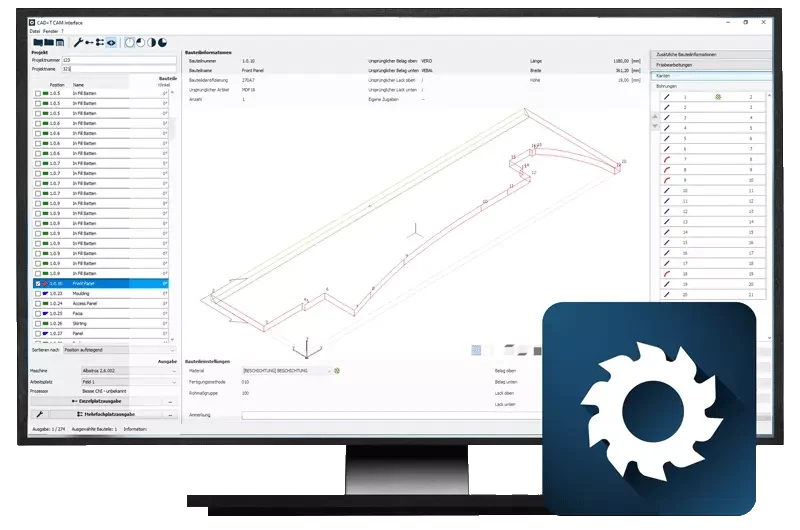
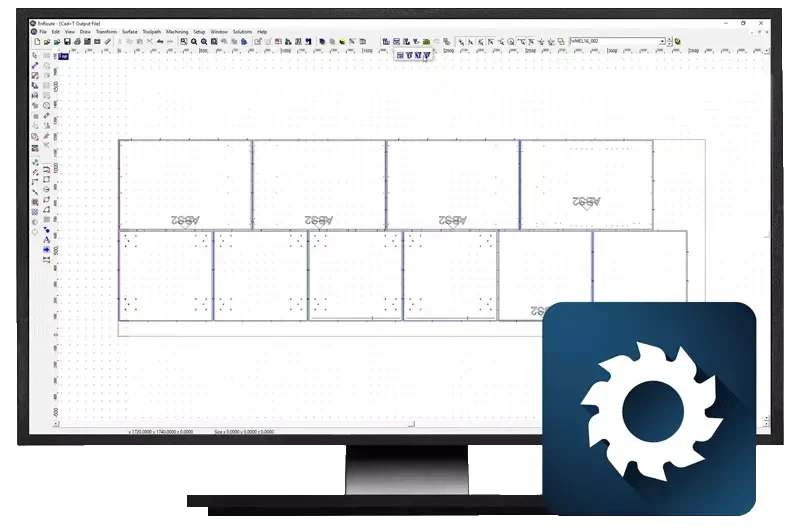
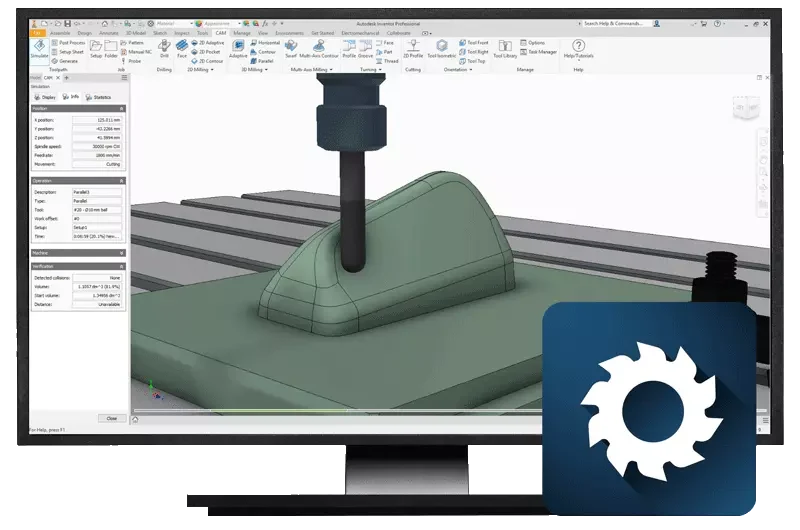
From the model to the machine: the engineering becomes CNC programs for nesting and machining centres up to 5-axis work – without anyone building programs by hand.
- No re-typing – Machine data straight from the model – the transfer as a source of errors disappears.
- Nesting included – Parts arranged on the board to save material.
- Up to 5 axes – Free-form and special parts go to the machine too.
CAD+T CNC editions
Production documents, purchasing and stock
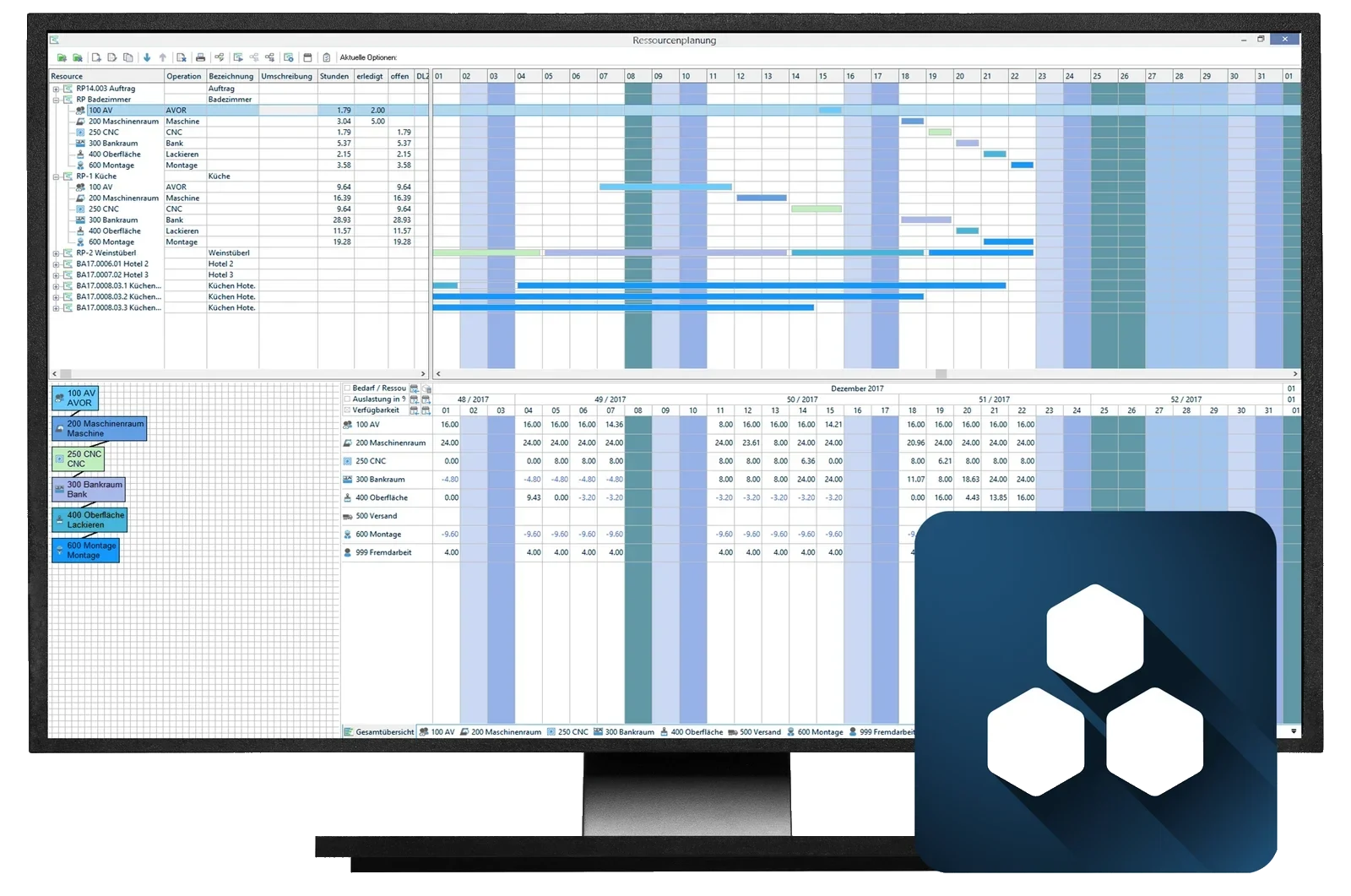
CAD+T ERP
The ERP for businesses that manufacture: orders, material, purchasing, stock and dates – connected to the engineering, so parts list and order never drift apart.
- One database – Order and engineering share the model – no double maintenance.
- Material under control – Demand, purchase order and stock come from the parts list.
- Post-costed, not estimated – Actual costs per order – your hourly rate stands up to reality.
CAD+T ERP editions
Control, logistics, dispatch
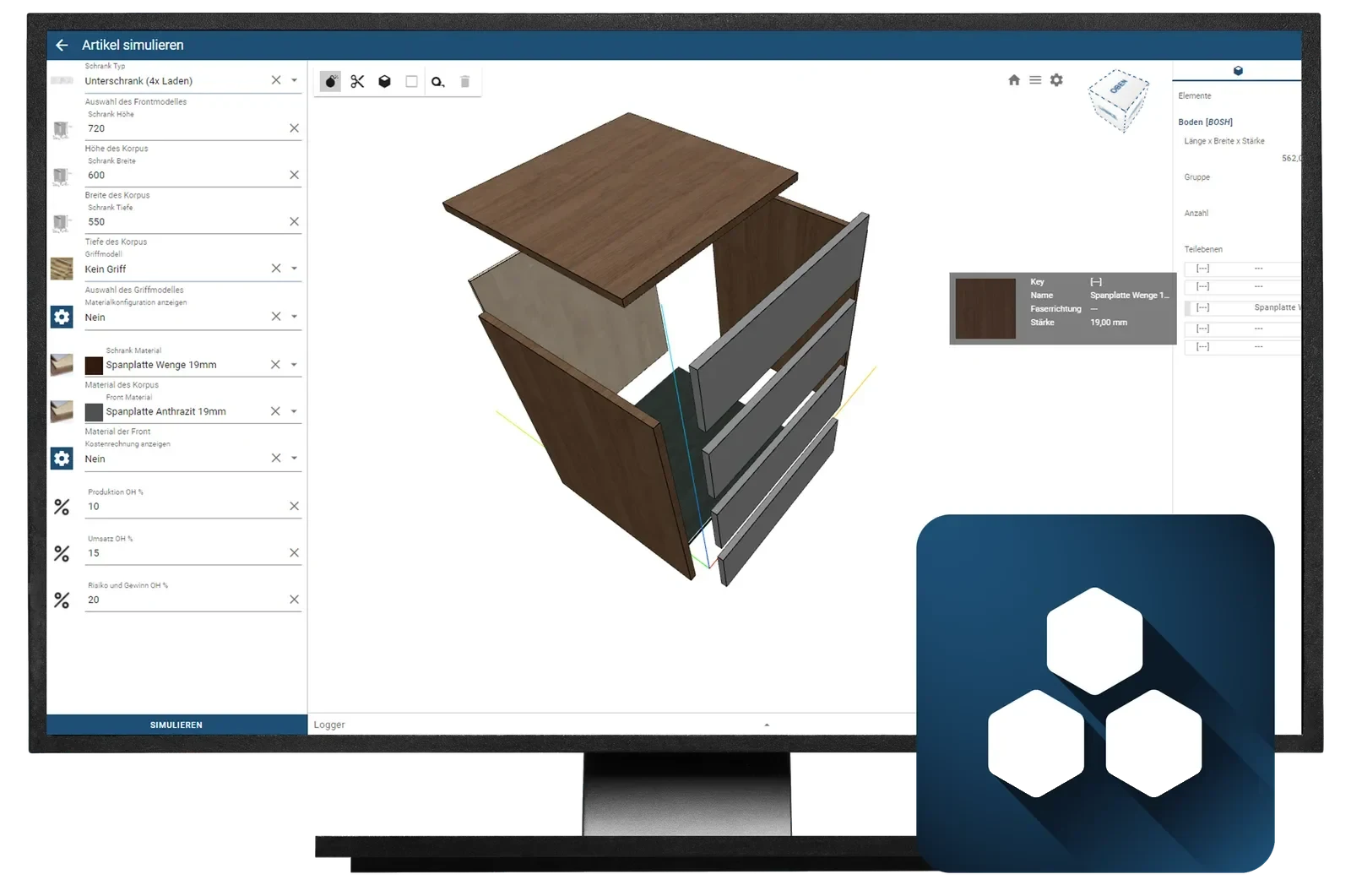
CAD+T Web Solutions
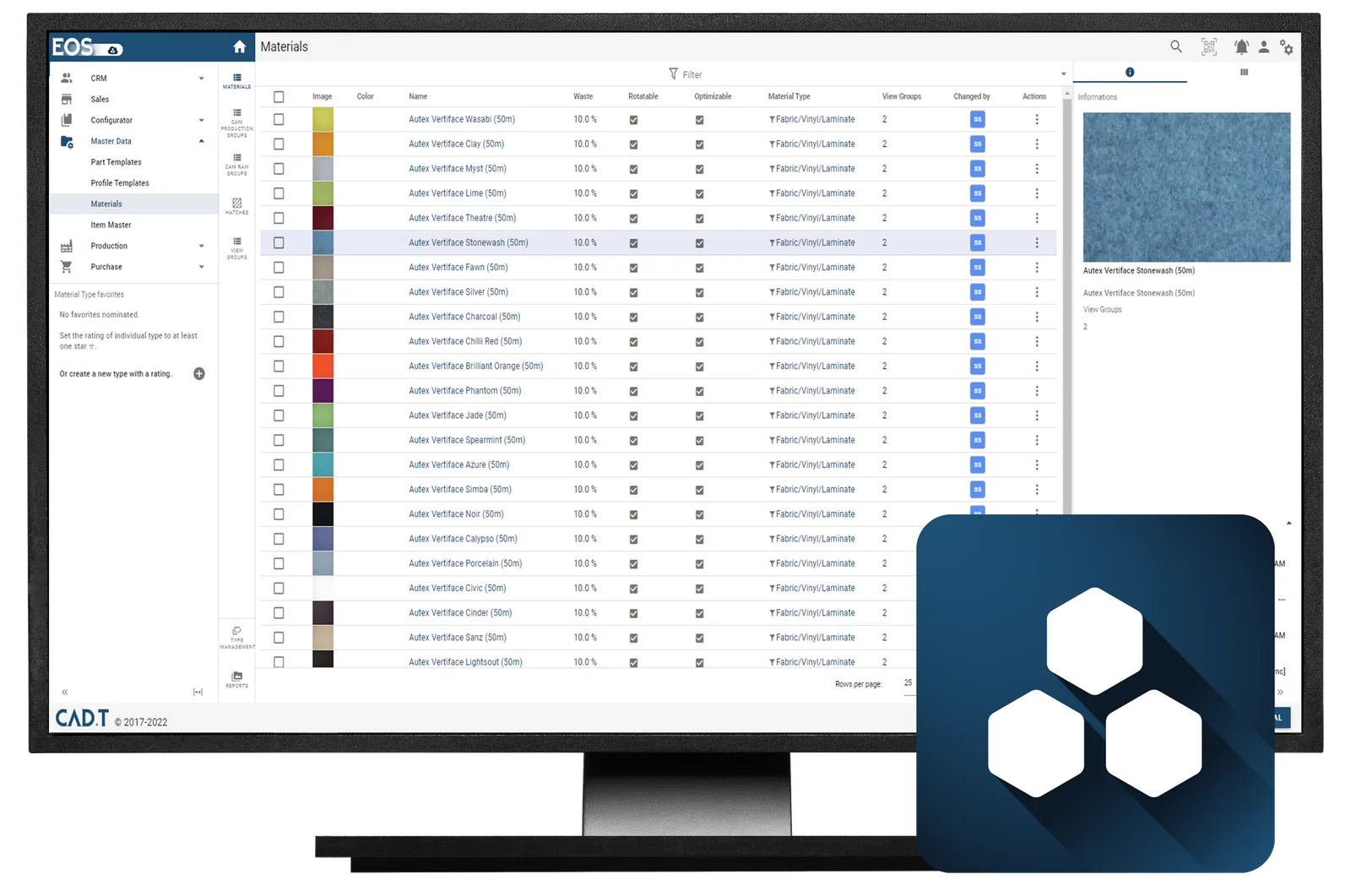
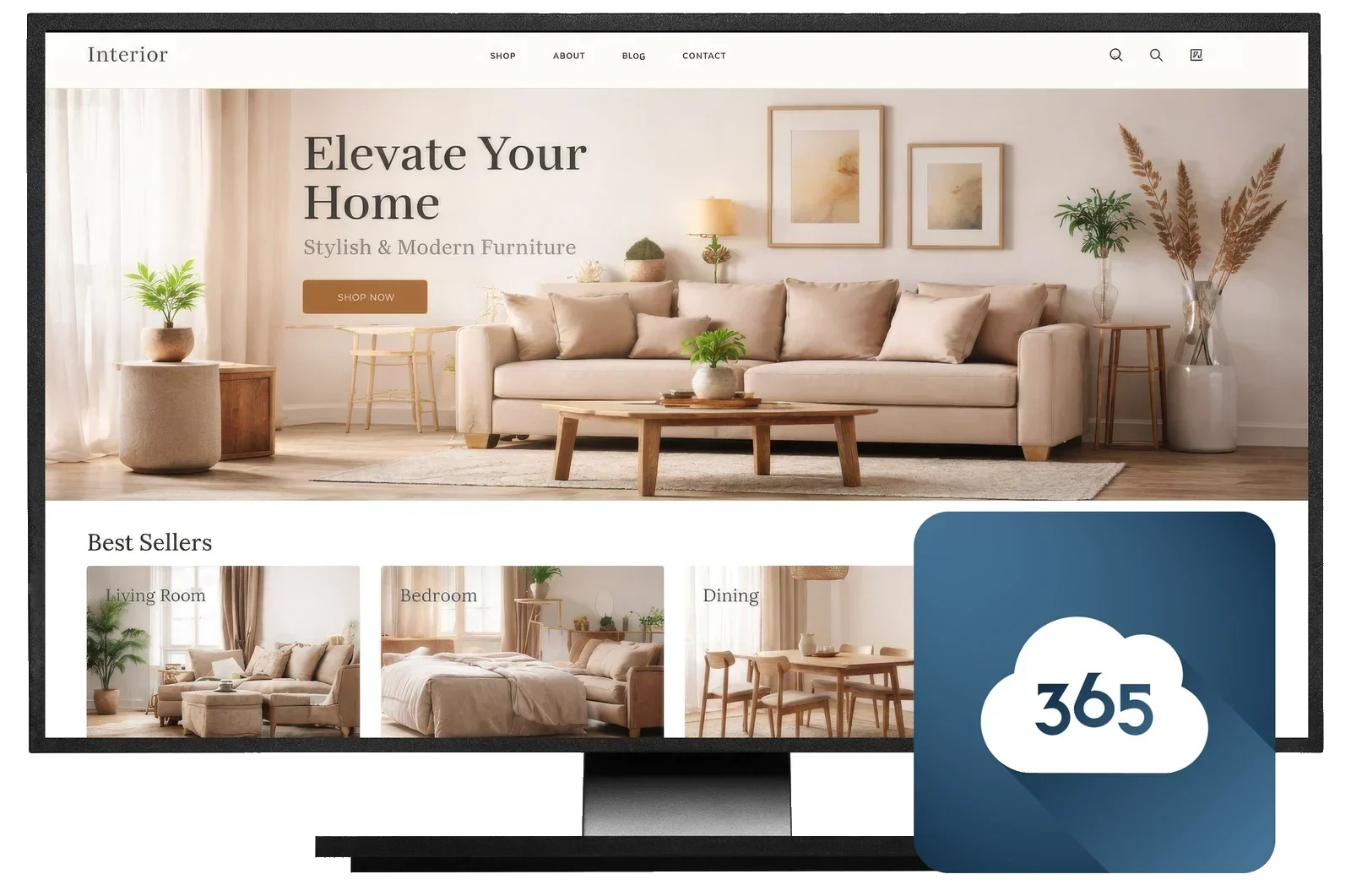
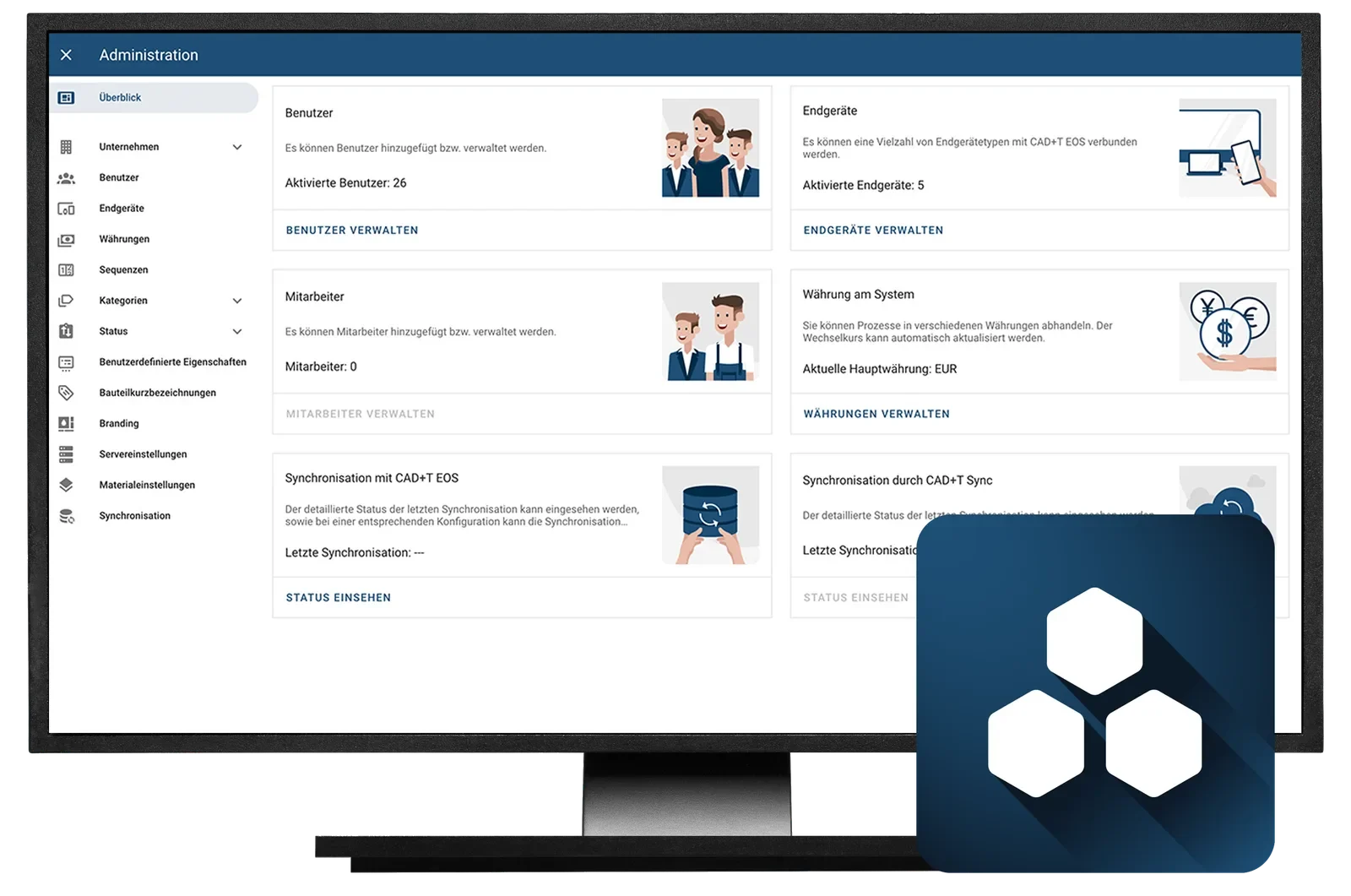
From cloud-based data management to your own online shop: CAD+T EOS keeps materials, components, prices and access rights in one place, and the shop sells what you manufacture from exactly that data. One catalogue to maintain, nothing to install – the work happens in the browser.
- One place for master data – Maintain material, decor, hardware and price once – every module reads the same state.
- Sell online – Shop and partner portal for configurable products – through to the order in your own system.
- Rights and licences centrally – Sales, production, trade partners: everyone sees what they should see. Workstations and updates are managed in one place.
The products in CAD+T Web Solutions
Optional add-on modules
Expand flexibly as needed. Each module stands on its own – none is a prerequisite.
Autodesk®
AutoCAD®, Inventor®, Vault® and Revit® from one source.
ViewCAD+T Consulting
Map your processes, find the bottlenecks, plan the rollout.
ViewCAD+T Service+
Data building for your production – components, hardware, rules.
ViewCAD+T Data+
The maintained catalogue of components and hardware.
ViewCAD+T Training
Courses and webinars, on site or online.
ViewWhere do you lose the most time today?
Tell us where things get stuck. In the demo we walk through exactly that with your own data.
Book a free demo