Solution · CAD+T EOS
Cloud & Web for Furniture Businesses
What is maintained once is available everywhere.
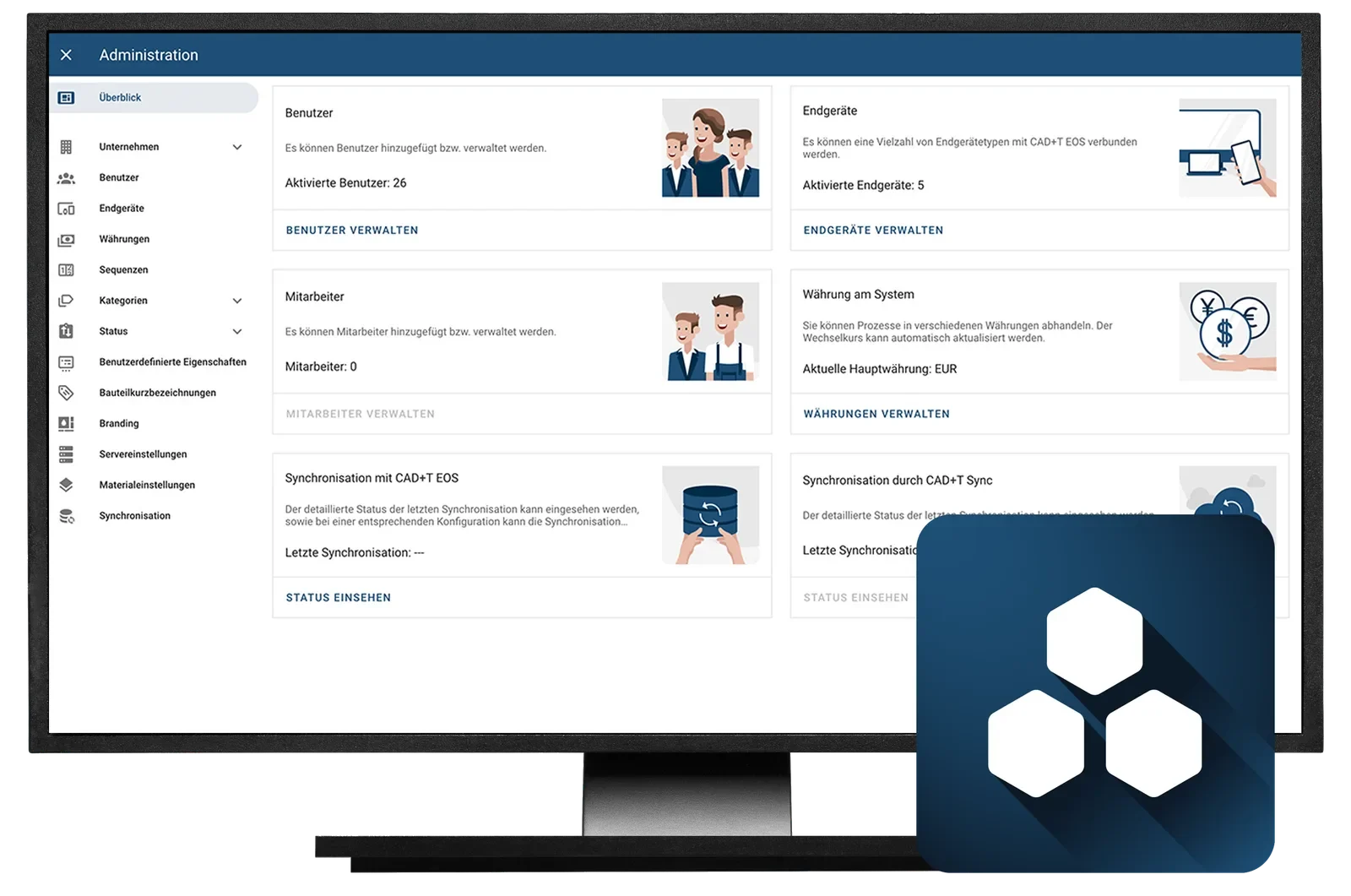
CAD+T EOS holds materials, drawings and licences in one place. Planning, engineering, sales and production all work on the same data – and nobody has to enter anything twice.
- One place for master data
- Maintain material, decor, hardware and price once – every module reads the same state.
- No installation
- Web-based, on your own network or in the cloud – reachable from any workstation.
- Rights per audience
- Sales, production, trade partners: everyone sees what they should see.
Three situations from everyday work
What businesses use EOS for
Every module has its own material master
Before
A new decor is created in planning, again in the configurator and a third time in the ERP. Prices drift apart, and nobody knows which state applies.
With CAD+T EOS: Material, decor, hardware and price are held once – every module reads the same state.
The drawing sits on the computer back at the office
Before
On site the current version is missing, at home somebody works on a copy. Which version applies takes a phone call.
With CAD+T EOS: Drawings and documents are versioned in EOS and available from any workstation.
Only one person knows who holds which licence
Before
Workstations, updates and access are managed on the side. With a new colleague, the search begins.
With CAD+T EOS: Licences, rights and updates are managed in one place – per audience.
From master data to the workstation
How EOS is introduced
- 1
Build the master data
Materials, decors, hardware and prices come into one place.
- 2
Connect the modules
Design, configurator, shop and ERP read the same state.
- 3
Assign rights
Sales, production and trade partners see what they are meant to see.
- 4
Work
In the browser as SaaS – with EOS Enterprise also on your own premises.
The product behind it
CAD+T EOS – three levels
Level 1
EOS Essential
Available as SaaS only
- Central data management with a central master record
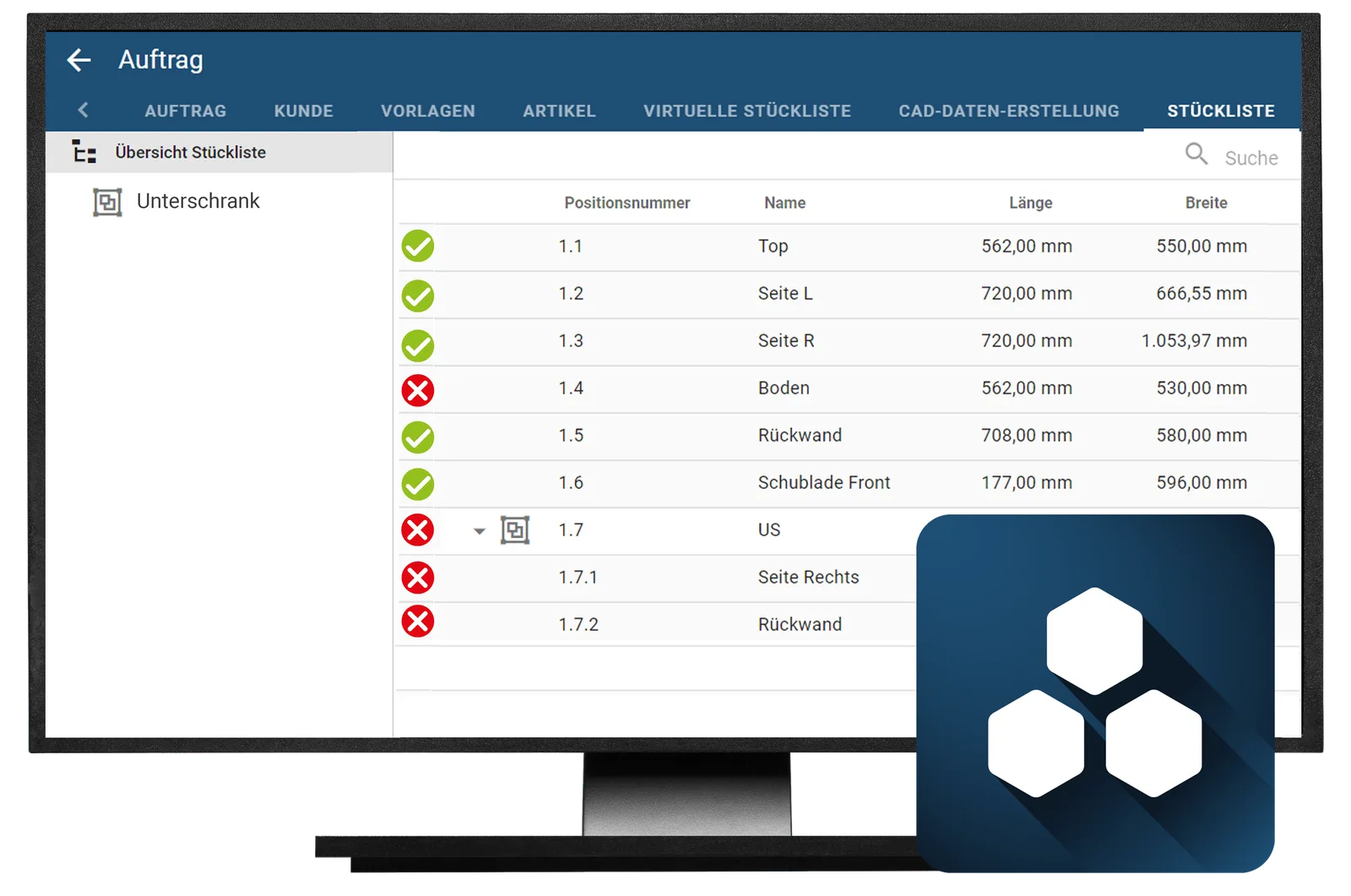
- Store and version drawings and documents
- Easy management of CAD+T licences
Level 2
EOS Professional
Available as SaaS only
- All features of EOS Essential
- Configurator with production know-how
- Price and cost calculation, for example production costs
Level 3
EOS Enterprise
- All features of EOS Professional
- Automatic drawing creation
- Drawing link to CAD+T Engineer Classic and Professional
Frequently asked questions
Where is my data stored in the CAD+T Cloud?
Your data is hosted on GDPR-compliant servers in Europe. You retain full control over your projects and access rights.
Can I switch between cloud and local installation?
Yes. CAD+T offers hybrid operation: you can use cloud and local installation in parallel and switch flexibly – without data loss.
Do I need a fast internet connection for the cloud?
A stable internet connection is sufficient. Planning data doesn't require high bandwidth. With rendering data, a faster connection can shorten load times.
How does cloud licensing work?
Cloud licenses are scalable: you purchase exactly the number of workstations you need and can add or reduce at any time.
The answers give an overview – we are happy to clarify the details in person. Errors, changes and typos excepted.
How often is the same decor created twice at your company?
Show us where your master data sits today. We go through what EOS takes over – and at which level.
Request a demo