Solution · CAD+T CNC
CNC Software for Furniture Manufacturing
From the drawing straight to the machine.
Once designed, the CNC data is generated from the drawing – based on material and geometry. No manual CNC programming, no macros for machining: the system selects the tools, from nesting to 5-axis machining. Whoever does the design does not need to be a CAM specialist.
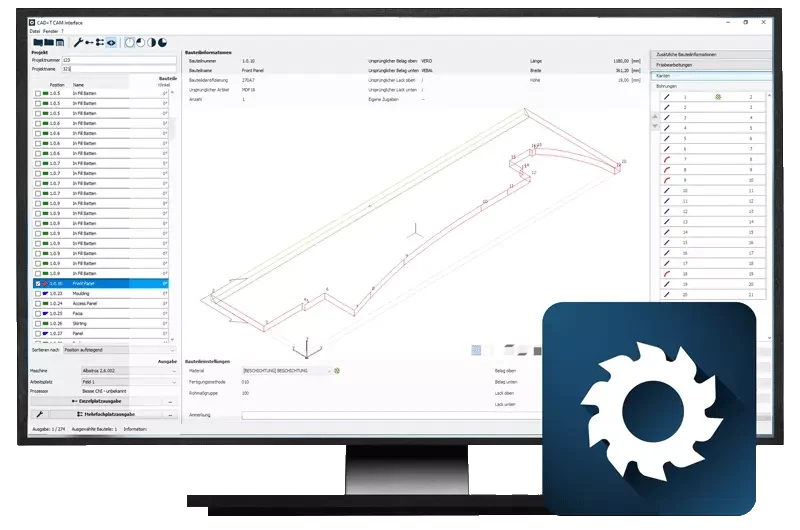
- No re-typing
- Machine data straight from the model – the transfer as a source of errors disappears.
- Nesting included
- Parts arranged on the board to save material.
- Up to 5 axes
- Free-form and special parts go to the machine too.
Three situations from everyday work
What businesses use CNC for
The machine program is created a second time
Before
The design is finished, yet the program is built again – by hand or in a second piece of software. Every transfer is a source of error.
With CAD+T CNC: Drilling pattern, tool path and edge work come from the model that already exists.
Too much is left on the board
Before
Parts are arranged by eye, offcuts pile up next to the saw. With expensive decors that adds up.
With CAD+T CNC: Nesting arranges the parts on the board – with grain direction taken into account if needed.
The special part is improvised at the machine
Before
Free forms and angled machining are solved by the operator at the machine, and measured afterwards.
With CAD+T CNC: Free-form and 5-axis machining come as a program out of the same design.
From model to machine
How the machine data is created
- 1
Take the design
Dimensions, drilling patterns, hardware and material come from the model.
- 2
Define the steps
Material- and geometry-based logic selects the tools.
- 3
Run nesting
Parts placed to save material, grain direction taken into account.
- 4
Send to the machine
Output to several CNC machines, program called up by barcode.
Who this matters to
CAD+T CNC in your trade
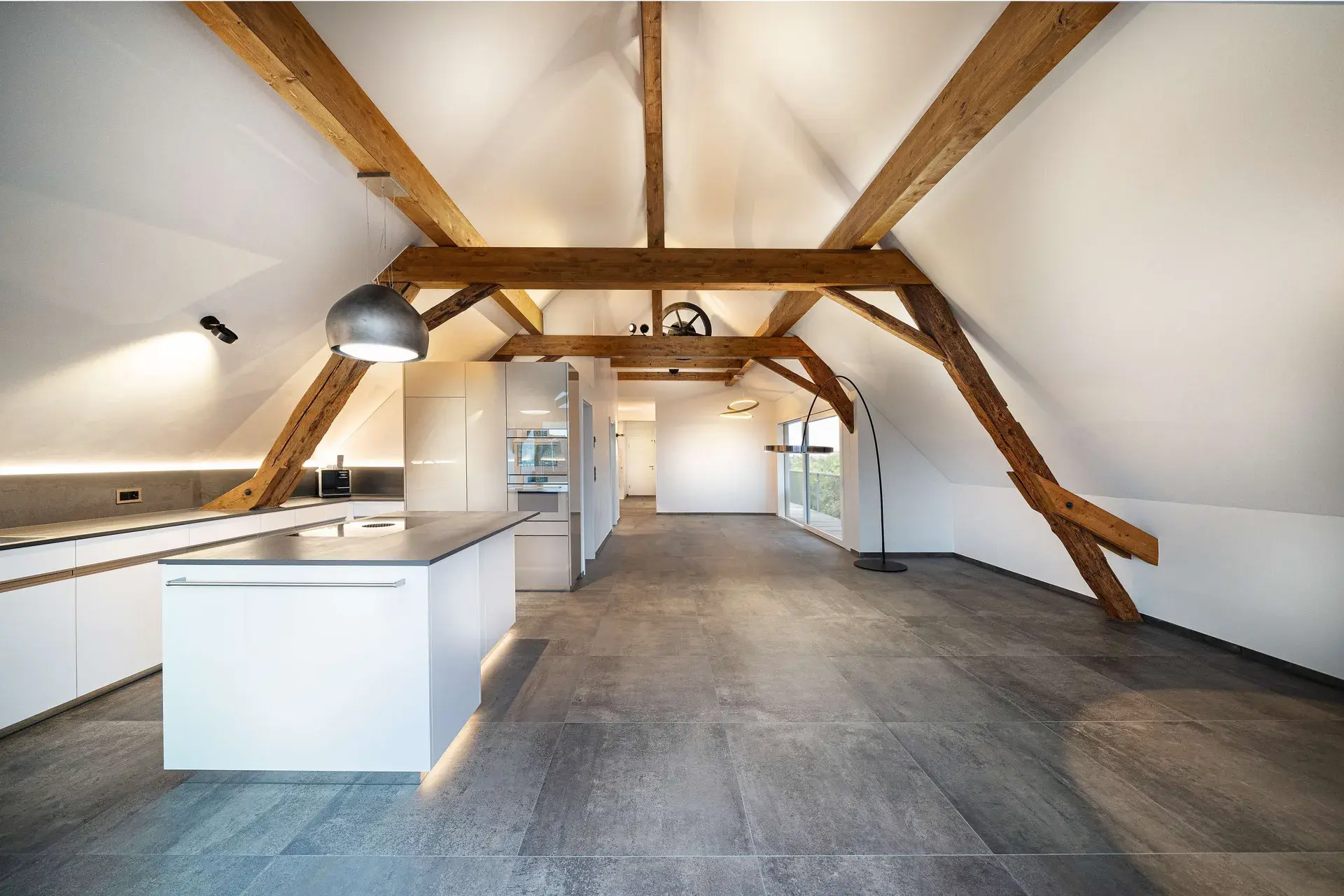 © Schreinerei Schmutz AG
Cabinetmaking & Joinery
CNC programs are created or tweaked manually
Zero transfer errors, immediately machine-ready data
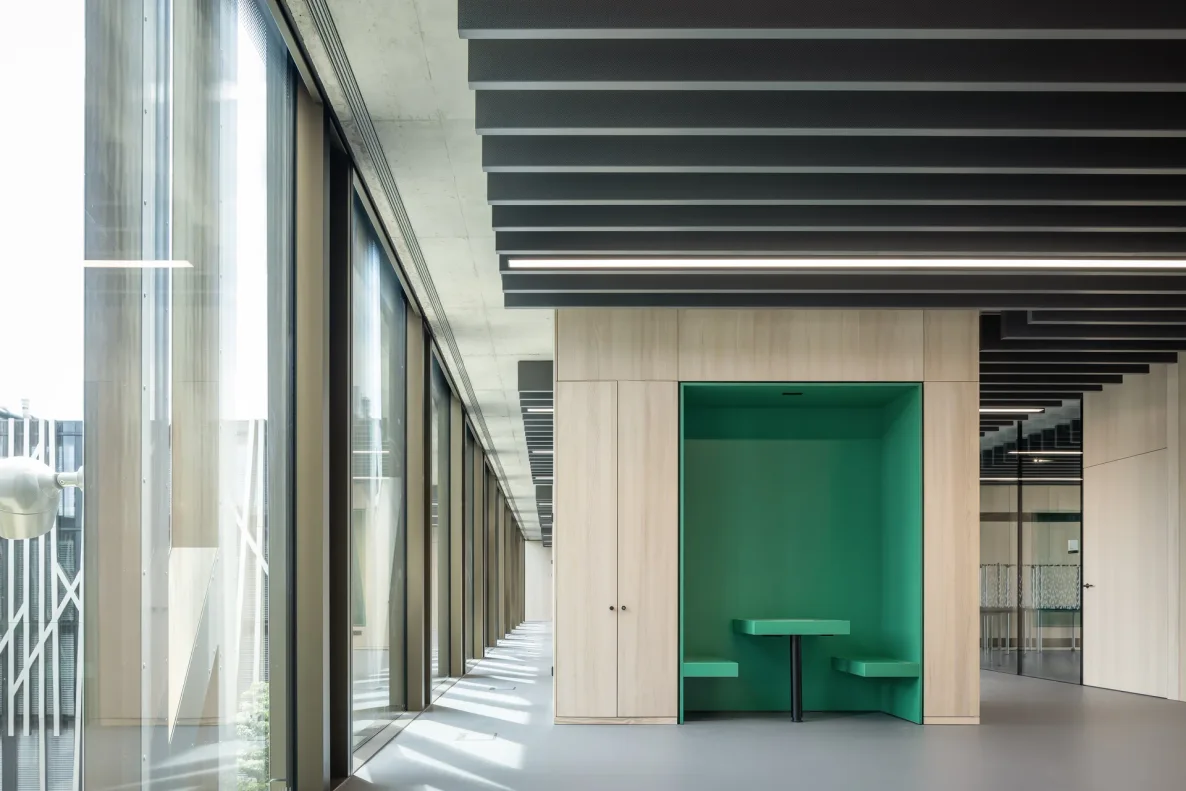 © Lindner Mobilier s.r.o.
Industry
Machine data is created from scratch per order
Batch size 1 reaches the line with no step in between
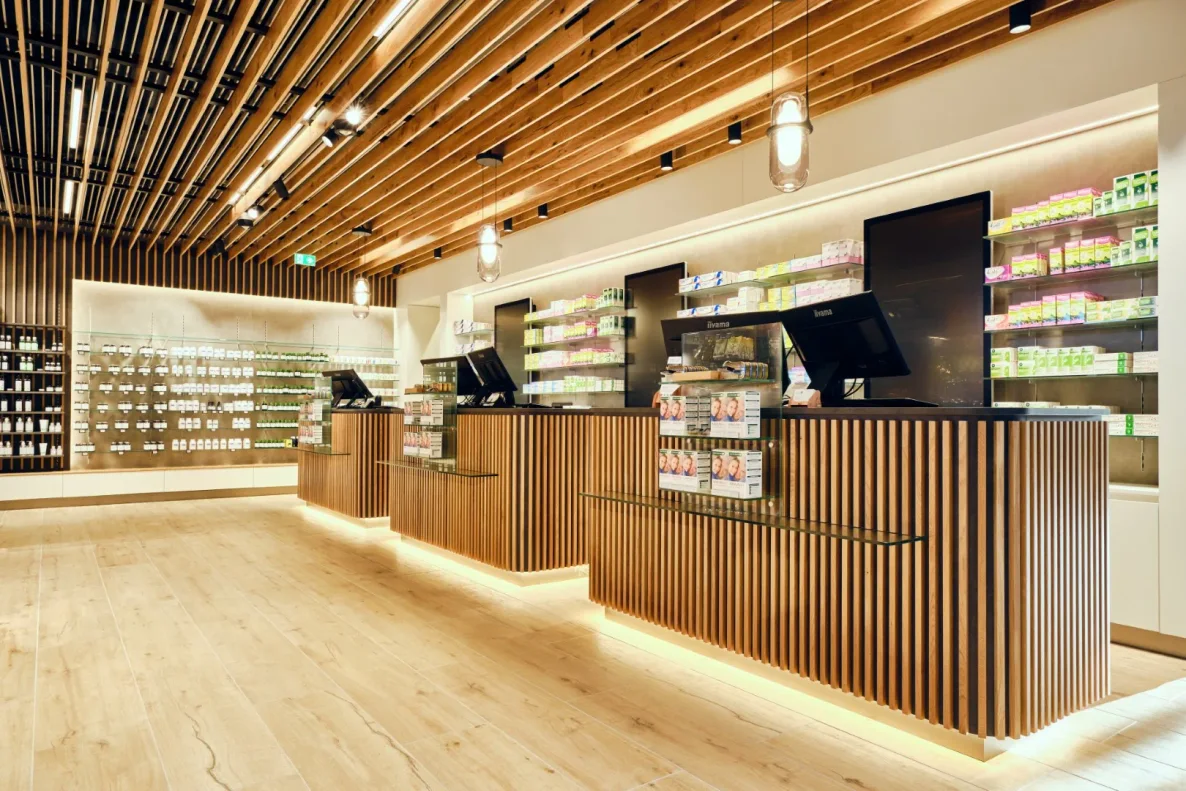 © Klinger Möbelbau Ges.m.b.H. & Co KG
Specialist fit-out
Special parts get improvised at the machine
What is drawn is what is machined — with no rework on the component
The product behind it
CAD+T CNC – three levels
Level 1
CAM Interface
- Powerful post-processors
- Material- and geometry-based logic
- Output for several CNC machines at once
Level 2
CNC Nesting
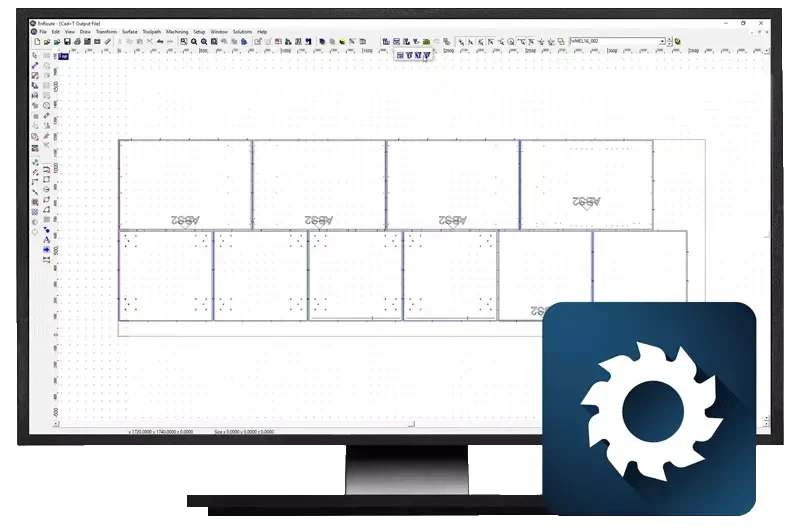
- Advanced nesting for efficient material use
- Nesting that respects the grain direction
- Merging and repeating of orders
Level 3
5-axis simultaneous
- Complex 3D milling programs, 5-axis interpolating
- Automatic take-over of 3D solids
- Analysis by solid or by individual surfaces

„I work with the engineering module and other CAD+T applications. The machining operations work very well. With the handover to the machines, end-to-end digitalisation is genuinely enjoyable. The support from the service team is excellent. Many thanks and keep it up!“
Johannes Linnemann · Manufacturing
Frequently asked questions
Which CNC machines does CAD+T support?
CAD+T supports all common CNC machines in the furniture industry, including Homag, SCM, Biesse, IMA, Weeke, Holzher and many more. Ask us about your machine – we have the right connection.
What exactly does nesting optimization deliver?
Nesting places your parts optimally on the panel and reduces material waste. Typical savings are 10–15% – that pays off quickly, especially with premium materials.
Do I need separate CAM software?
No. CAD+T generates CNC programs directly from engineering. No separate CAM step or additional software is needed – your data flows seamlessly.
Does CNC programming also work with custom parts?
Yes. Freely engineered parts can also be output as CNC programs. The software automatically recognizes drill patterns, milling paths and edge treatments.
The answers give an overview – we are happy to clarify the details in person. Errors, changes and typos excepted.
How many programs does your workshop still build itself?
Tell us your machine and a part that runs often. We walk the path from model to program with you – on your part.
Request a demo