CAD+T Software
Control, logistics, dispatch
CAD+T Web Solutions
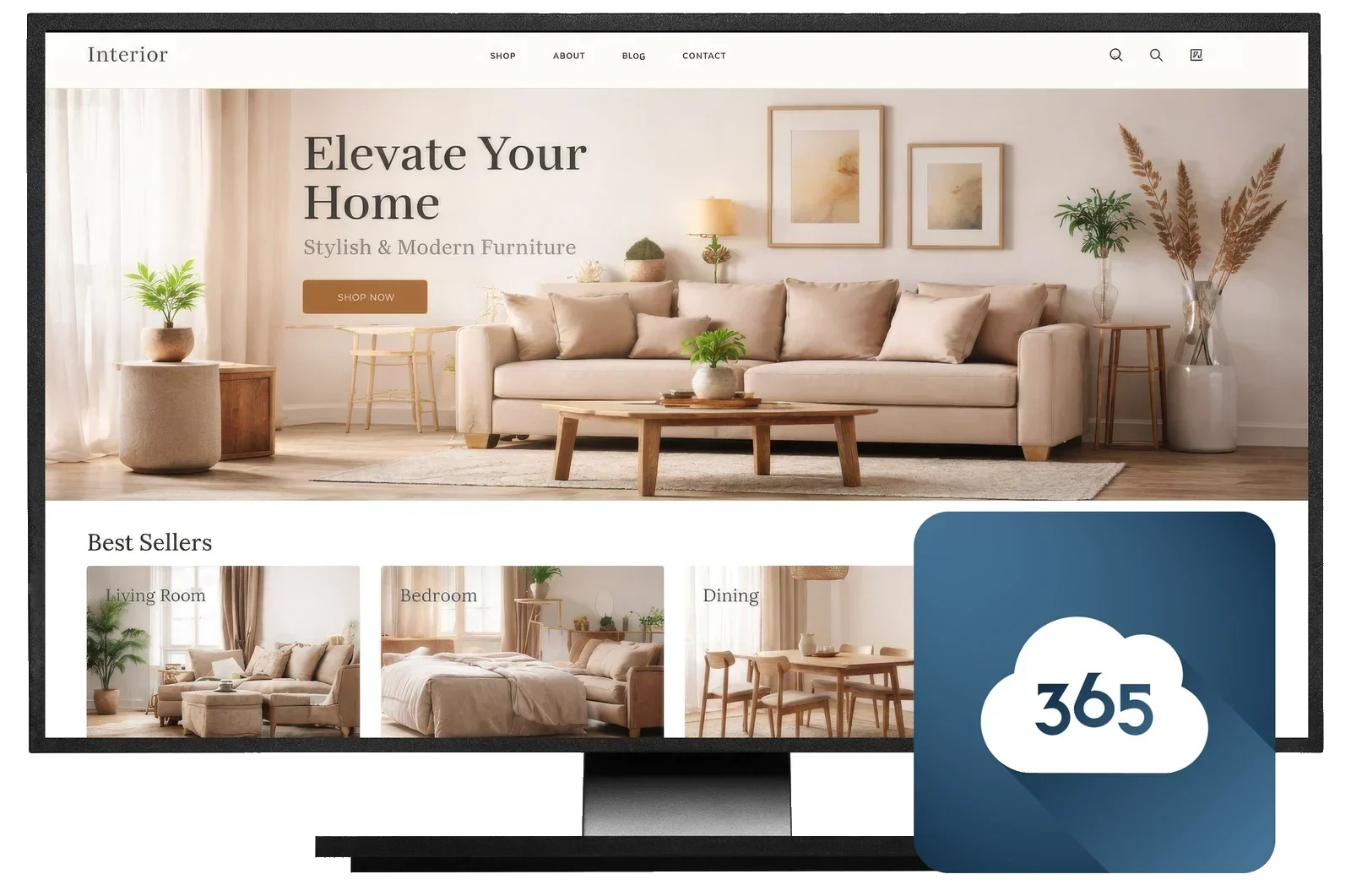
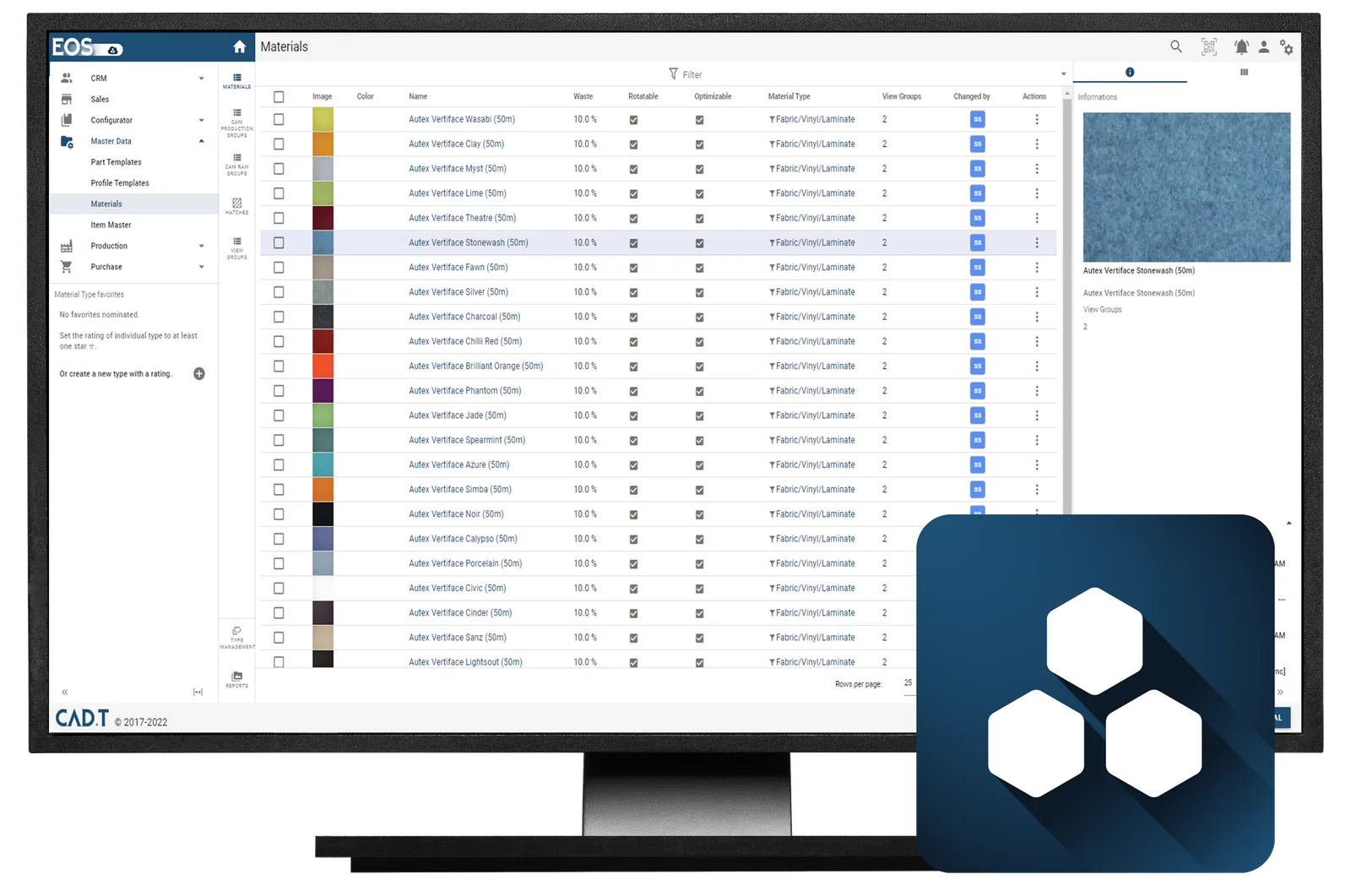
From cloud-based data management to your own online shop: CAD+T EOS keeps materials, components, prices and access rights in one place, and the shop sells what you manufacture from exactly that data. One catalogue to maintain, nothing to install – the work happens in the browser.
30 minutes · online · with your own projects · no obligation
What changes for you
- One place for master data
- Maintain material, decor, hardware and price once – every module reads the same state.
- Sell online
- Shop and partner portal for configurable products – through to the order in your own system.
- Rights and licences centrally
- Sales, production, trade partners: everyone sees what they should see. Workstations and updates are managed in one place.

What CAD+T Web Solutions takes over
Licence and update management
The launcher keeps workstations current and licences where they are needed.
Connected to EOS
Product data comes from CAD+T EOS – the shop shows what is maintained there, adjusted per user group.
E-commerce applications
Shop and portal for configurable products – the route to your customer.
Configurator on the web
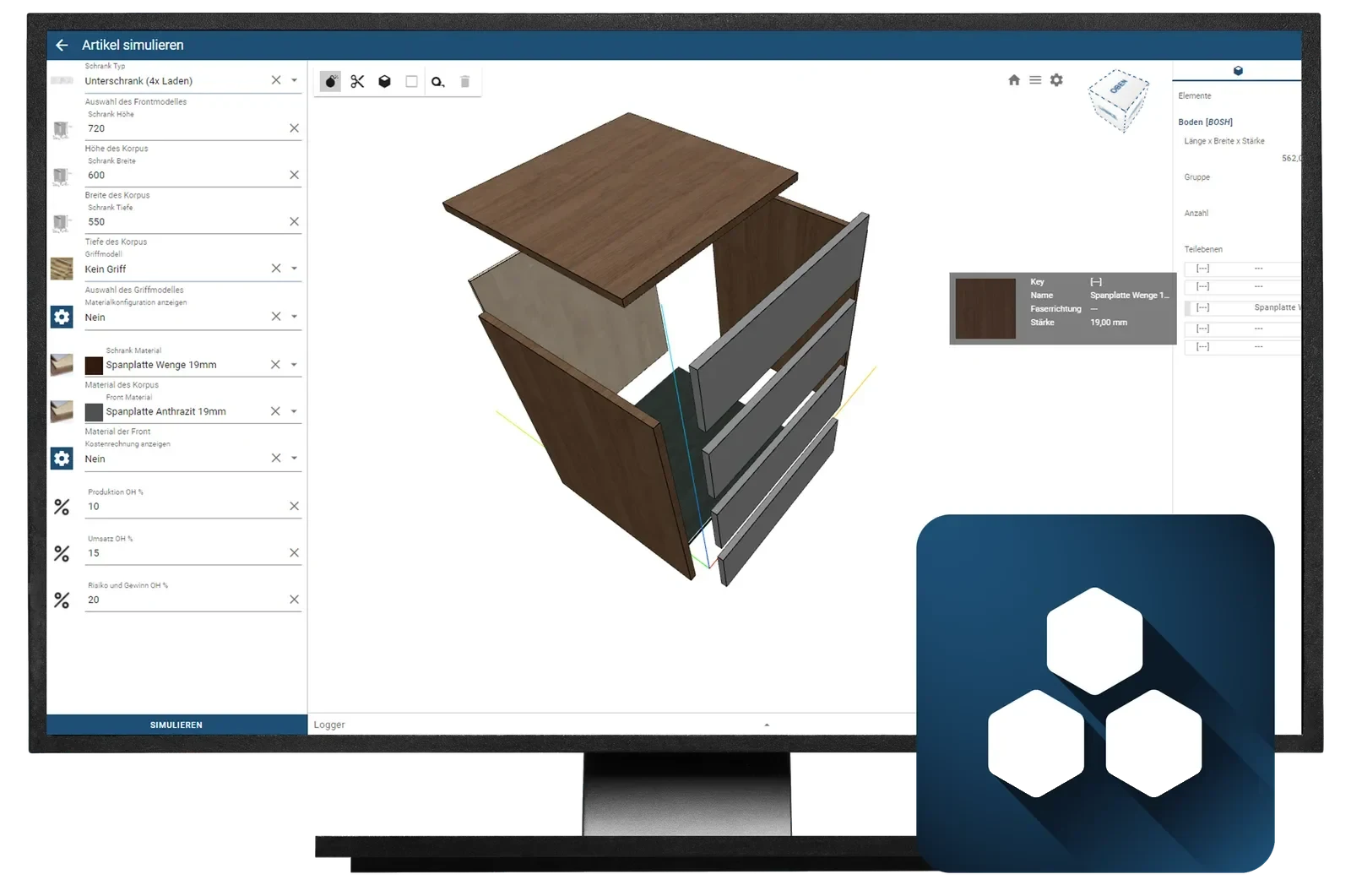
Your engineering rules, usable directly in the browser – no installation.
Working across sites
Several offices, one database – the branch office works on the same state.
Connection to the order
What is ordered online lands in the ERP – with nothing re-typed.
In the process chain
Control, logistics, dispatch · Step 5 of 5
The products in CAD+T Web Solutions
Three products, one set of data: the shop sells, the configurator puts the variants together, EOS holds the data. What you need is something we work out together.
E-Commerce
- Uses the data from CAD+T EOS
- Dynamic 2D/3D product preview in real time
- Interface adaptable to your process
- Different access rights for different audiences
- Can be integrated into existing ERP and CRM systems
- Freely scalable, AWS cloud included
EOS
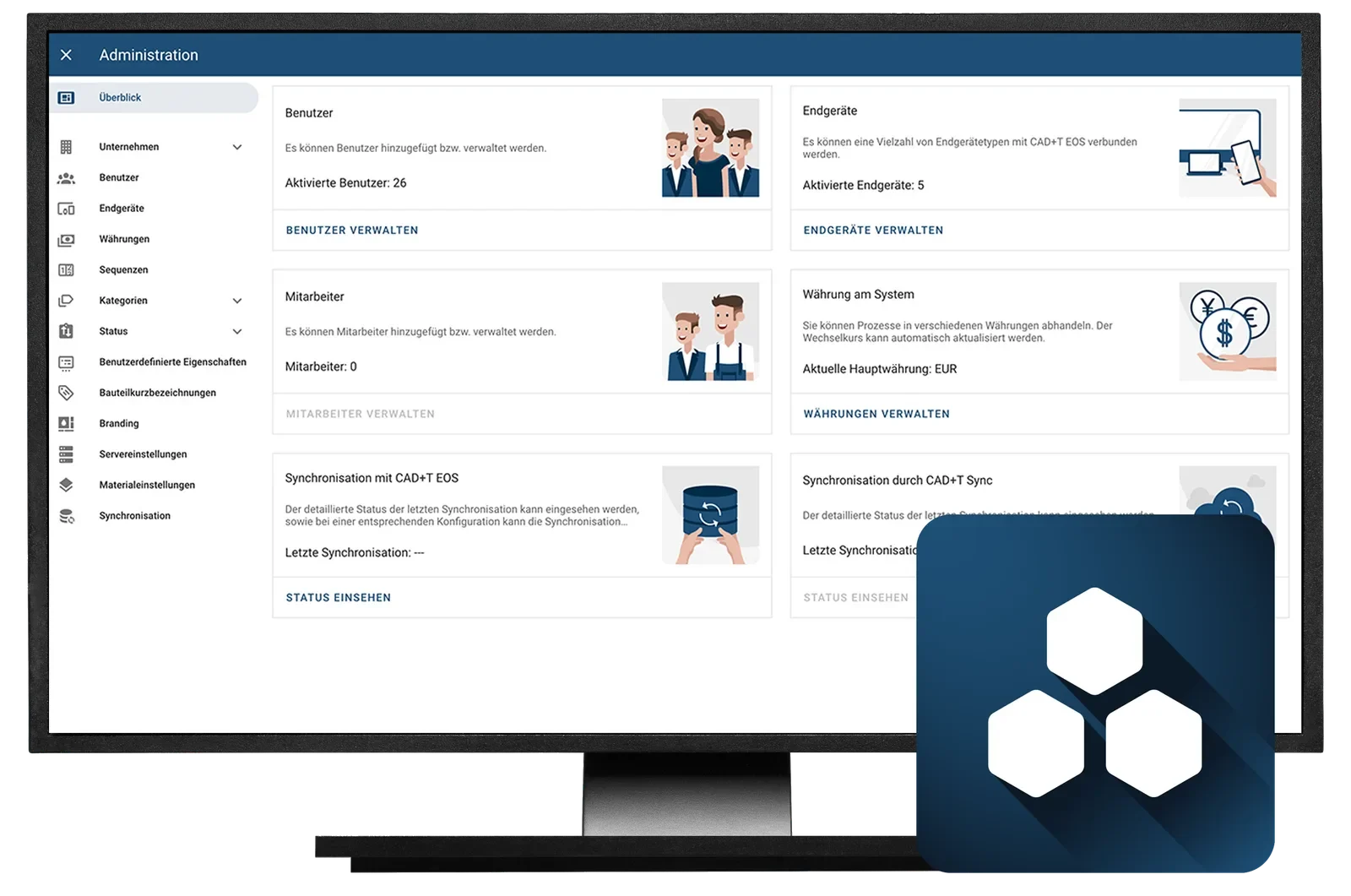
The data platform every module connects to – in the browser, with no installation.
- One place for master data – Maintain material, decor, hardware and price once – every module reads the same state.
- No installation – Web-based, on your own network or in the cloud – reachable from any workstation.
- Rights per audience – Sales, production, trade partners: everyone sees what they should see.
Konfigurator
Variants by your rules – drawing and price come along.
- Web-based and freely scalable – Runs in the cloud – even with large data volumes, complex rule sets and special adaptations.
- A sales tool outwards – Your customers configure in the online shop themselves, without sales having to step in.
- Takes load off work preparation – Quotes to individual dimensions are created in sales – the production data follows later.
CAD+T EOS editions
EOS keeps your master data in one place: materials, components, prices and access rights. Design, Konfigurator and the shop all read from it – nothing needs installing, the work happens in the browser.
EOS Essential
Available as SaaS only
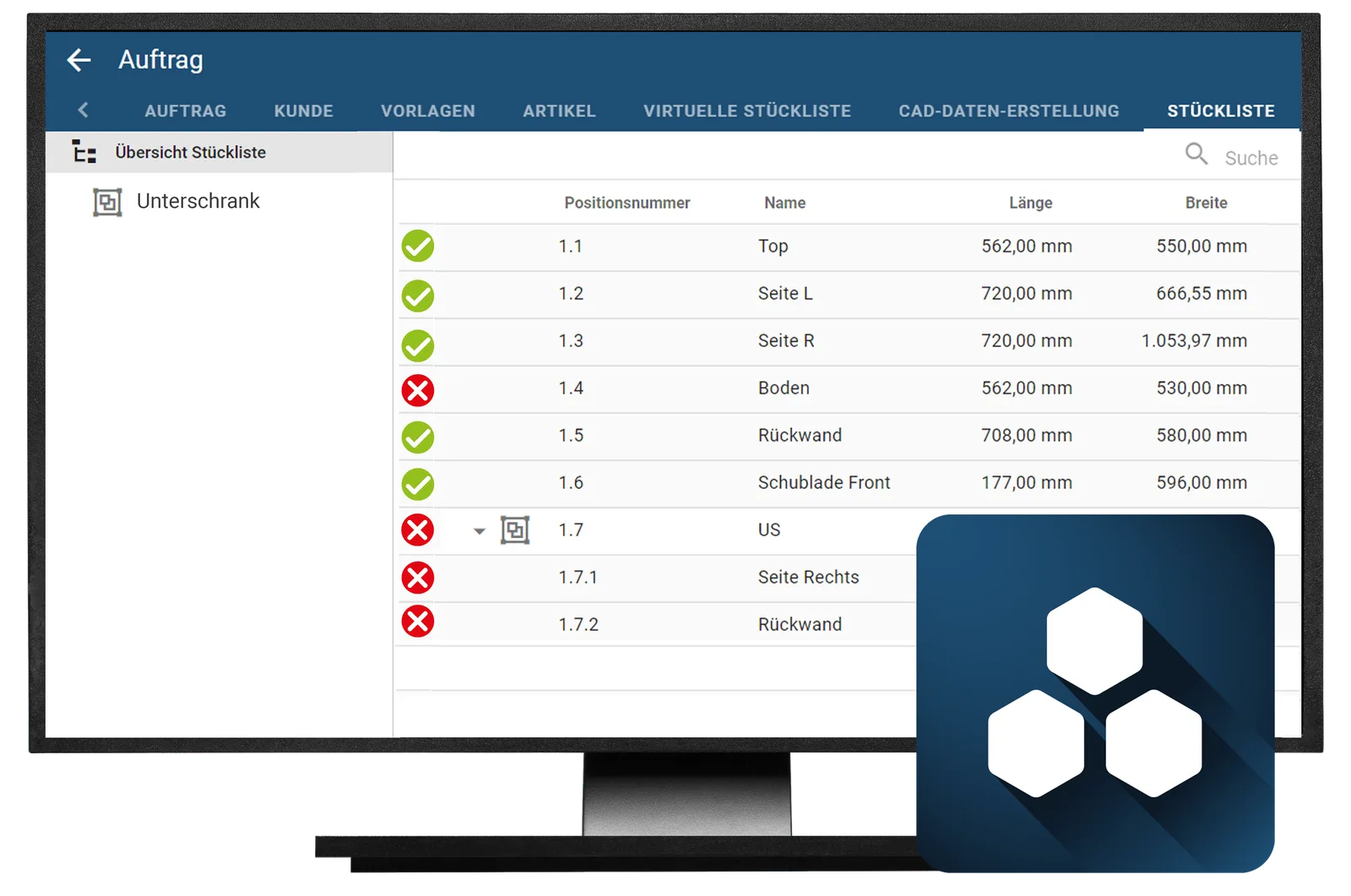
- Central data management with a central master record
- Store and version drawings and documents
- Easy management of CAD+T licences
- Automatic parts list transfer from the CAD+T program
- Production order management including versioning
- Ready-made reports and 1D/2D cutting optimisation for bars and panels
EOS Professional
Available as SaaS only
- All features of EOS Essential
- Configurator with production know-how
- Price and cost calculation, for example production costs
- Customisable reports
- Mobile time tracking for different resources
- Live 3D preview of your design
EOS Enterprise
- All features of EOS Professional
- Automatic drawing creation
- Drawing link to CAD+T Engineer Classic and Professional
- Runs in the cloud or locally at your site
- Available as a rental or purchase licence, whichever you prefer
See it with your own project
30 minutes · online · with your own projects · no obligation
What works before and after
Common questions about CAD+T Web Solutions
What are CAD+T Web Solutions?
Web Solutions are the online applications around CAD+T: customisable shops and partner portals for configurable products, e-commerce applications, and the licence service through which workstations and updates are managed.
How do my products get into the shop?
Through EOS. Product data is maintained there once and displayed in the shop automatically, adjusted per user group – so you do not run a second catalogue.
Can trade partners use the shop as well?
Yes. The shop can be opened up for your own sales team, for partners or directly for end customers – with different rights and prices per group.
What is CAD+T EOS?
EOS is the web-based data platform from CAD+T. It holds master data such as materials, components, prices and access rights in one central place, which Design, Visualize, Konfigurator and the online shop all read from. EOS runs in the browser and can be operated on your own network or in the cloud.
Do I need EOS to work with CAD+T?
No. The modules also work without EOS. EOS pays off as soon as several workstations or sites need the same master data, or an online shop is added – it removes the duplicate maintenance.
Which EOS editions are there?
Three: Essential, Professional and Enterprise. Essential is the foundation with data management, documents, licences, parts lists and reports. Professional adds the configurator, costing and time tracking. Enterprise is aimed at medium-sized and large companies with complex processes and is tailored individually. Each edition contains everything from the one before.
What does the CAD+T Konfigurator do?
The configurator produces product variants by the rules of your engineering. Sales staff or customers choose dimensions and finish, the system delivers drawing, parts list and price – and what cannot be built cannot be selected.
Where do the rules in the configurator come from?
From your master models in engineering – dimension limits, materials and dependencies are maintained there and taken over by the configurator. If you use the configurator without CAD+T, you create the rules directly in it. Either way it cannot offer a variant production is unable to build.
Where does the configurator run?
In the browser. Outwards as an online shop or partner portal in which your customers configure for themselves; internally as a tool for sales and office staff. The data comes from EOS, so only one catalogue is maintained.
The answers give an overview – we are happy to clarify the details in person. Errors, changes and typos excepted.
Do you already sell online what you manufacture?
We will show you the path from the web configurator to the order in your system.
Book a free demo