Industry
Series lines that have to build single pieces at series rhythm – with growing reporting obligations and shorter lead times.
30 minutes · online · with your own projects · no obligation
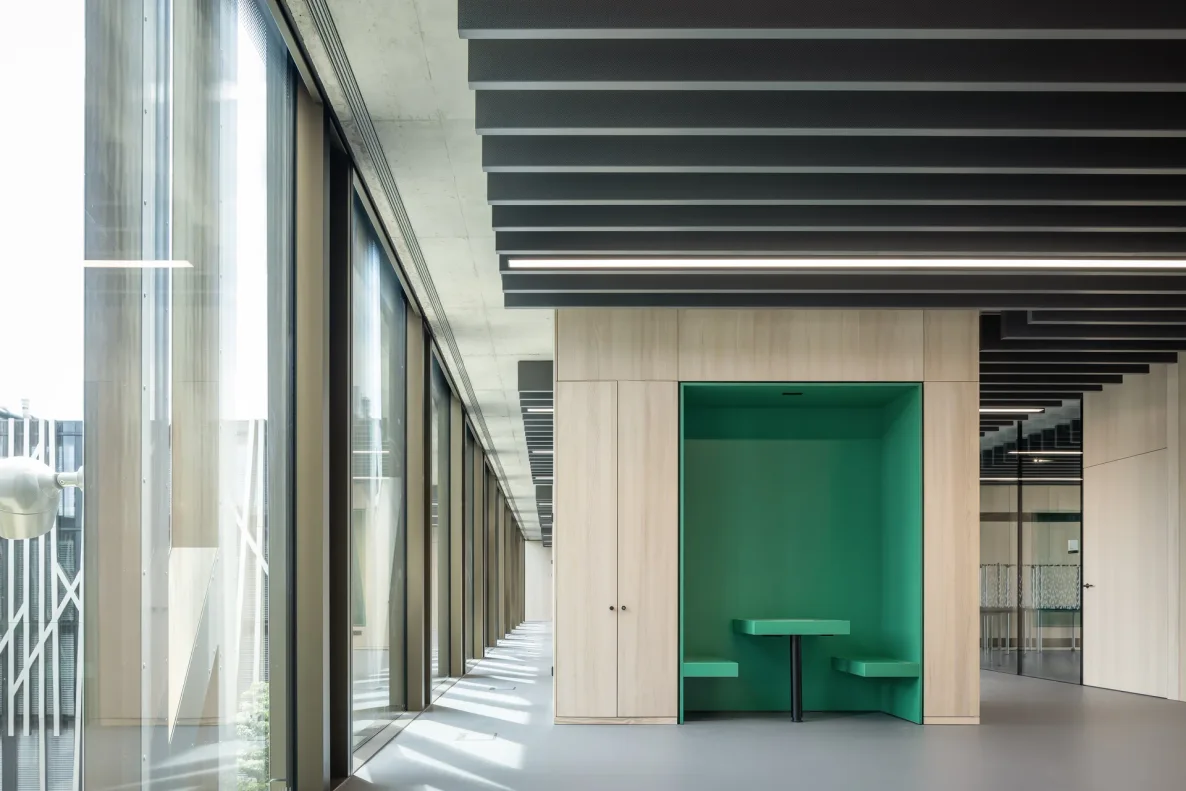 © Lindner Mobilier s.r.o.
What changes for you
- Batch size 1 at series rhythm
- Drawing, parts list and machine data come out of the configured variant with no step in between.
- Waste and setup time under control
- Board layout and cutting are optimised across orders, in several runs – instead of placing every order on the board on its own.
- One state for everyone involved
- Sales, order processing, engineering and production read the same state, feedback from the shop floor included.
Sound familiar from series production?
Batch size 1 has become the standard case
The line is built for series production, but what comes in are single pieces and small batches. What used to be the exception that broke the rhythm now runs through the hall all the time.
With small batches it is the setup that decides, not the unit time
The smaller the batch, the more time sits in changing over – and the harder every square metre of waste hits. The unit time everything used to be costed on is no longer the lever.
Between sales and production everyone does their own thing
Sales puts it together in their list, engineering draws it again, production keeps its own overview. Every handover is retyped, and every change goes the same way once more.
Three bottlenecks, one cause: The data is created again at every station instead of once at the product. With CAD+T everything hangs off the component – the variant carries through engineering, parts list, machine and records.
How CAD+T solves thisWhat CAD+T takes over in series production
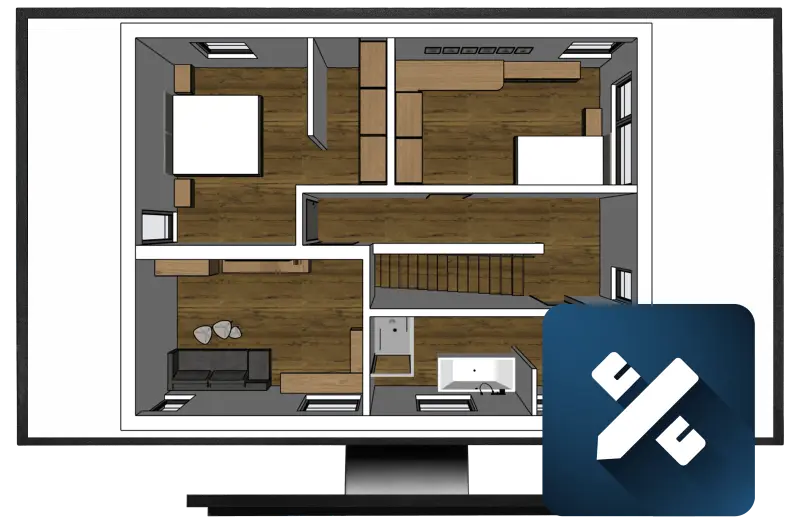
Sales and production talk about the same object, not about two depictions of it
Production defines which articles are available for planning – in a lean form for sales
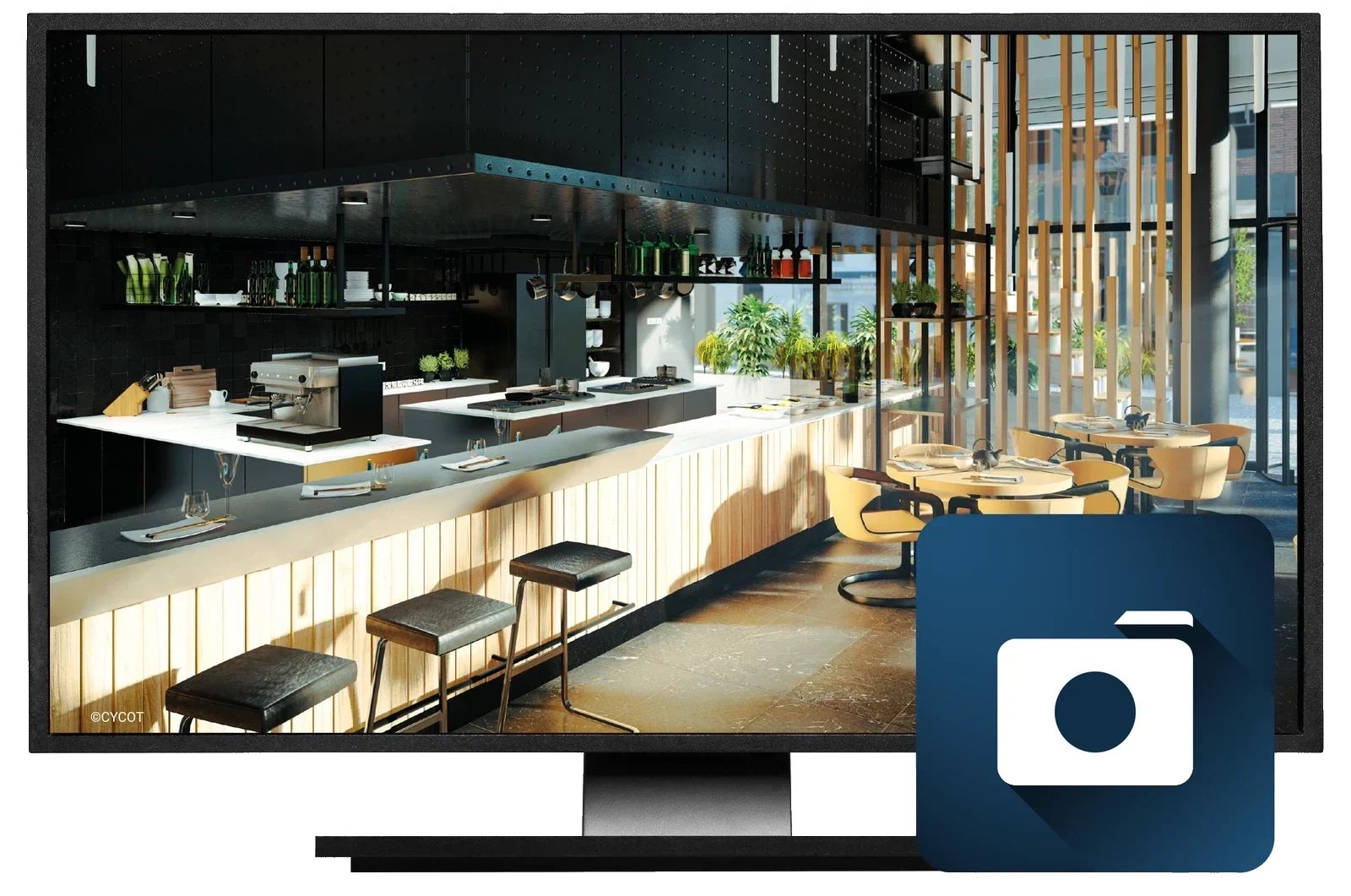
Every variant has an image — without a photo studio and without a sample piece
Renderings from the configuration model, in every specification and every colour
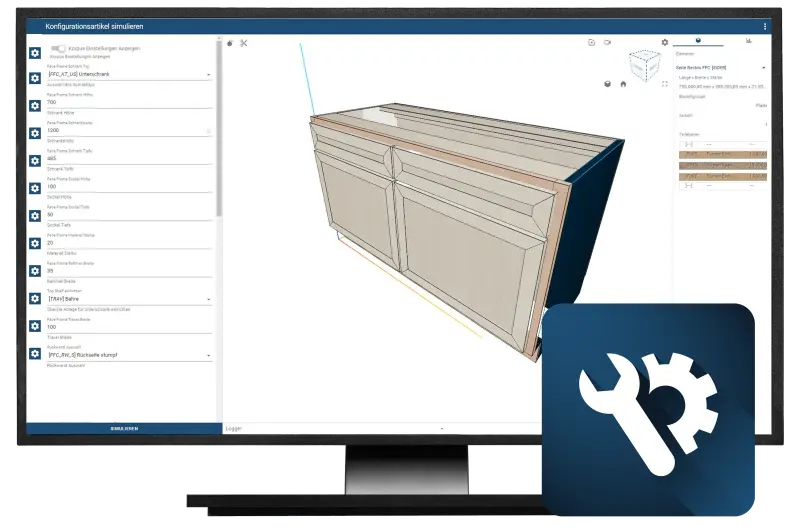
What is sold is already engineered — with no query back to the technical department
A rule-based configurator: sales assembles only what is technically buildable
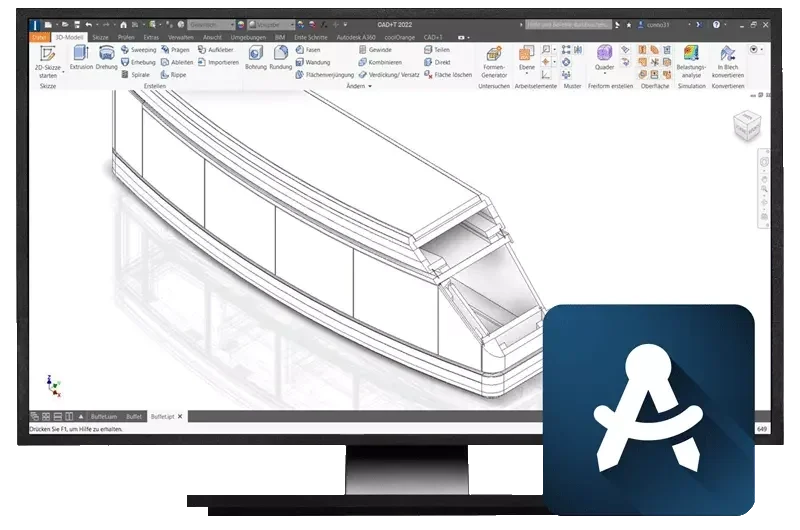
Product variety without a flood of drawings
Parametric master models that produce the variant together with its parts list
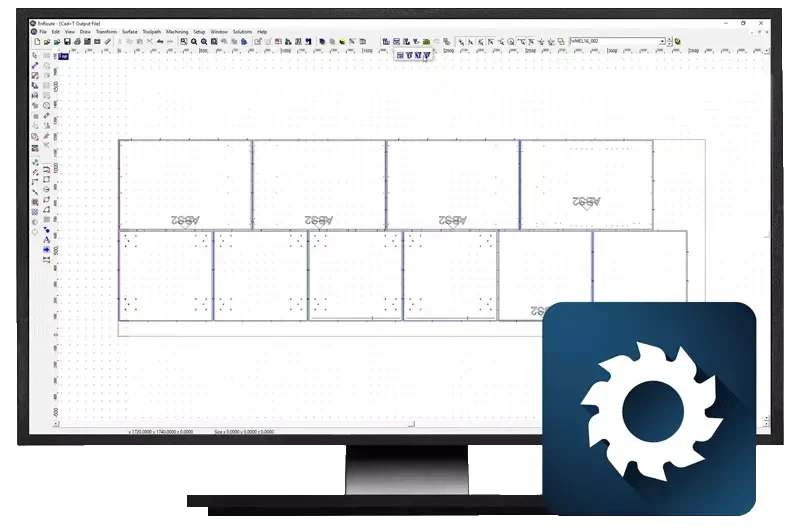
Batch size 1 reaches the line with no step in between
CNC programs and nesting straight from the variant, with grain direction taken into account
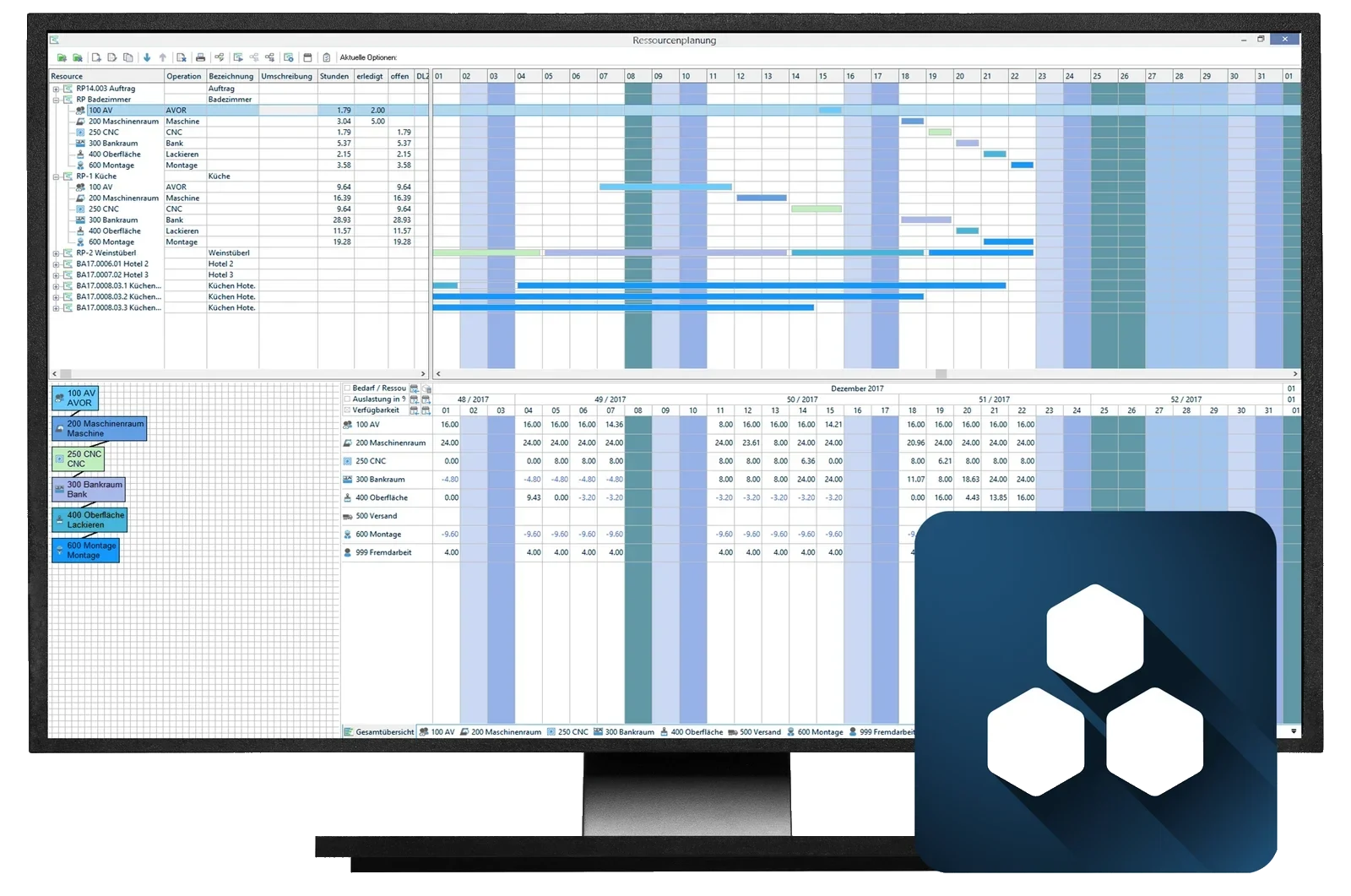
One set of data from the order to delivery — repeated optimisation runs included
Order processing, procurement and post-costing on the same set of data, including cutting optimisation for panels and bar stock

The sequence follows the machine, not the order number
Production control and automation by vion solutions, connected to your CAD+T manufacturing data
See it with your own project
30 minutes · online · with your own projects · no obligation
From the order to dispatch
- 1
Order & configuration
The variant is created in the configurator, using rules from engineering. What cannot be built cannot be ordered.
- 2
Order creation
The configuration becomes the order, the parts list and the requirements — with no re-entry.
- 3
Work preparation
Machine data, nesting and picking lists are generated from the variant.
- 4
Production & control
Production control sequences parts by machine and date, not by order number.
- 5
Dispatch & post-costing
Pallet, delivery note and actual costs hang off the same order. What the variant really cost is then on record.
Voices from your industry
„Integrating CAD+T with TabPro at the Slovak site is a milestone for our digitalisation: efficient, reliable, scalable.“
 Paul Schwürzinger,Lindner Mobilier s.r.o.Madunice, SlovakiaTranslated from German
From practice
Loads from YouTube only when you click – no connection to Google before that.
Common questions from furniture manufacturers
We already have an ERP. Does it have to go?
No. CAD+T delivers a complete solution including ERP – or connects your existing ERP. We have experience with the common cross-industry ERP systems on the market. Which interfaces are needed in your case, and which data can be carried over, is something we settle before the project, not after.
Our bottleneck is engineering, not production. Does CAD+T address that?
Yes — that is what the configurator is for. The rules are set up once in engineering and applied afterwards in sales. Queries then arise only for what the rules do not cover, and with a well-maintained rule base that is the smaller part.
How many variants does it take before a configurator pays off?
It is not the number that decides, it is how often queries come back. If sales regularly has to ask engineering whether a combination is buildable, the rules are worth the money.
What does vion solutions do that CAD+T does not?
Production control and the feedback from the machinery. CAD+T brings product and order through to machine-ready data; vion controls in what sequence and on which line they are produced.
Does this work at batch size 1?
Yes — that is the case it is built for. The single piece runs through the same sequence as the series: configure, generate parts list and machine data, produce – with no separate route.
How does the data reach our machinery?
Automatically out of the engineering data, through the common machine formats and manufacturers – Homag, SCM, Biesse, Holzher and Felder among them. Where barcode or QR code readers are in use in production, the machine programs can be called up through them automatically.
What does CAD+T cost in industrial furniture manufacturing?
Which modules you need and how many workstations: we work that out together with you on site – and it is the basis for the quote. Thanks to the modular structure you take only the applications you actually need: as the business grows, individual modules can be added at any time.
What is the difference from using it in a joinery?
The software is the same. In the trades the emphasis is on individual furniture and interior fit-out; in industry the configurator and production control come on top, because there it is not the single piece of furniture that matters but the throughput. For you that means no special build, but software that runs in more than 4,000 businesses – from the one-off to the series.
How does a project with CAD+T start?
With a project structure plan: it covers the installation as well as training for everyone involved. You start where the need is most urgent.
The answers give an overview – we are happy to clarify the details in person. Errors, changes and typos excepted.
Small batches, wide product variety?
Describe your variant tree and your delivery dates. We will show you where the configurator reaches through to the machine, and where production control takes over.
Arrange a free demo