Solution · CAD+T ERP
ERP for your processes – whether small or large
Order and design work on the same data.
Quotation, material, dates, times and post-calculation in one system that knows the parts list from the design. You can see where an order stands without asking anyone.
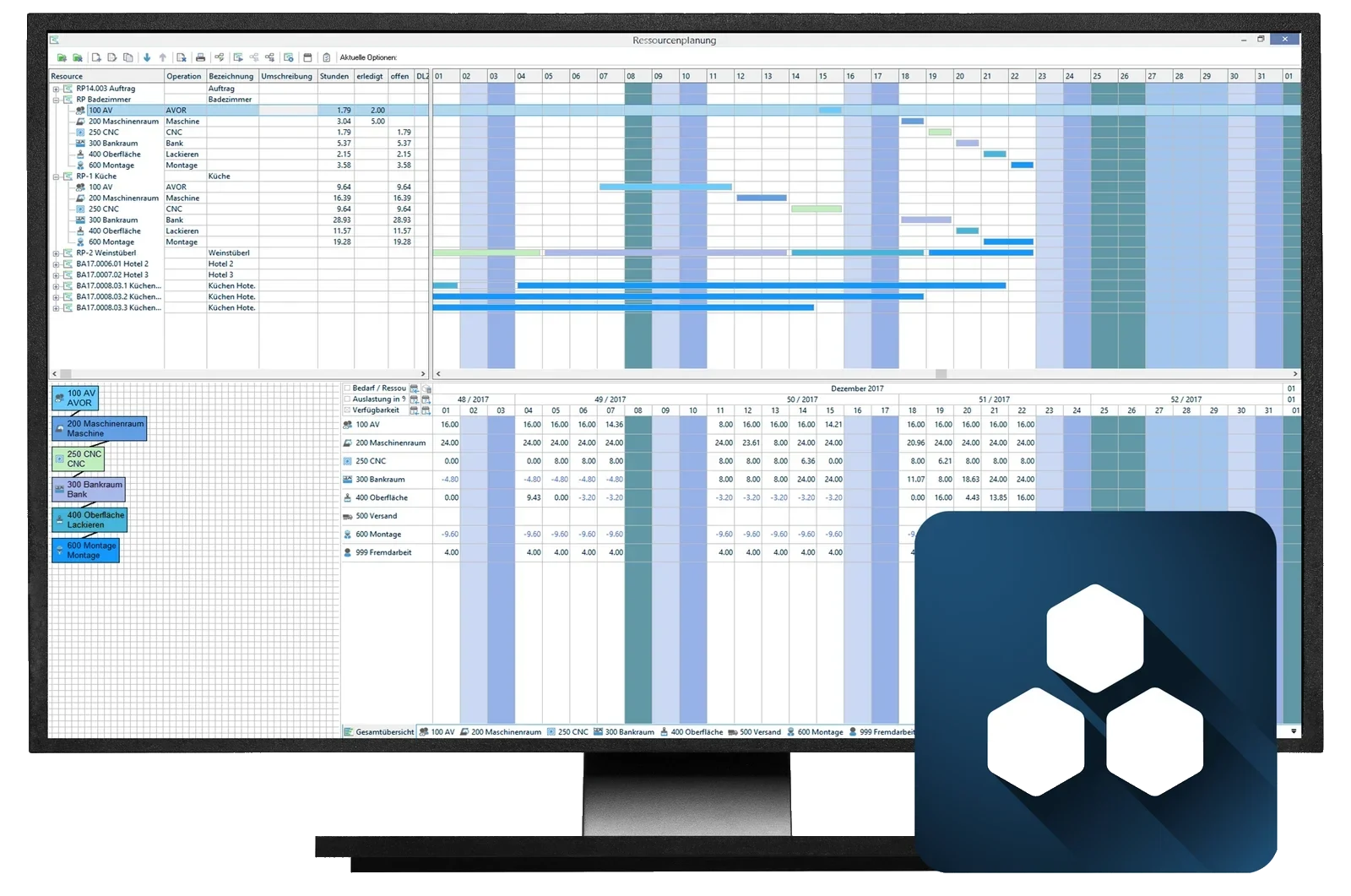
- One database
- Order and engineering share the model – no double maintenance.
- Material under control
- Demand, purchase order and stock come from the parts list.
- Post-costed, not estimated
- Actual costs per order – your hourly rate stands up to reality.
Three situations from everyday work
What businesses use the ERP for
Material is missing on the day of cutting
Before
Ordering happens from experience and is checked when unpacking. If a decor is missing, the machine stands still.
With CAD+T ERP: Demand comes out of the parts list – ordering and stock follow from it.
Only whoever is working on it knows where the order stands
Before
The question about the delivery date travels through the company: workshop, purchasing, installation. Every answer is an interim state.
With CAD+T ERP: The status is in the system – from quotation to installation.
The hourly rate is an estimate
Before
What an order really cost is rarely recalculated. The next one is costed on the same basis.
With CAD+T ERP: Actual cost per order – the next calculation stands on figures.
From quotation to post-calculation
How an order runs in the ERP
- 1
Cost it
The quotation comes from design data, material prices and time values.
- 2
Schedule it
The quotation becomes an order: material ordered, capacity booked.
- 3
Track it
Feedback from workshop and installation shows the current state.
- 4
Evaluate it
Post-calculation, contribution margin and key figures per order.
Who this matters to
CAD+T ERP in your trade
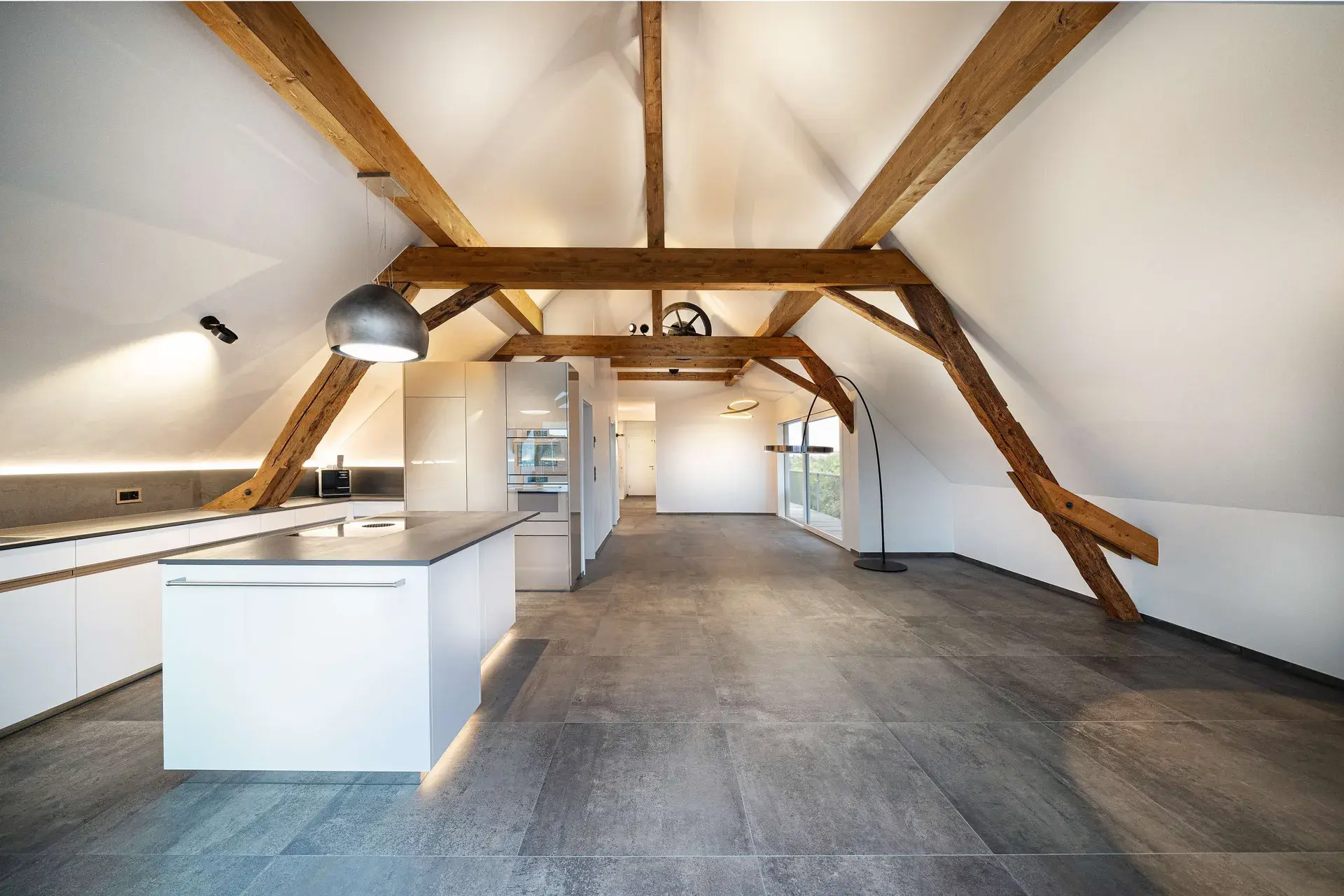 © Schreinerei Schmutz AG
Cabinetmaking & Joinery
Material orders, time tracking and invoices run separately
One system from costing through purchasing to invoicing — and material requirements calculated rather than estimated
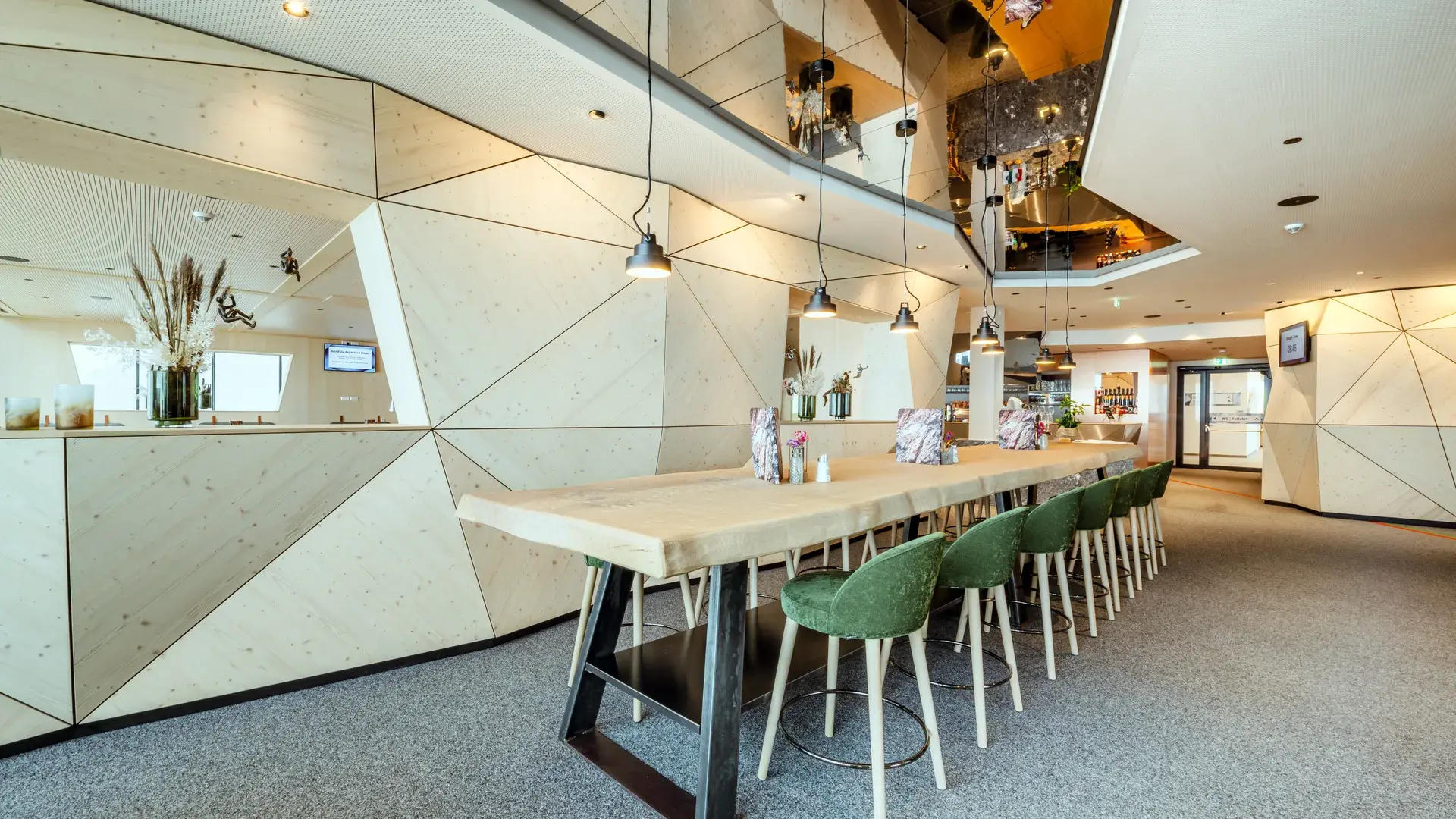 © Schwab-Walcher GmbH
Interior fit-out
Reorders mean reconstruction work
Twelve identical cabinets two years later is a retrieval, not a research job
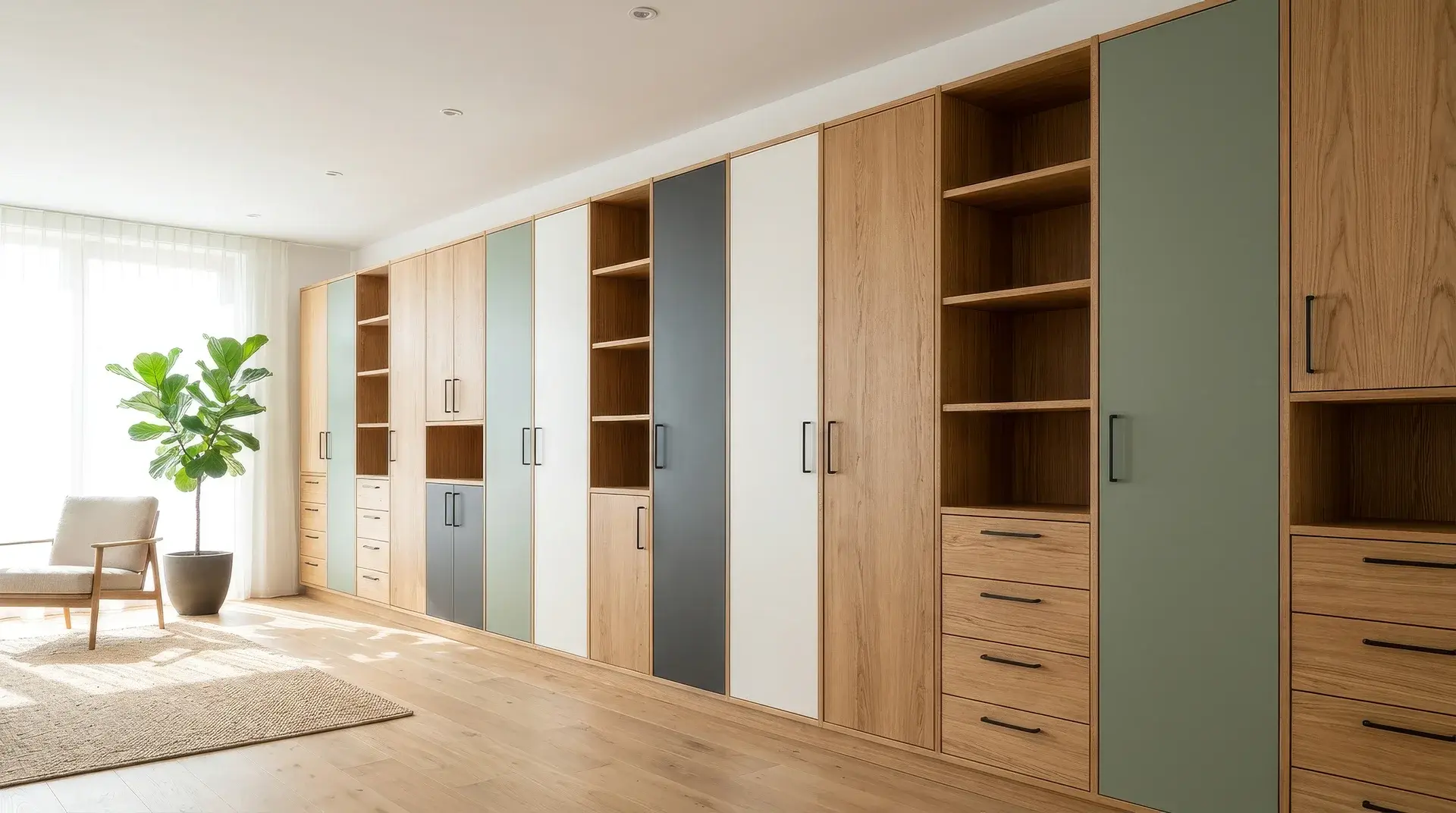

Variant manufacturing
Times and dates per variant are estimates
The delivery date rests on evaluated operations, not on experience
The product behind it
CAD+T ERP – two levels
Level 1
ERP Professional
- Operations at a glance
- Intelligent stock and material management
- Comprehensive operational control
Level 2
ERP Cloud
Also available as an extension for ERP Professional
- Cloud-based application with automatic backup
- 1D and 2D cutting optimisation
- Integrated configurator

„CAD+T offers the ideal software for joineries, furniture retail and industry. Different modules make individual solutions possible – from the quotation through the design sketch to the production drawing, the material list and much more.“
Martin Steininger · Managing Director
Frequently asked questions
What distinguishes CAD+T ERP from general ERP systems?
CAD+T ERP understands your industry: it knows your CAD data, generates material requirements from engineering and plans capacity based on your actual manufacturing processes. General ERP systems don't offer that.
How does data from engineering flow into ERP?
Automatically. Bill of materials, material requirements and work steps from CAD+T engineering are transferred directly into ERP. No retyping, no media breaks.
Can I connect CAD+T ERP with my existing accounting system?
Yes. Interfaces to BMD, DATEV and other common accounting systems are available. This avoids duplicate data entry for invoices and payments.
Do I need all ERP modules at once?
No. You can start with the core modules (orders, materials, costing) and add more features such as capacity planning or time tracking as needed.
The answers give an overview – we are happy to clarify the details in person. Errors, changes and typos excepted.
How do you see today whether an order earned money?
Bring a completed order along. We go through it with you in the ERP – from the quotation to the post-calculation.
Request a demo