
Fast help when you need it
Tickets around the clock, phone support Mon–Fri on extension 500, remote assistance right on your screen.
- Support portal
- 24/7Support portal
- Support regions
- 5Support regions
- Phone support
- Mon–FriPhone support
- Locations worldwide
- 8Locations worldwide
Ways to get help
How to reach us
The portal is the fastest route: open a ticket and follow its status at any time – around the clock, 365 days a year. If you would rather call, the numbers for your region are further down.



Locations
Your local support team
No matter where you work – our support is available in your time zone.
Local time: –CET/CEST
+43 7229 83100-500support@cadt-solutions.comMon–Fri 7:00–12:00, 13:00–17:00
Local time: –GST (UTC+4)
+971 4 44 77 88 0support@cadtae.comMon–Fri 8:00–12:00, 13:00–17:00
Local time: –IST (UTC+5:30)
+91 422 492 1000support@cadt-solutions.inMon–Fri 8:00–12:00, 13:00–17:00
Local time: –AEST/AEDT
+61 2 800 620 67support@cadt.com.auMon–Fri 8:00–12:00, 13:00–17:00
Local time: –SAST (UTC+2)
+27 8 2442 5252support@cadt-solutions.comMon–Fri 8:00–12:00, 13:00–17:00
Local time is calculated in your browser. Public holidays and company closures are not taken into account.
Answers
Frequently Asked Questions
How do I reach support?
The fastest way is the Support Portal, which is open around the clock. By phone Mon–Fri on extension 500, in every region – mornings from 7:00 in Europe and from 8:00 everywhere else, afternoons until 17:00, with a lunch break from 12:00 to 13:00. Numbers and hours are listed above.
How do I install updates?
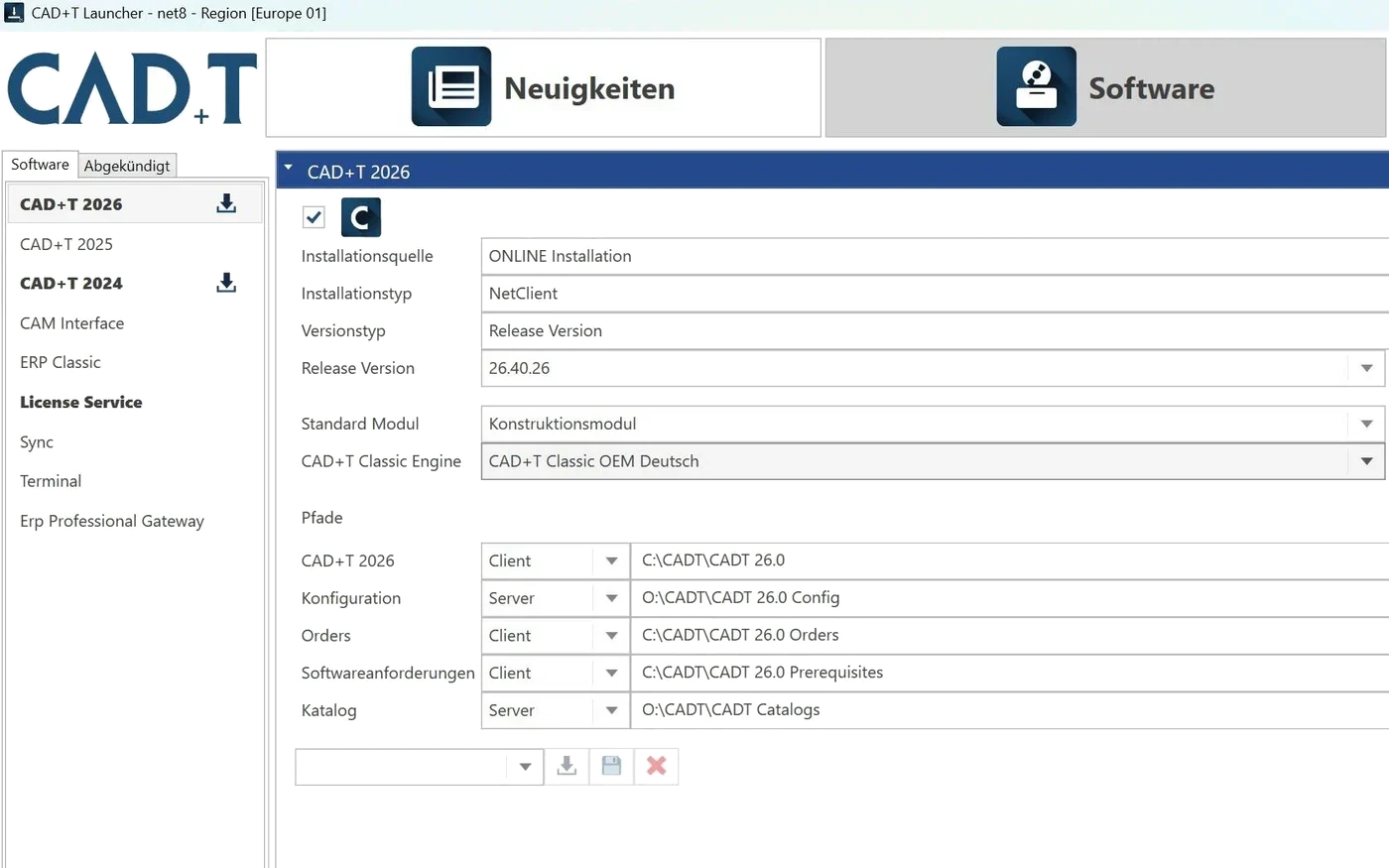
Through the CAD+T Launcher. It shows available updates and installs them with one click. You need an active maintenance contract.
What's included in the maintenance contract?
All software updates, phone support, remote assistance and access to the Support Portal with knowledge base.
When is support available?
Monday to Friday, with a lunch break from 12:00 to 13:00. In Europe from 7:00 to 17:00 (CET/CEST), in all other regions from 8:00 to 17:00 local time.
How does remote assistance work?
A ticket number is required – you get one by opening a request in the portal or by calling us. The technician then gives you a session code, which you enter at join.zoho.com. Only then can they see your screen. You remain in control at all times and can end the session whenever you like.
Is support free of charge?
Support is included in your maintenance contract. Without an active contract, we can offer support on a time-and-materials basis. Contact us for details.
The answers give an overview – we are happy to clarify the details in person. Errors, changes and typos excepted.
Stuck with your request?
Tell us which module is affected – we will come back with a concrete solution or an appointment.
Contact us