CAD+T Software
Production data
CAD+T CNC
From the model to the machine: the engineering becomes CNC programs for nesting and machining centres up to 5-axis work – without anyone building programs by hand.
30 minutes · online · with your own projects · no obligation
What changes for you
- No re-typing
- Machine data straight from the model – the transfer as a source of errors disappears.
- Nesting included
- Parts arranged on the board to save material.
- Up to 5 axes
- Free-form and special parts go to the machine too.
What CAD+T CNC takes over
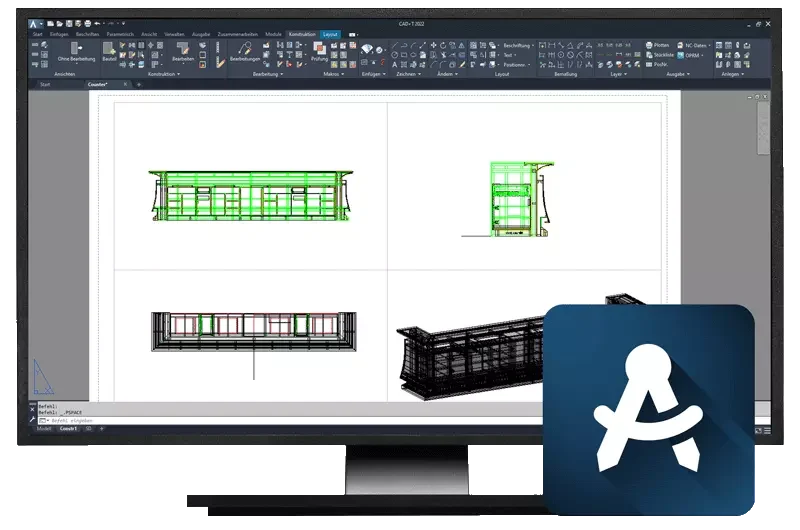
CNC programs from the model
Drilling, routing, sawing – the machining comes from the engineering, not from a second entry.
Nesting
The parts of the order are nested on the board – the offcut stays usable.
Drilling patterns and hardware machining
What Engineer placed, the machine drills – the same data, no intermediate step.
5-axis machining
Curves and special parts that would otherwise fail at the tool.
Workshop documents
Part lists and set-up information for the run through production.
Connection to your machines
The programs arrive in the format of your machining centres.
In the process chain
Production data · Step 4 of 5
CAD+T CNC editions
Our available editions – together, we'll find the perfect fit for your business.
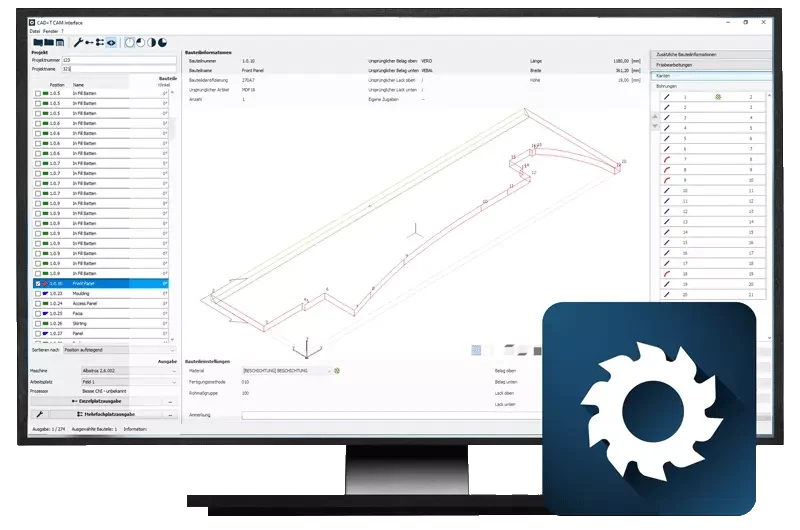
CAM Interface
- Powerful post-processors
- Material- and geometry-based logic
- Output for several CNC machines at once
- Define the manufacturing steps, automatic tool selection
- Program call via barcode
- Also available in CAM Silent Mode
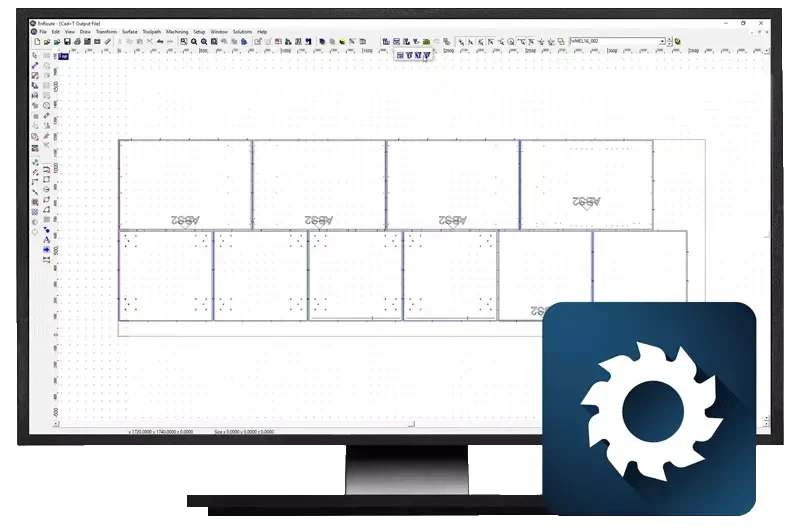
CNC Nesting
- Advanced nesting for efficient material use
- Nesting that respects the grain direction
- Merging and repeating of orders
- Optimal manufacturing strategies for wood-based materials
- Output to machine nesting possible
- 64-bit engine, intuitive interface
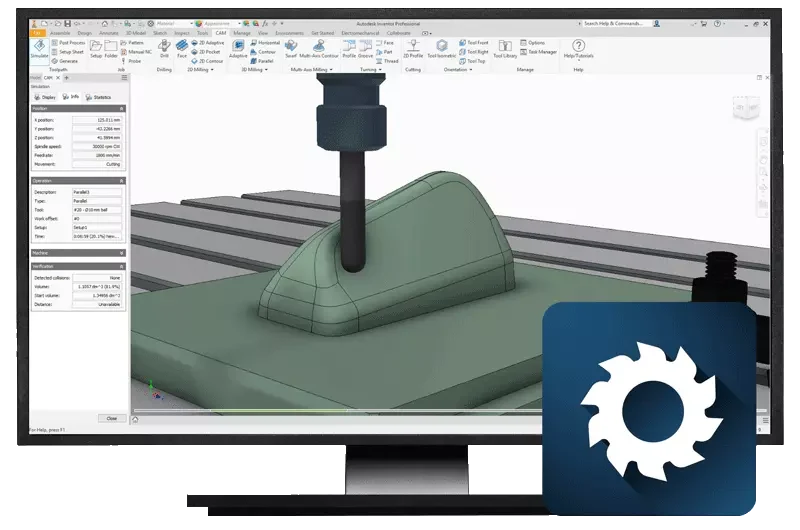
5-axis simultaneous
- Complex 3D milling programs, 5-axis interpolating
- Automatic take-over of 3D solids
- Analysis by solid or by individual surfaces
- Vector drilling and routing
- Adaptive clearing for shorter roughing times
- Post-processors available for common machines
See it with your own project
30 minutes · online · with your own projects · no obligation
Common questions about CAD+T CNC
What does CAD+T CNC do?
CNC turns the engineering into programs for your machining centres – from nesting to 5-axis work. Material and manufacturing methods are taken into account, so nobody builds programs by hand.
Which machines are supported?
The programs are output in the format of your machining centres. Which connections exist for your machine park is clarified before the rollout – tell us the manufacturer and control system.
What is the difference between nesting and cutting optimisation?
Nesting arranges the parts on the board for the machine. Cutting optimisation calculates the cutting plan and the material demand – it belongs to CAD+T ERP because it is generated directly from the parts list.
The answers give an overview – we are happy to clarify the details in person. Errors, changes and typos excepted.
Which machines are on your shop floor?
Name your machining centres – we will show the path from the model to the finished program.
Book a free demo