Solution · CAD+T Engineer
3D CAD engineering for every application
You design – the software does the rest.
No list copied out, no hole placed by hand: parts lists, hardware and machining come from the drawing. Engineering is based on AutoCAD® (Engineer Classic) or Inventor® (Engineer Professional). All data is based on material and geometry.
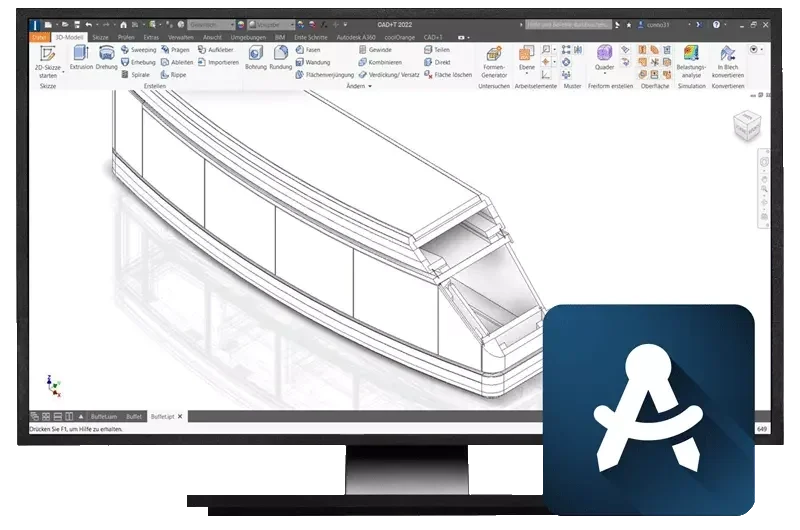
- Hardware places itself
- Concealed hinges, drawer runners and connectors to your standards, drilling pattern included.
- Lists without re-typing
- Parts list, cutting list and purchase order straight from the model.
- Parametrics instead of redrawing
- Change a dimension and the engineering pulls through – CNC data included.
Three situations from everyday work
What businesses use Engineer for
The hinge always sits in the same place – just not in the drawing
Before
Hinges, handles and connectors are placed by hand for every piece, the drilling pattern calculated separately. A door size changes, the hinge type does not – and it shows up in the workshop.
With CAD+T Engineer: You define once which hardware applies to which door size. The system places it, drilling pattern included – in every design.
The customer wants it 20 millimetres narrower – and every list falls over
Before
One dimension changes, and parts list, cutting list, drilling data and order have to be updated one by one. Somewhere the old value stays.
With CAD+T Engineer: The dimension is a parameter. Change it and the design follows – with all lists and CNC data.
The drawing is finished, the production data starts from zero
Before
Everything is re-typed from the design: parts list into the ERP, drilling patterns into the machine, material list into purchasing. Three entries, three sources of error.
With CAD+T Engineer: The model carries on. Machine data and order data come from the same design – without re-entry.
From furniture to machine
How a design runs with Engineer
- 1
Design
In AutoCAD® or Inventor®, with parametric dimensions.
- 2
Let the hardware be placed
By your rules, drilling pattern included.
- 3
Lists emerge
Parts list, cutting list, order – from the model.
- 4
To production
At the press of a button to CAD+T CNC or your machine.
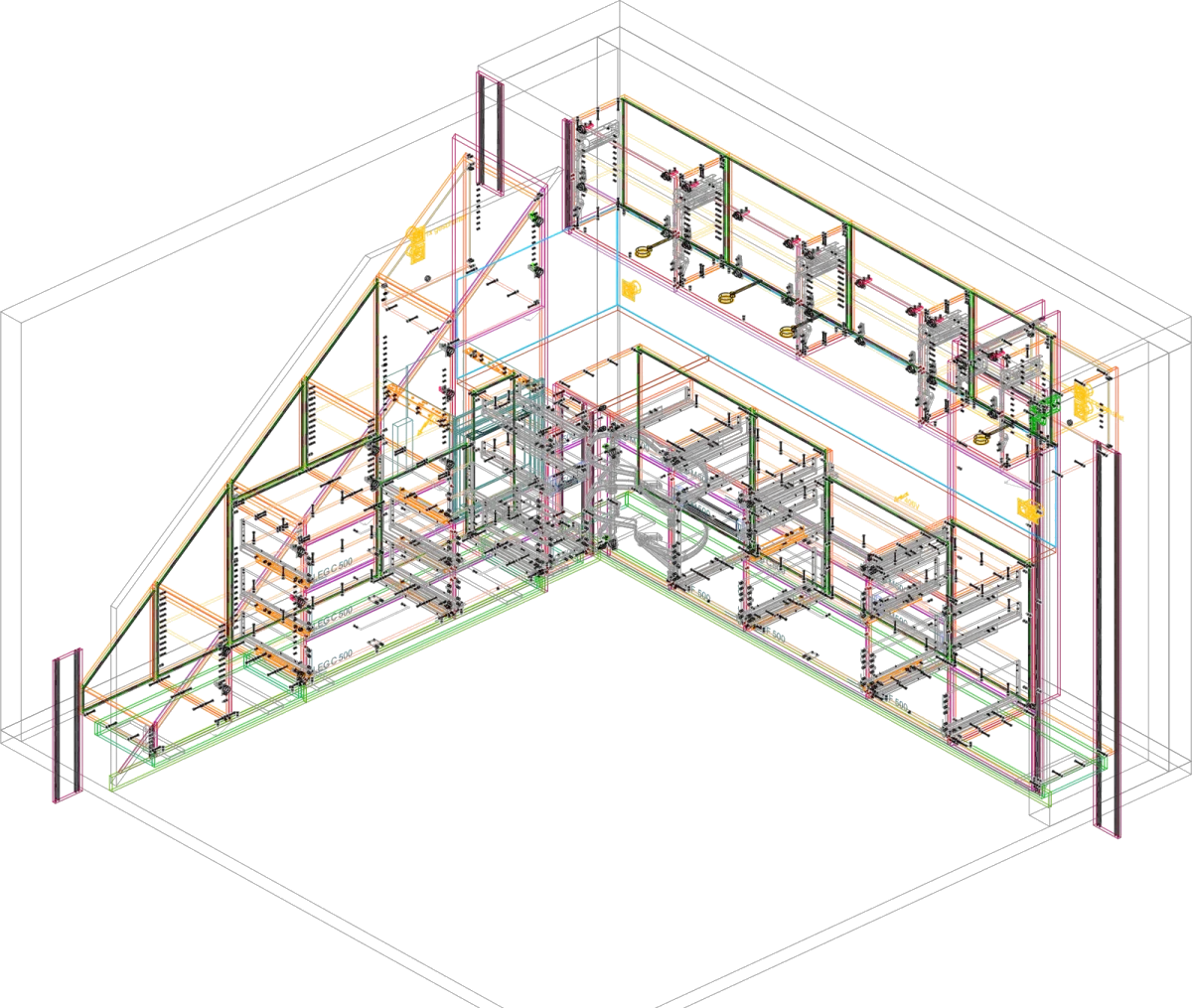
From Engineer Classic
One corner kitchen, all hardware placed
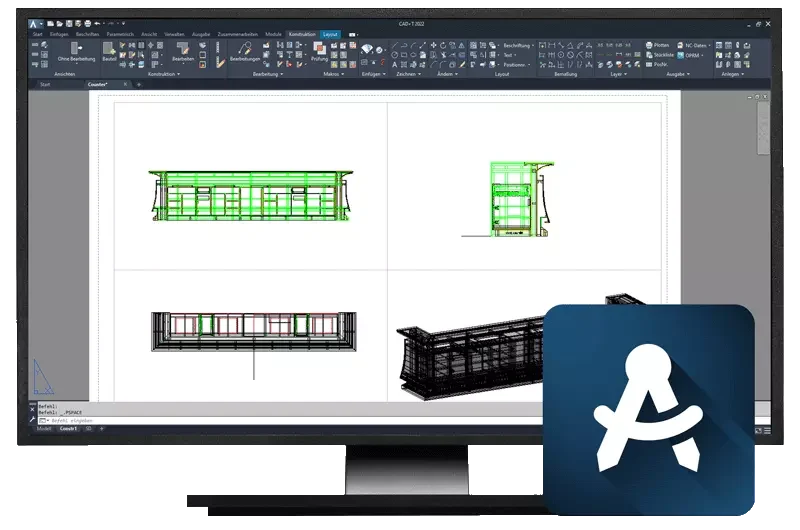
This drawing comes from Engineer Classic with the Data+ catalogue: every fitting, every drilling pattern, every edge is in the model – and therefore in the parts list. None of it was added by hand.
Get to know Data+Who this matters to
CAD+T Engineer in your trade
 © Schreinerei Schmutz AG
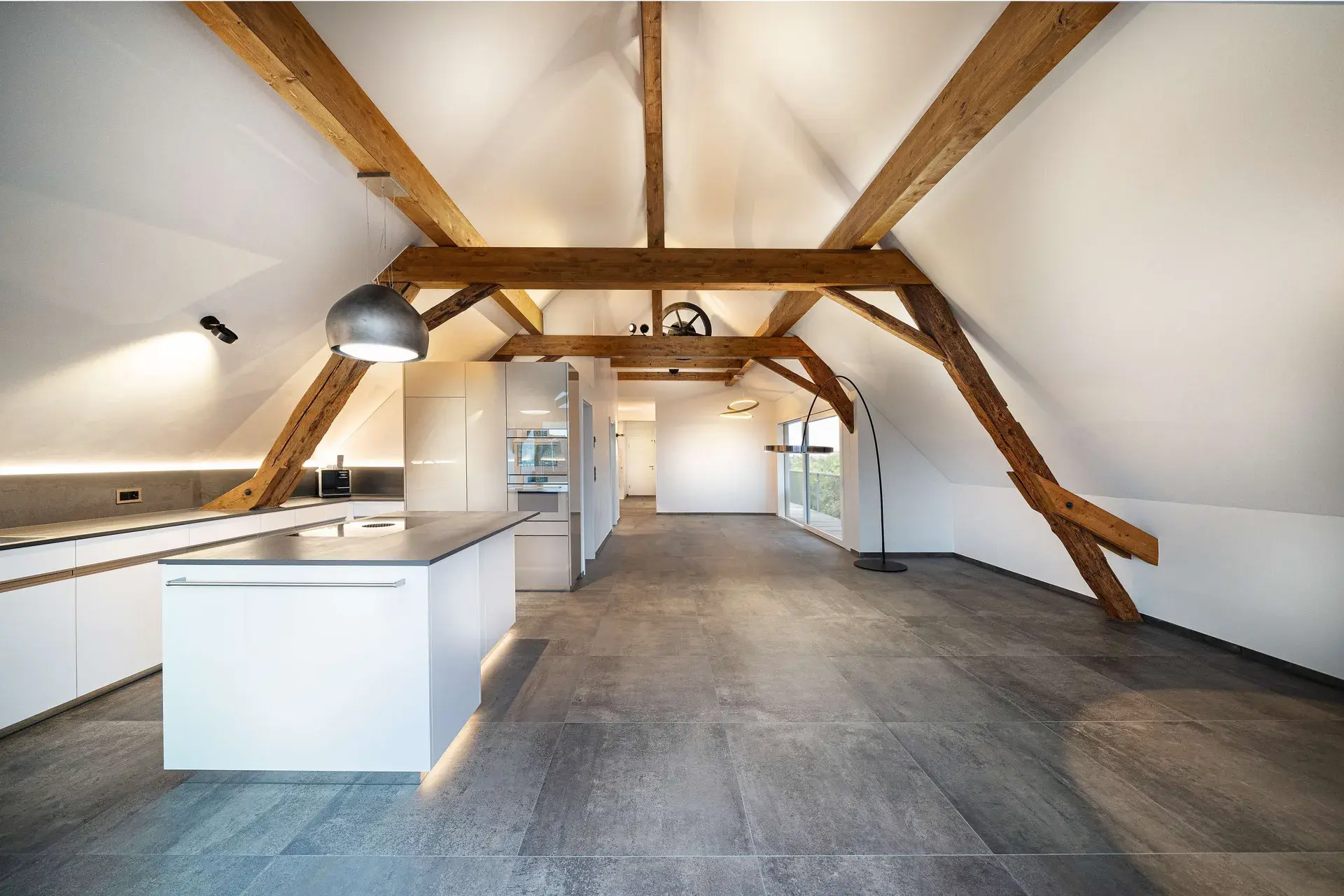
Cabinetmaking & Joinery
Every drawing is created from scratch
Built for individual construction at batch size one — not for series you do not produce
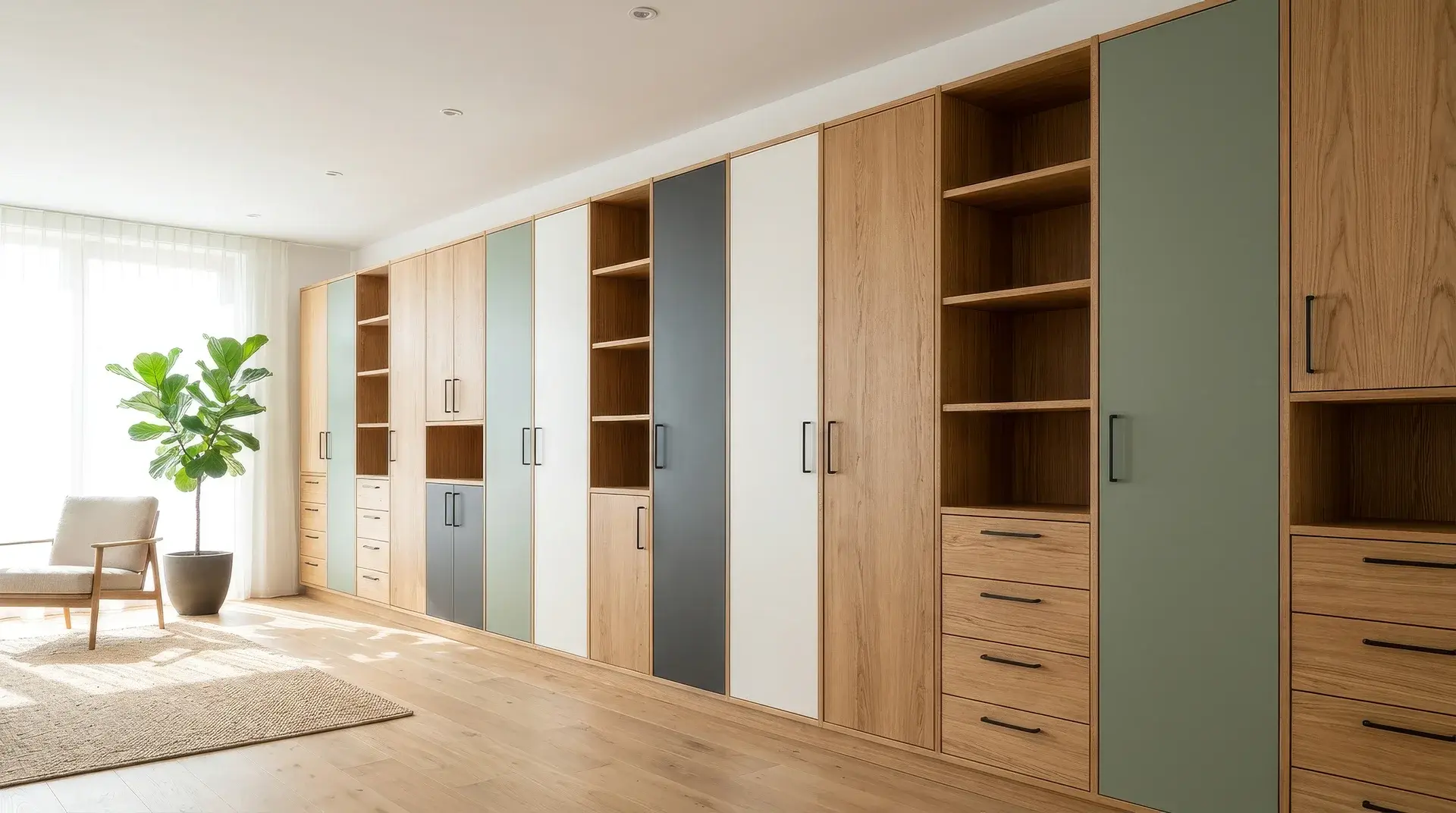

Variant manufacturing
Every version is kept as its own drawing
One master component carries the range of variants – fewer parts instead of more drawings
 © Klinger Möbelbau Ges.m.b.H. & Co KG
Specialist fit-out
Free geometry and furniture logic are mutually exclusive
One tool instead of two — and a parts list that is correct
The product behind it
CAD+T Engineer – two levels, two add-ons
Level 1
Engineer Classic
Built on AutoCAD®
- Made for one-off engineering at batch size one
- Automatic hardware placement from a large database of leading manufacturers
- Automatic generation of parts lists
Level 2
Engineer Professional
Built on Inventor® (3D parametric)
- For complex and extensive projects
- Automated drawing derivation
- Exploded views and motion simulation

„I work with the engineering module and other CAD+T applications. The machining operations work very well. With the handover to the machines, end-to-end digitalisation is genuinely enjoyable. The support from the service team is excellent. Many thanks and keep it up!“
Johannes Linnemann · Manufacturing
Frequently asked questions
Are bill of materials updated automatically when changes are made?
Yes. Every change to the engineering automatically updates bill of materials, fittings, edge treatments and drill data. You don't have to update any list manually.
Can I reuse my existing AutoCAD drawings?
Yes. Since CAD+T is based on AutoCAD, you can open your existing DWG drawings directly and enrich them with CAD+T furniture intelligence.
Can I also engineer custom furniture and free forms?
Yes. CAD+T allows free engineering for anything beyond standard configurations – from curves to asymmetric forms to complex custom pieces.
How does data get to the CNC machine?
Engineering data (drill data, milling paths, edge treatments) is transferred directly to the CAD+T CAM module or your CNC machine. A separate CAM step is not required.
The answers give an overview – we are happy to clarify the details in person. Errors, changes and typos excepted.
How many lists do you maintain by hand today?
Show us a piece of furniture you build often. We design it with you once in Engineer – and you see what is created by itself afterwards.
Request a demo