CAD+T Software
Planning and design
CAD+T Design
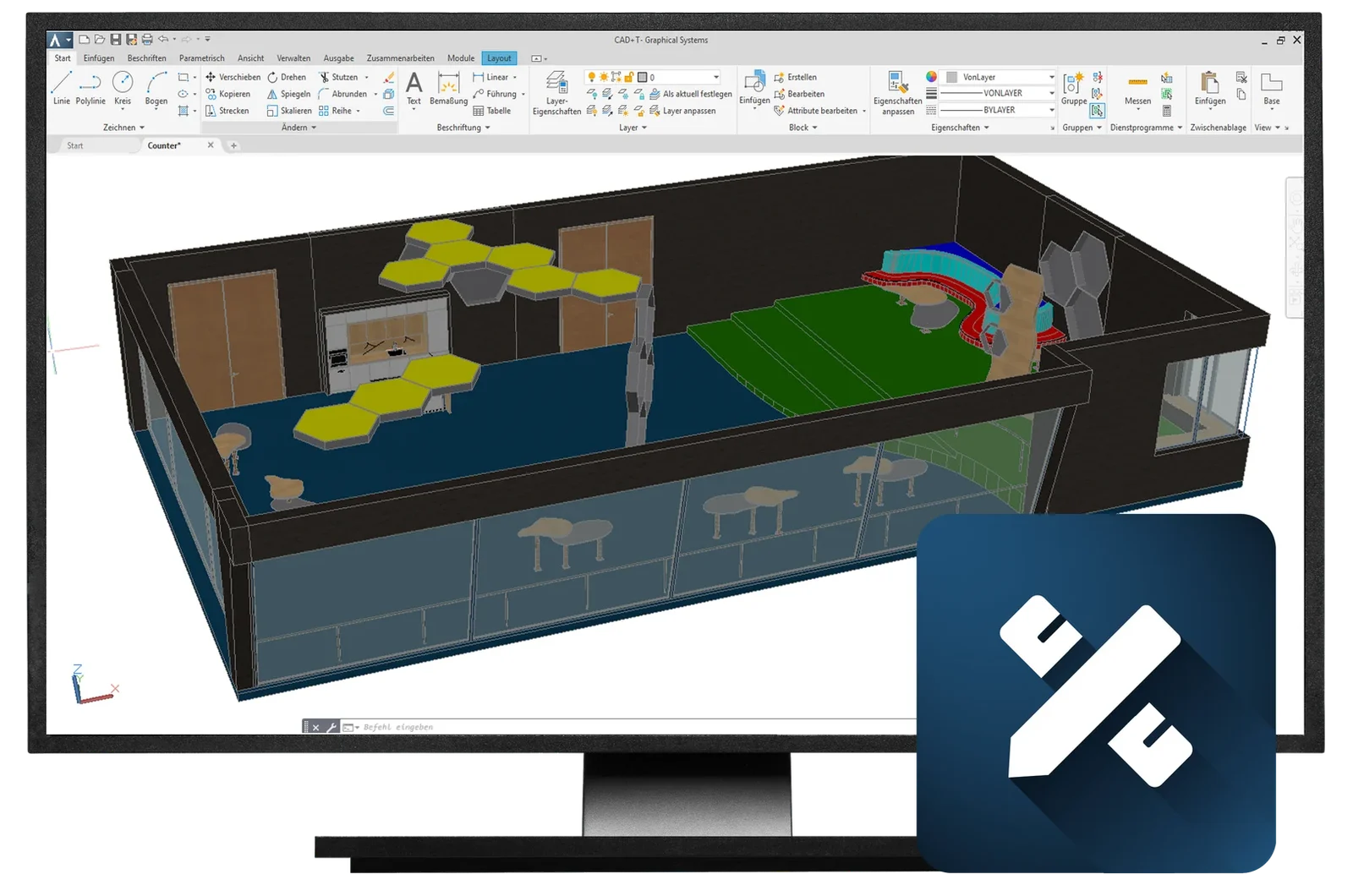
The 3D room planning tool for furniture and interior fit-out: you plan with your own furniture in the real room — and hand over not a picture but a model that engineering and costing keep working with.
30 minutes · online · with your own projects · no obligation
What changes for you
- Plan with your own furniture
- Your system furniture and libraries as building blocks – dimensionally true, not decoration.
- The room is right
- Walls, slopes and junctions from the survey: you plan in the existing building, not in an ideal room.
- No second drawing
- The design is the basis for engineering, parts lists, and pricing all at the same time.
What CAD+T Design takes over
Room capture
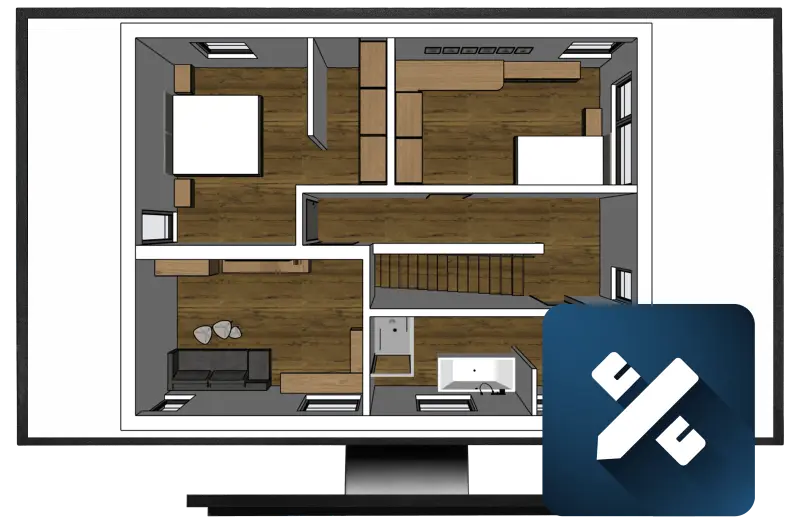
Floor plan, walls, slopes, windows and services – the room is built the way it really is.
Furniture planning
Place cabinets, kitchens and built-ins from your templates and fit them to the room.
Your own libraries
Your standards as building blocks: carcases, fronts, materials, handles.
Documents for the sales talk
Views, sections and dimension chains straight from the plan.
On to CAD+T Visualize
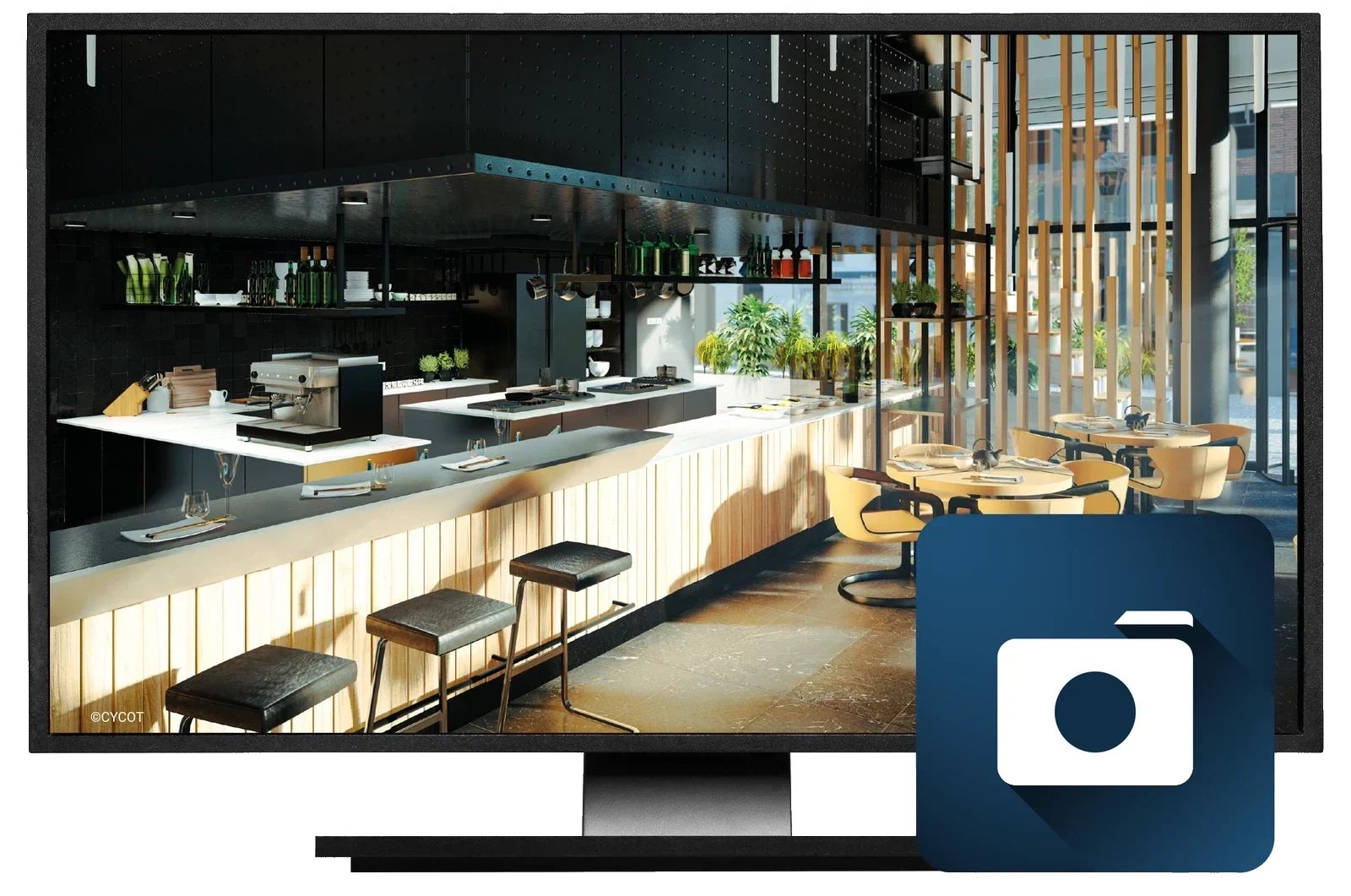
The same model turns photorealistic – with nothing rebuilt.
On to CAD+T Engineer
The plan becomes the engineering; dimensions and materials pull through.
In the process chain
Planning and design · Step 1 of 5
CAD+T Design editions
Our available editions – together, we'll find the perfect fit for your business.
Design Classic
- Plan and sell faster, even on demanding projects
- Quicker quotations
- Seamless handover into the other modules
- 2D and 3D view, for every furnishing area
- Connected to CAD+T EOS
- Extendable with IFC import and export
Design Professional
- Unlimited design freedom, very fast modelling
- Direct interface to CAD+T EOS and Visualize
- Extensive decoration library via the 3D Warehouse
- Tailored tools for every need
- Cloud-compatible – access from anywhere
- Numerous import and export formats (DWG, DXF, STL, IFC)
See it with your own project
30 minutes · online · with your own projects · no obligation
What works before and after
Common questions about CAD+T Design
What does CAD+T Design do?
CAD+T Design is the 3D room planning tool for furniture and interior fit-out. You capture walls, windows, doors and slopes, plan with your own furniture and hand a dimensionally true model on to engineering and costing – with no second entry.
What is the difference between Design Classic and Design Professional?
Classic covers room planning with the standard tools. Professional adds free-form modelling, the 3D Warehouse decoration library and further import and export formats such as DWG, DXF, STL and IFC. Which edition fits depends on how much bespoke work you plan.
Can I take over data from other CAD applications?
Yes. Design reads and writes common formats such as DWG, DXF and STL; the Professional edition adds the BIM format IFC, which makes exchange with architects easier.
The answers give an overview – we are happy to clarify the details in person. Errors, changes and typos excepted.
Bring a floor plan.
In the demo we plan one of your rooms – with furniture the way you build it.
Book a free demo