Cabinetmaking & Joinery
Batch size one is not the exception in your business — it is the business. Every piece is made once, quotes rest on experience, and that experience sits in a few heads.
30 minutes · online · with your own projects · no obligation
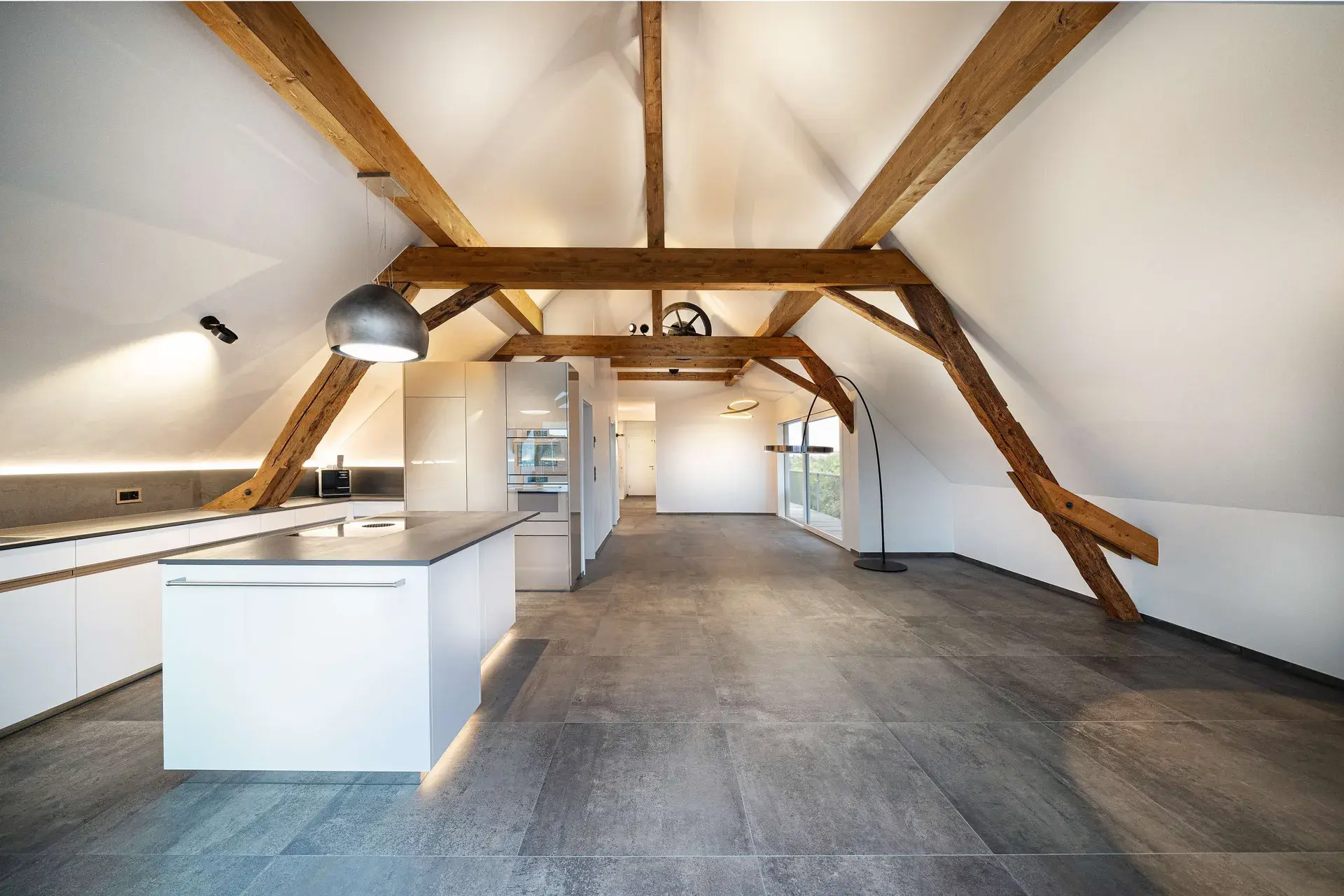 © Schreinerei Schmutz AG
What changes for you
- The knowledge sits in the system
- Rules, fittings and costing grow with the daily work. The costing is based on material, geometry and production methods.
- Customers decide on the image
- The visualisation comes out of the same plan: what you promise is what gets built.
- Change over step by step
- Planning, engineering, CNC, ERP: every module can be introduced on its own while the business keeps running.
Sound familiar from your joinery?
The knowledge leaves with the people
How a carcase is built, which fitting goes where, what rate the costing is based on: that lives in a few heads. Whoever leaves takes it with them, and their successor starts from scratch.
The better image is missing
Floor plans and shop drawings say little to your customers. If you cannot show how the piece works in the room, you end up negotiating price instead of design.
The changeover loses to the workload
Everybody wants to work more digitally. But as long as every job is carried by hand through planning, office and workshop, there is no time left to rebuild the process.
Three bottlenecks, one cause: The knowledge sits in people's heads, the data in separate programs. With CAD+T you have the rules, fittings and costing rates in the engineering model – one software for all steps.
How CAD+T solves thisHow CAD+T transforms your workshop
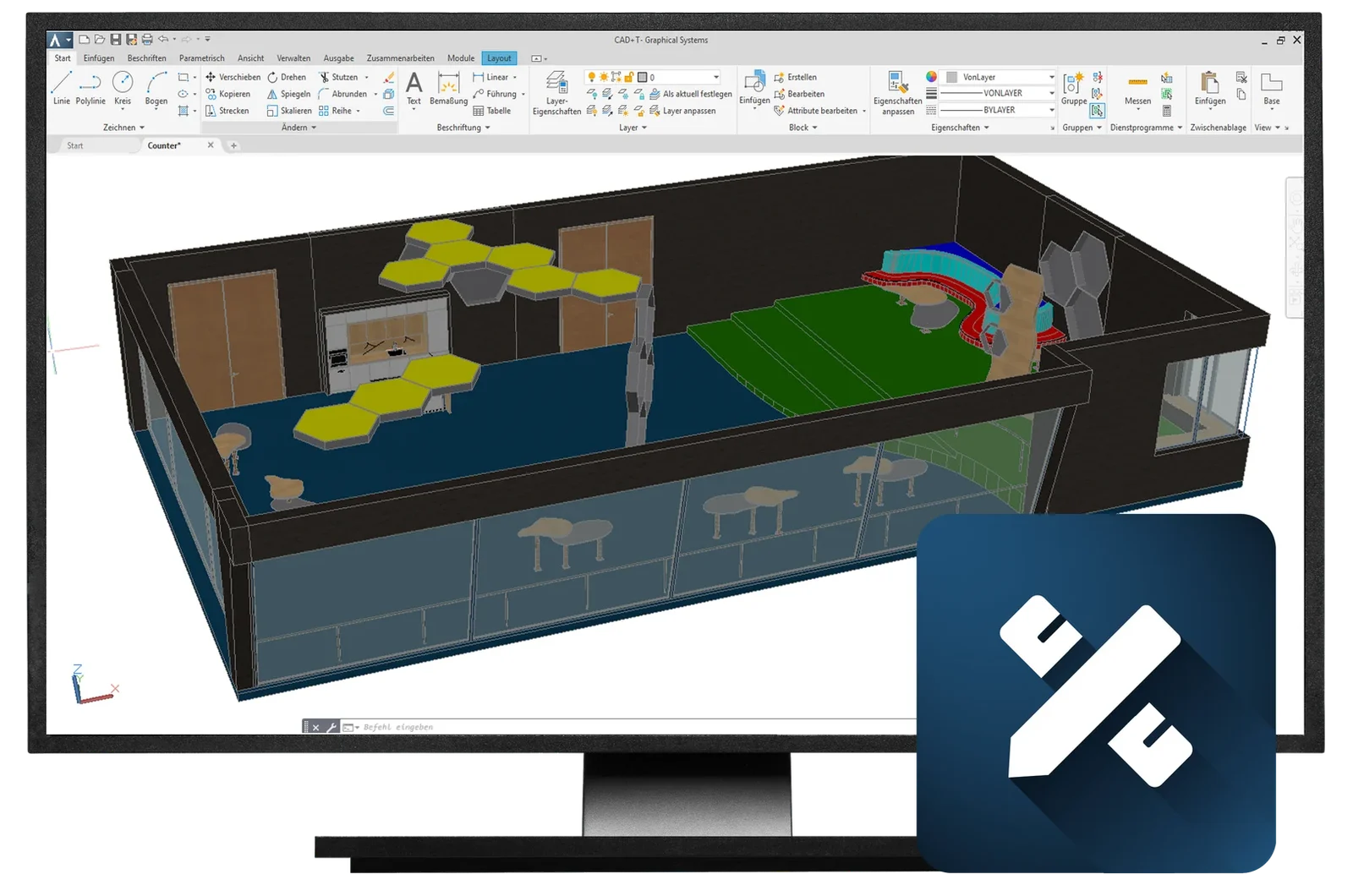
The design takes shape in the customer meeting, not afterwards
Fast 3D planning with walls, windows and doors – changes in a few steps instead of a new drawing
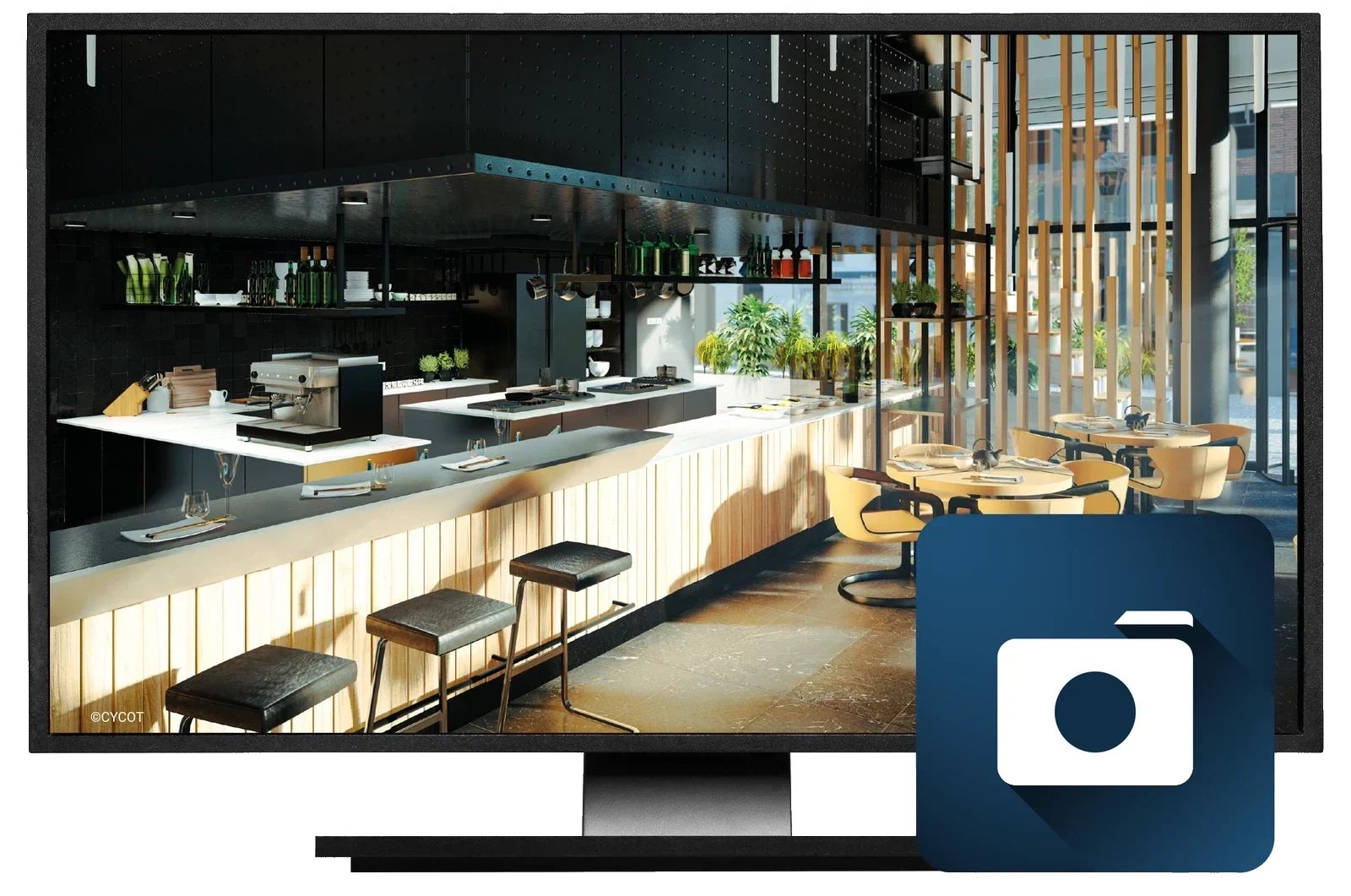
A higher win rate and fewer changes after the order is placed
High-end rendering from the same model, with materials, light and 360° panoramas – your customer walks through their kitchen before the first board is cut
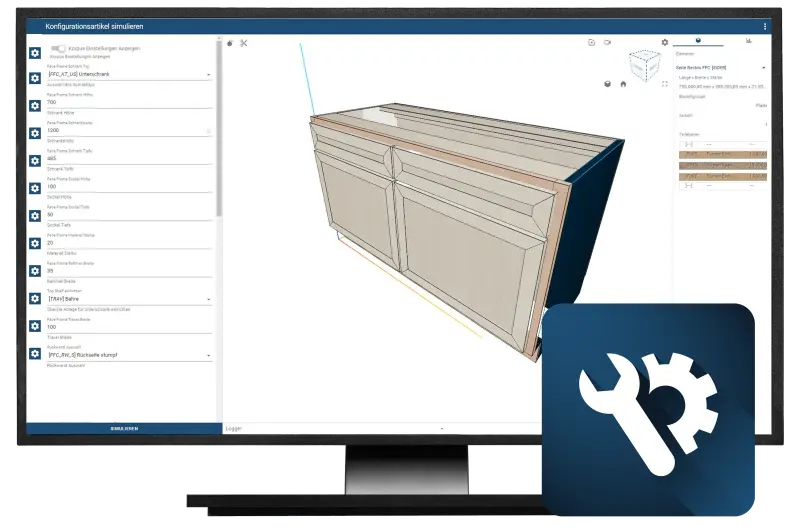
Standard furniture no longer ties up engineering time — the one-off gets it instead
A configurator for the types you build often: choose dimensions and specification, the drawing and the price follow
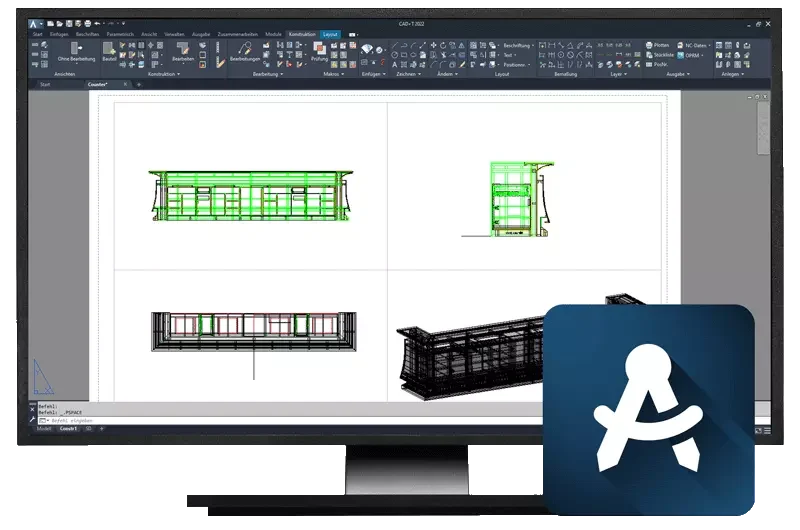
Built for individual construction at batch size one — not for series you do not produce
The system places fittings automatically, with no positions set by hand – parts list and fittings list are derived from the drawing, based on material and geometry
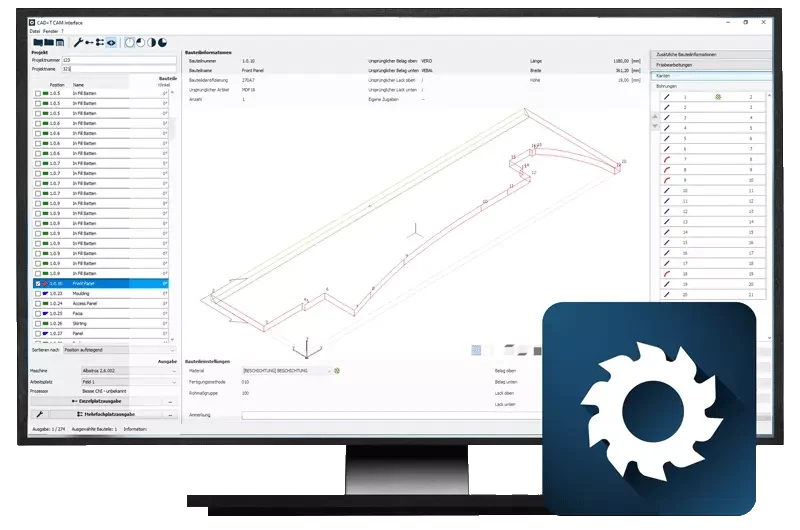
Zero transfer errors, immediately machine-ready data
Automatic CNC data transfer straight from the design to your machine
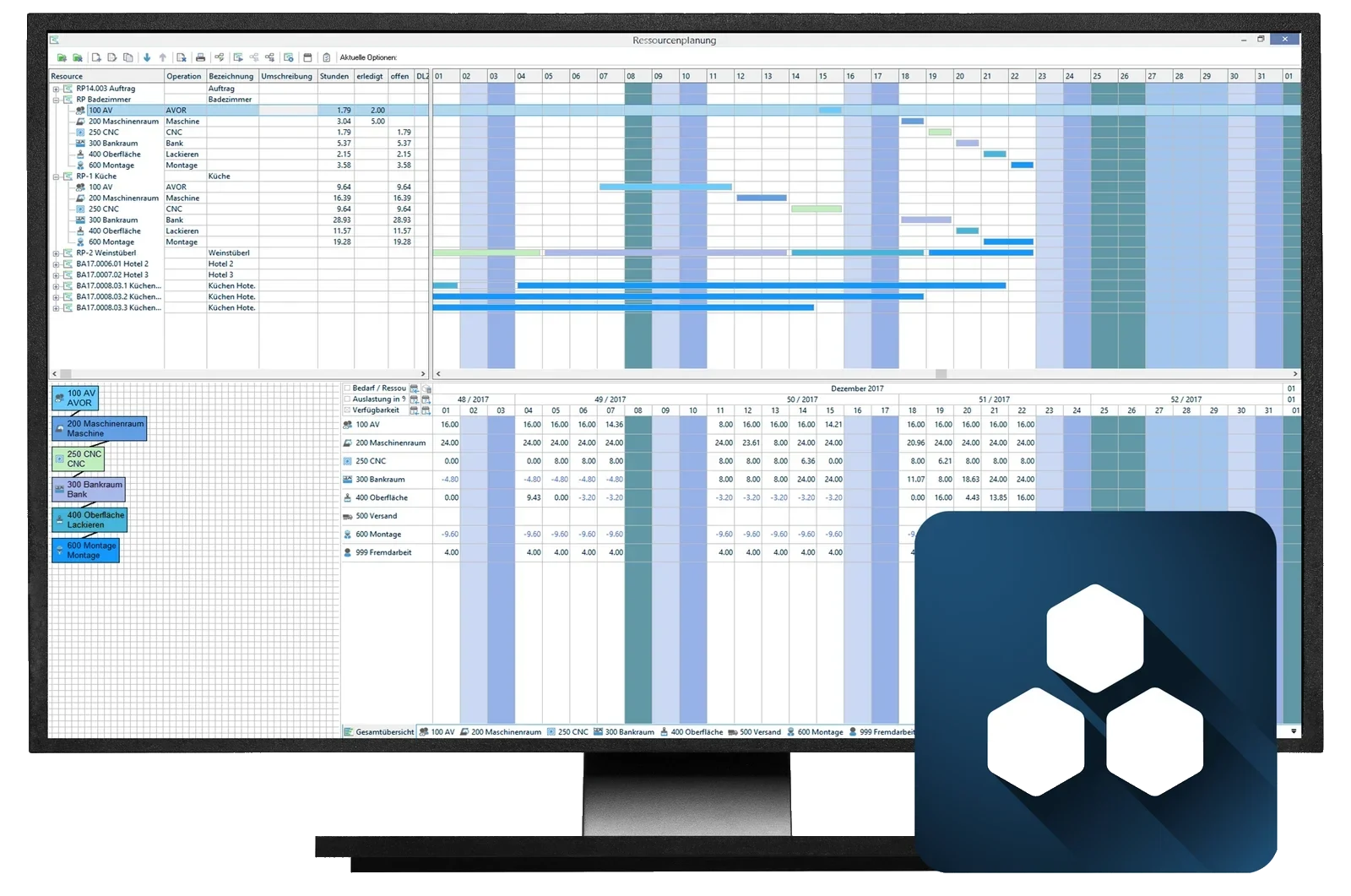
One system from costing through purchasing to invoicing — and material requirements calculated rather than estimated
ERP with cutting optimisation: the cutting plan comes out of the parts list rather than from a second entry
See it with your own project
30 minutes · online · with your own projects · no obligation
Your order – from A to Z in one system
- 1
Planning and design
You plan together with the customer and show the result photorealistically in 3D – before a single board is cut.
- 2
Costing & engineering
The design becomes finished engineering: the system places concealed hinges, drawer runners and drilling patterns itself. The price emerges along with it, not afterwards.
- 3
Production documents, purchasing and stock
Parts list and cutting list are exported from the engineering; purchase order, requirements and stock continue in the ERP. Material is optimised along the way.
- 4
Production data
CNC programs and nesting go straight to your machines – nothing retyped, nothing to get wrong.
- 5
Control, logistics, dispatch
Every part is individually traceable from the machine onwards and is passed on under control – including automated guided vehicles. Installation plan and delivery note come with it.
Voices from your industry
„Since we started working with CAD+T we can sell more individual furniture, while planning, production and installation have become easier.“
 Lars Schattke and Christoph Stoll,Die Echaz-Schreinerei GmbHKirchentellinsfurt, GermanyTranslated from German



From practice
Loads from YouTube only when you click – no connection to Google before that.
Frequently asked questions from cabinetmakers and joiners
Is CAD+T suitable for small workshops with 3–5 employees?
Yes. CAD+T is modular – start with the modules you need and expand as you grow. That applies to business management too: ERP Professional and ERP Cloud are built for companies of any size. Many of our customers are workshops with 3 to 10 employees.
We cannot find skilled staff. Does software help with that at all?
It does not hire anyone. What it does remove is the work you cannot find anyone for anyway: transferring dimensions, typing parts lists, reworking CNC programs. And it keeps methods in the model instead of in someone’s memory — a newcomer builds on what the workshop has already solved instead of watching over a shoulder.
Does CAD+T work with my CNC machine?
CAD+T supports all common CNC machine formats and manufacturers, including Homag, SCM, Biesse, Holzher, Felder and many more. Data transfer is fully automatic.
Can I keep using my existing AutoCAD drawings?
Yes. CAD+T is built on AutoCAD and Autodesk Inventor – all your existing DWG files can be used directly.
What does CAD+T cost for a joinery workshop?
Which modules you need and how many workstations: we work that out together with you on site – and it is the basis for the quote. Thanks to the modular structure you take only the applications you actually need: as the business grows, individual modules can be added at any time.
What's the difference between CAD+T for joineries and for industry?
The software is the same – but the focus differs. For cabinetmakers and joiners the emphasis is on bespoke furniture, kitchens and interior fit-out. Industrial users additionally leverage CPQ configurators and MES systems for larger-scale production.
How does a project with CAD+T start?
With a project structure plan: it covers the installation as well as training for everyone involved. You start where the need is most urgent.
The answers give an overview – we are happy to clarify the details in person. Errors, changes and typos excepted.
Ready for more efficient workflows in your workshop?
In a free demo we'll show you how CAD+T works in your business – tailored to your machines, your processes, your projects.
Book a free demo – no obligation