

Group training – Visualisation/OPRM
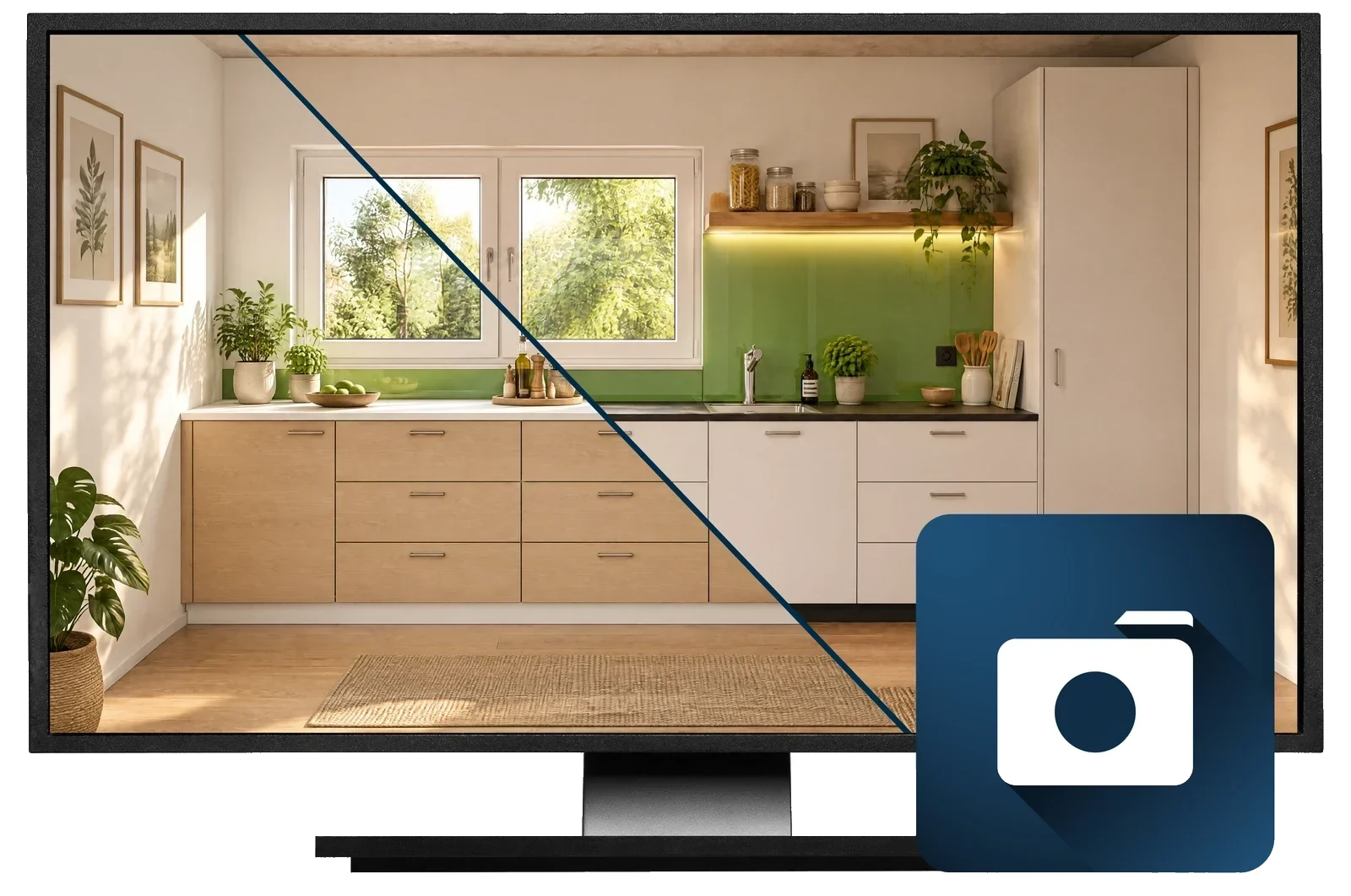
Turn plans into photorealistic images: daylight calculation, materials and lighting in the CAD+T visualisation module.
Register now (opens in a new tab)Terms
- Participation fee€400(excl. VAT)
- Duration1 day
- Group size3–7 people
Visualise. Present. Convince.
See how to turn your plans into photorealistic images in no time! With the CAD+T visualisation module you create presentations that win customers over, spark emotions and make decisions easier.
- Use state-of-the-art daylight calculation – your projects look more lifelike than ever.
- Work with realistic materials and intelligent artificial lighting.
- Have windows, doors and lighting moods calculated precisely.
- Get into photorealism quickly thanks to the intuitive controls.
Your benefits at a glance
- Photorealistic presentations in no time
- Exact light and material calculations for impressive results
- More persuasive customer conversations
- A quick start thanks to intuitive tools
Who is the training for?
This group training is for everyone who wants to visualise their plans or designs quickly and professionally, for example:
- Planners, designers and production planners
- Joiners, shopfitters, exhibition builders
- Anyone who wants to present their designs realistically and win customers over
Prerequisites
- Attendance or knowledge of the Design module and/or engineering module
Course content & services
- OPRM transfer from the planning or engineering module
- Import into OPRM
- Setting up landscape & weather
- Materials & effects
- Getting to know the “Objects” tab
- Saving elements to your own folder structure
- Practical applications & Q&A
Make use of the hybrid format of our group training – join conveniently online or on site and take your design know-how to the next level!
Register now (opens in a new tab)The software behind it
CAD+T Visualize
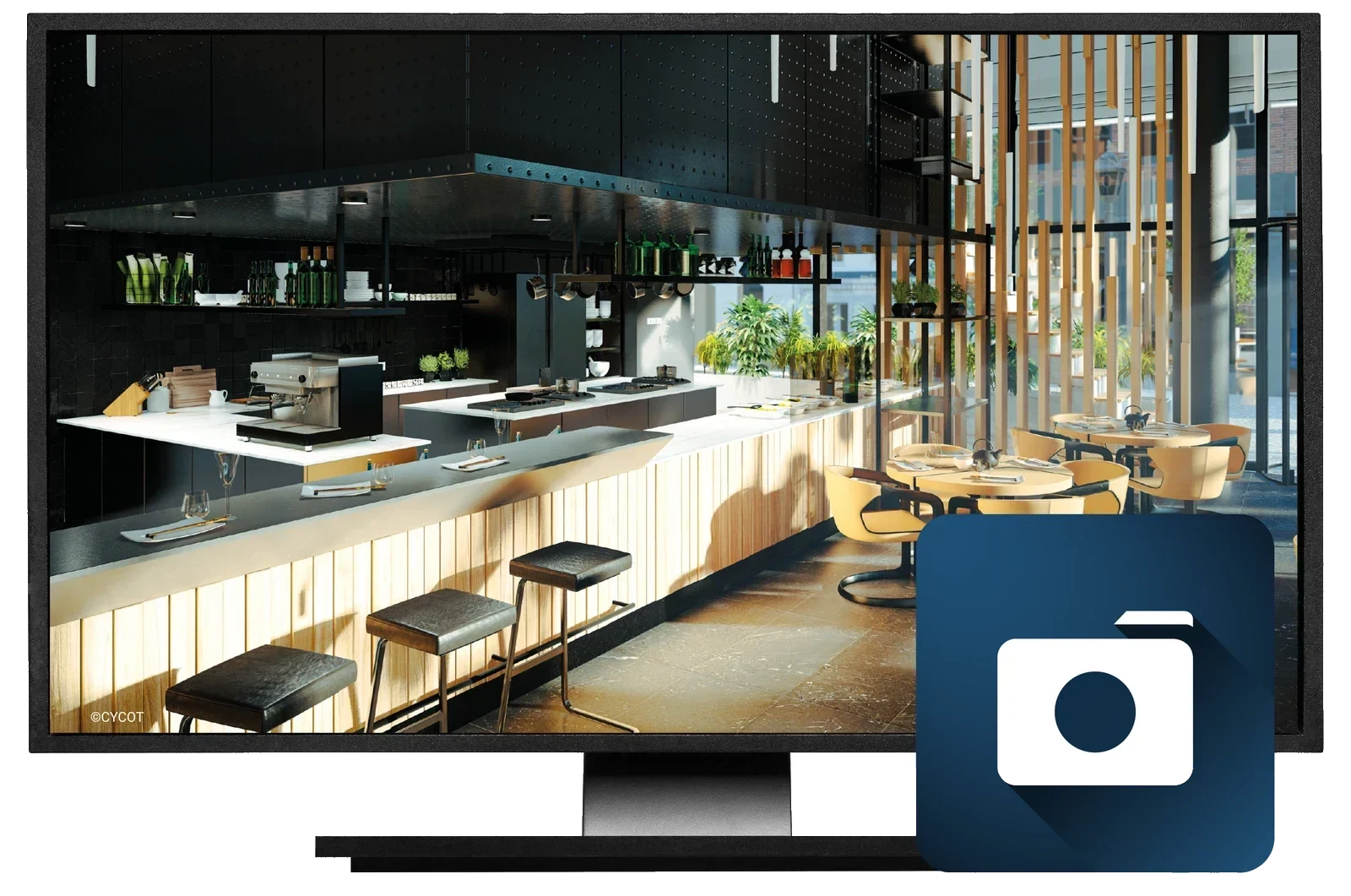
Photorealistic images, 360° panoramas and VR from the same model.
Visualize Professional
- 360° panorama renderings and VR export
- Image export up to 8K, video export up to 4K
- Import of animated objects and people
- Ageing of objects, paint, glass and water effects
- Import of real outdoor environments
- Extended material database; import formats TGA, DDS, PSD, BMP, JPG, PNG
Visualize AI
- AI-assisted high-end rendering
- Interface to CAD+T Design Classic and Engineer Classic
- Many interior styles, assistant for prompt optimisation
- Up to four rendering variants side by side
- Image export up to 4K, video export up to 15 seconds
- Automatic AI labelling to C2PA
Free software demo
30 minutes · online · with your own projects · no obligation
Questions about the training?
We are happy to advise you on which training will give you the greatest immediate benefit.
Get in touch