
Webinar – Engineering advanced
What is new in version 26 of the engineering module: double-sided trimming, extended part merging, default paths for edge profiles, millings from text, special material groups.
In the advanced webinar, participants deepen their knowledge and get to know the most important new features of version 26. These include trimming on both sides, extended part merging, default paths for edge profile drawings, milling from text and working with special material groups. The training also shares practical tips and tricks – such as editing along the X axis for grooves or drill holes and stretching a part to an overall dimension. Another highlight is the new hardware setup: the entire process is demonstrated using an example – such as a handle – including working with stretch and dimension axes.
The software behind it
CAD+T Engineer
Engineering that places hardware and drilling patterns and generates the parts lists automatically.
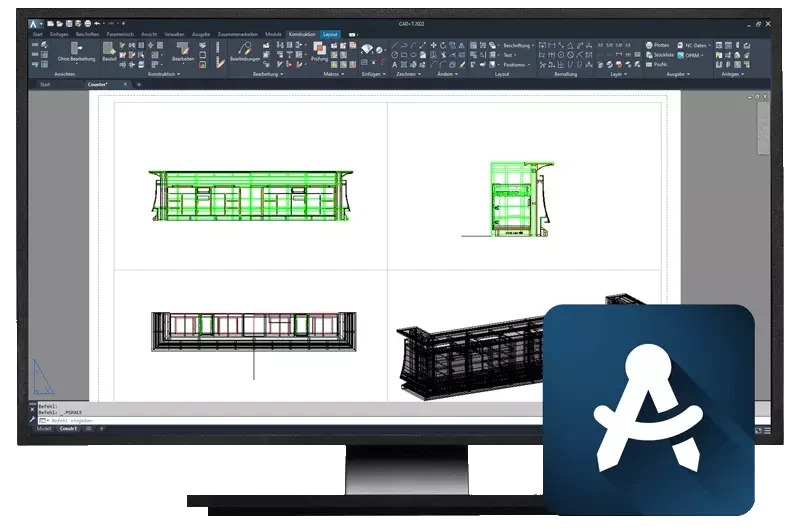
Engineer Classic
Built on AutoCAD®
- Made for one-off engineering at batch size one
- Automatic hardware placement from a large database of leading manufacturers
- Automatic generation of parts lists
- Four-window view, 2D and 3D representation
- Connection to CNC machines
- Extendable with Data+, the catalogue for components, hardware and appliances
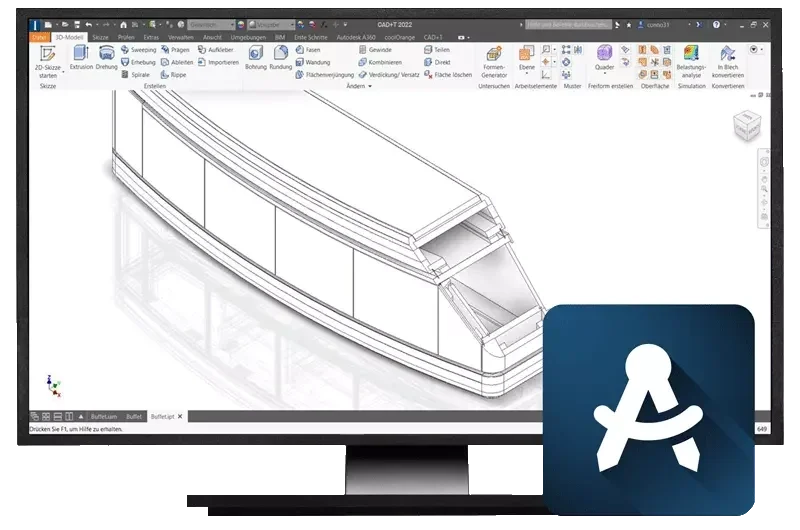
Engineer Professional
Built on Inventor® (3D parametric)
- For complex and extensive projects
- Automated drawing derivation
- Exploded views and motion simulation
- Fewer part variants through component inheritance, controllable revisions
- Automatic generation of parts lists, connection to CNC machines
- Extendable with sheet metal design including bending, tabs, eyelets and unfolding
Free software demo
30 minutes · online · with your own projects · no obligation