
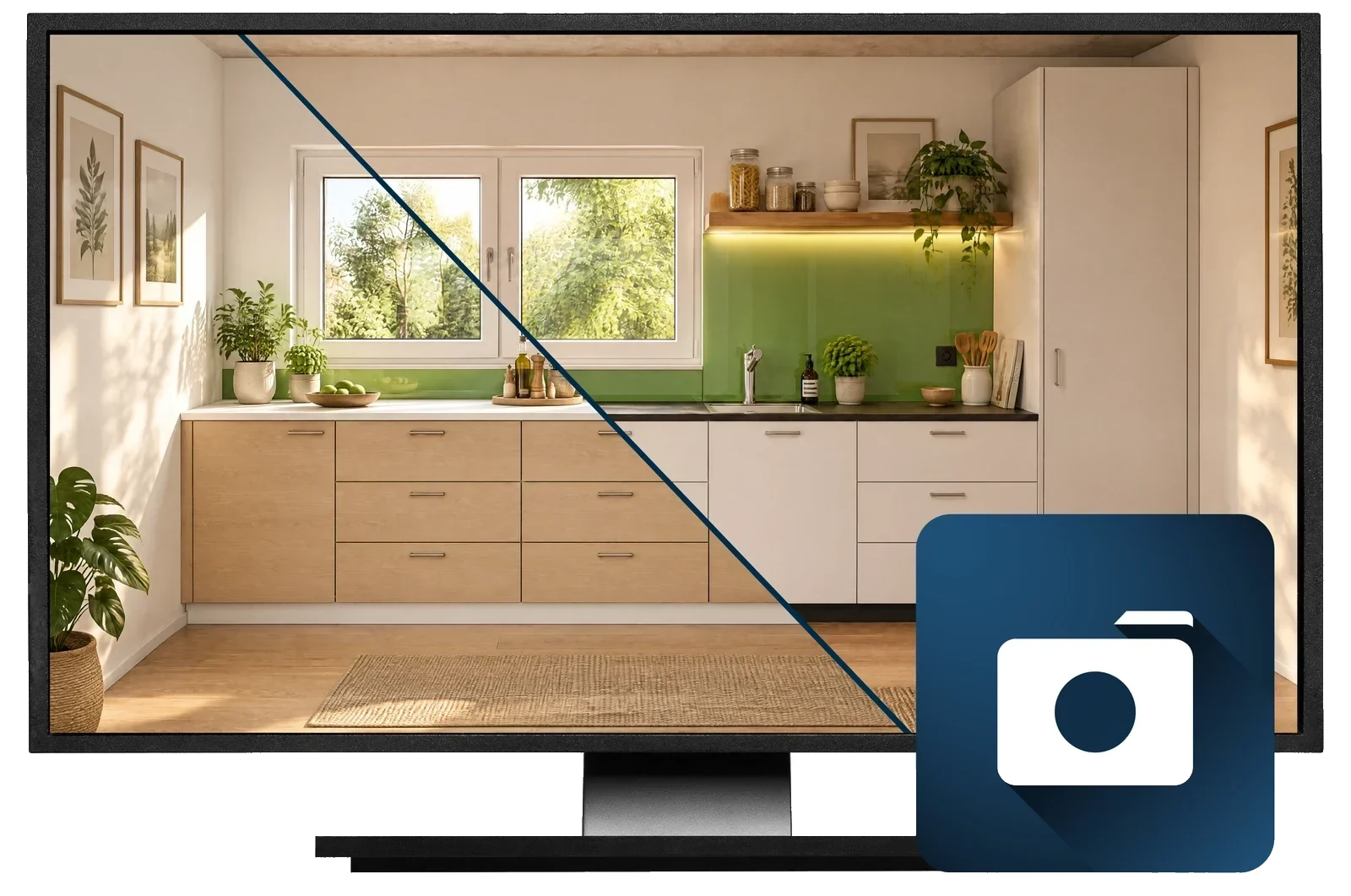

Webinar Release 2027 – Visualize AI
Webinar on Release 2027, held in English: creating images and videos straight from the drawing with the AI rendering tool Visualize AI. With Bryant Hou.
AI rendering developed in-house
Visualize AI is the AI rendering tool developed by CAD+T. It creates images and videos straight from the drawing or a screenshot – and with Release 2027 directly from AutoCAD, Inventor, SketchUp and Revit.
Bryant Hou shows how Visualize AI gets you to images and videos for your customers in just a few steps.
The webinar lasts 20 minutes and is held in English. Taking part is free – sign up via “Register now”.
The webinar is part of our series on Release 2027: from October to November, our experts present one new feature each week.
The software behind it
CAD+T Visualize
Photorealistic images, 360° panoramas and VR from the same model.
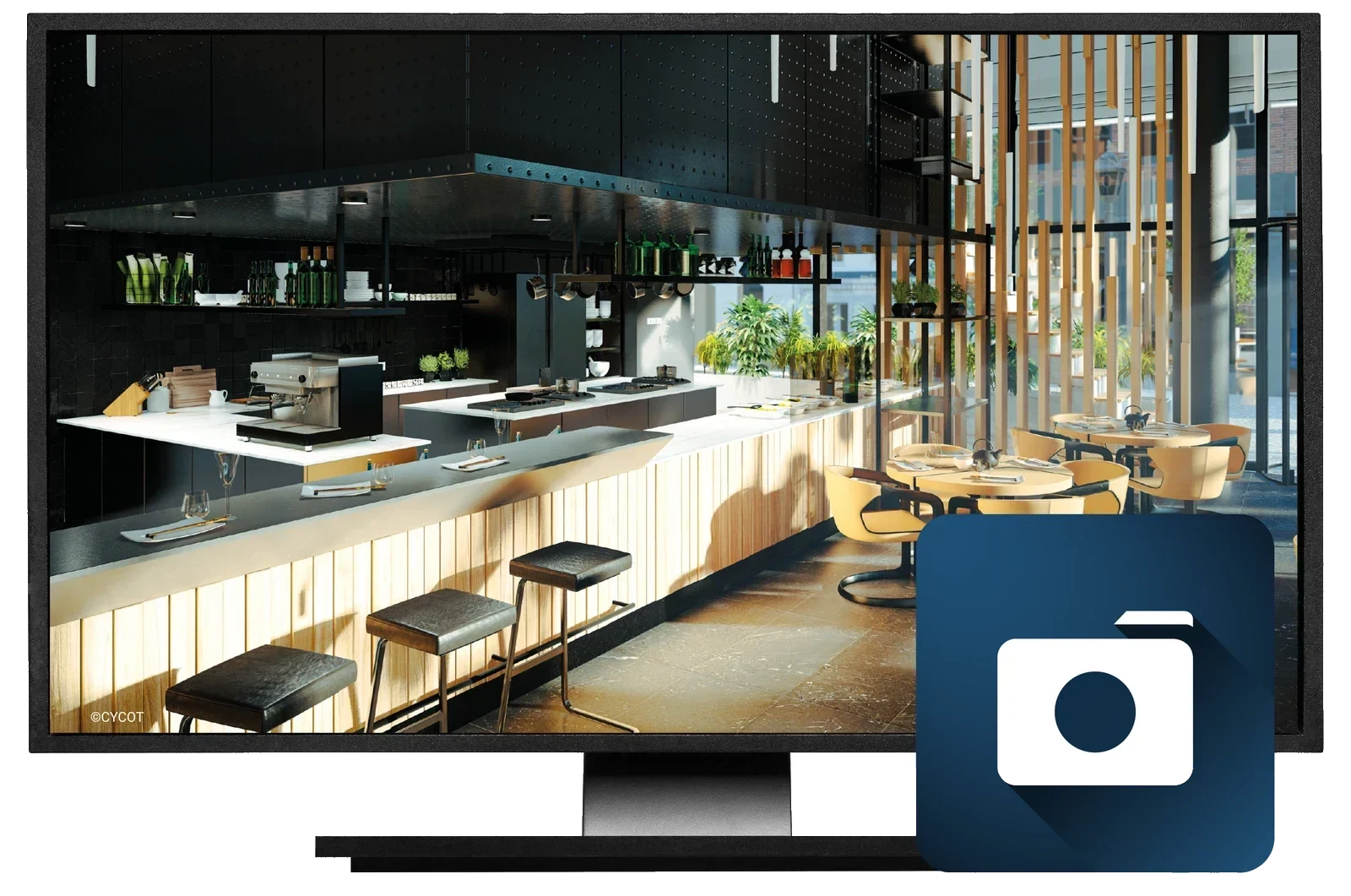
Visualize Professional
- 360° panorama renderings and VR export
- Image export up to 8K, video export up to 4K
- Import of animated objects and people
- Ageing of objects, paint, glass and water effects
- Import of real outdoor environments
- Extended material database; import formats TGA, DDS, PSD, BMP, JPG, PNG
Visualize AI
- AI-assisted high-end rendering
- Interface to CAD+T Design Classic and Engineer Classic
- Many interior styles, assistant for prompt optimisation
- Up to four rendering variants side by side
- Image export up to 4K, video export up to 15 seconds
- Automatic AI labelling to C2PA
Free software demo
30 minutes · online · with your own projects · no obligation